


Video can cross borders instantly, but language still determines who can understand it. A product tutorial recorded in English may be useful to viewers in Japan, Spain, or Brazil, yet most of them will leave if the content is not available in a language they understand.
Until recently, translating a video required several separate steps. You had to transcribe the dialogue, translate the script, create subtitles, record a new voiceover, synchronize the audio, and export another version. For videos with several speakers, the process became even more complicated.
AI video translators now bring many of those tasks into one workflow. Depending on the platform, you can translate video speech, create subtitles, preserve the original speaker’s voice, distinguish between speakers, or synchronize translated audio with visible mouth movements.
However, every platform approaches video translation differently. Some prioritize broad language coverage and editable subtitles. Others focus on voice cloning, lip-sync, business localization, or AI-generated social content.
This guide compares five popular tools and explains how to translate video content for YouTube, TikTok, education, marketing, and international business in 2026.
What Does It Mean to Translate Video?
To translate video content can mean more than swapping spoken words for another language. Most workflows rely on one or more of these methods.
Translated subtitles
The original audio stays in place while translated text appears on screen — the fastest way to translate video subtitles for lectures, interviews, and webinars.
AI dubbing
The original speech is replaced with translated audio. Some tools use a generic AI voice; others try to preserve the speaker's original tone and pacing.
Lip-synced translation
Translated audio is paired with adjusted mouth movements, so a presenter appears to speak the target language naturally.
Full localization
A full localization workflow also adapts on-screen text, product names, and calls to action for a specific market — useful for teams that translate video content at scale.
The best method depends on the video: a lecture may only need bilingual subtitles, while a polished sales video benefits from voice preservation and lip-sync.
5 Best AI Tools to Translate Video in 2026
1. Video Transcriber AI — Best for 200+ Languages and Editable Dual Subtitles
Overview
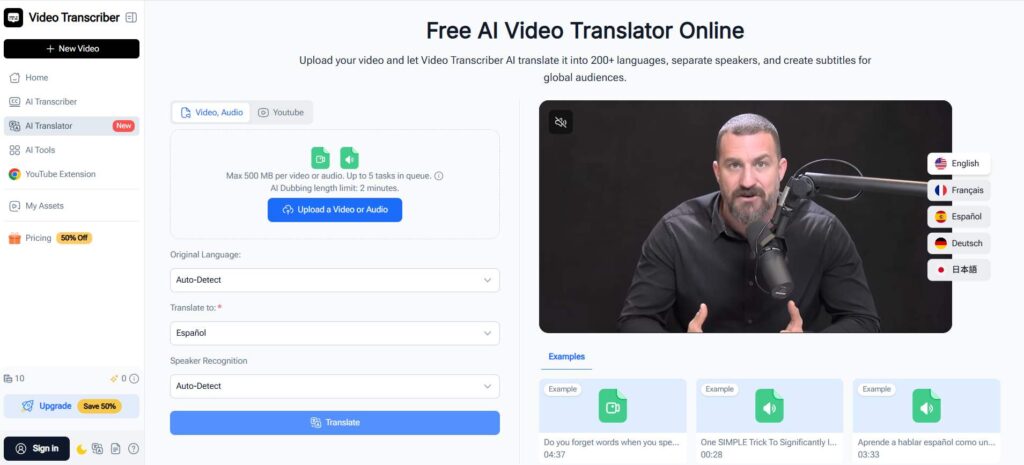
Video Transcriber AI takes a transcription-first approach, one of the most complete tools to translate video content today. It converts speech to text, detects different speakers, translates the dialogue, and lets you review everything before export — a genuinely free way to translate video online, no account required. Uploads of up to 500 MB are supported for the translator, while AI dubbing is currently limited to two minutes.
Key features
- Translation support for more than 200 languages
- Automatic speaker recognition
- Different translated voices for multiple speakers
- Editable single-language or dual-language subtitles
- Free browser-based access without sign-up
Best for
Students, educators, researchers, interviewers, and small teams who value language coverage, speaker separation, and editable subtitles over advanced lip-sync. Anyone who wants to translate video free without sacrificing accuracy will find this a strong start.
2. HeyGen — Best for Voice Cloning and Realistic Lip-Sync
Overview
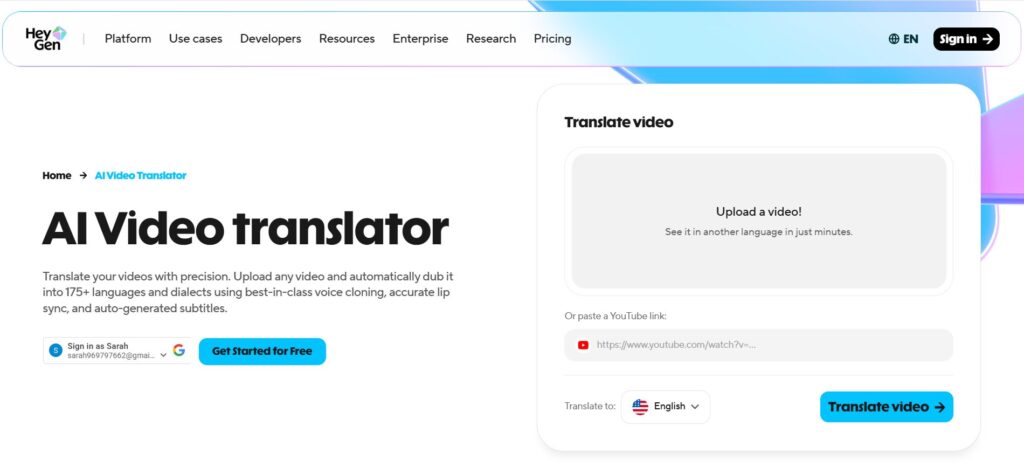
HeyGen lets you translate video content while keeping it sounding and looking like the original recording. Upload a file or paste a YouTube link to translate YouTube video content directly, and HeyGen preserves the speaker's voice, delivery, and mouth movements — ideal for talking-head videos. Its free plan currently allows up to three translated videos per month, each capped at three minutes.
Key features
- More than 175 languages and dialects
- Original voice cloning and preservation
- Automated facial lip-sync
- Uploads and YouTube link support
- Brand glossary and pronunciation controls
Best for
Presenters, YouTubers, marketers, and personal brands who need to translate video content for talking-head videos, ads, and creator content. Select up to ten target languages to translate video to multiple languages in one workflow.
3. Synthesia — Best for Multilingual Business Video at Scale
Overview
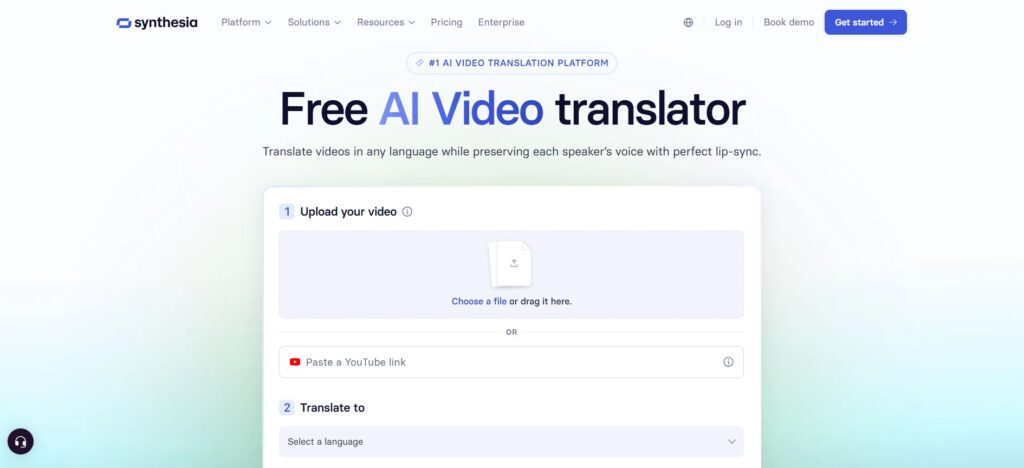
Synthesia treats video translation as part of a wider business content platform, built to help teams translate video libraries for training, onboarding, and internal communication — not just one video at a time. It preserves and distinguishes multiple speakers automatically and generates several language versions simultaneously. Teams can also edit translations together, apply brand assets, and track views and engagement through a shared dashboard.
Key features
- More than 140 languages and regional variants
- Automatic multi-speaker voice preservation
- Simultaneous generation of multiple language versions
- Editable transcripts and translations
- Team collaboration, multilingual publishing, and analytics
Best for
L&D teams, multinational companies, HR and support departments, and organizations that regularly translate video training programs at scale.
4. Adobe Firefly — Best for Adobe-Based Creative Workflows
Overview
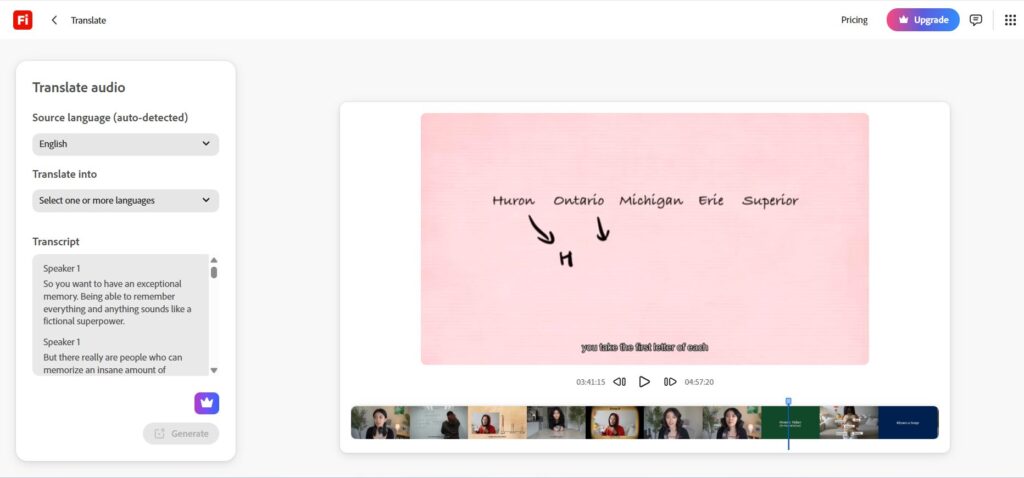
Adobe Firefly is most useful when you need to translate video content as one stage in a broader creative process, alongside Adobe's video, image, and audio tools. It supports more than 20 languages, preserves the speaker's voice and tone, and offers lip-sync as an enterprise feature. Uploaded clips need at least five seconds of speech and cannot run longer than five minutes.
Key features
- Translation in more than 20 languages
- Up to five target languages per task
- Automatic source-language detection
- Voice, tone, and cadence preservation
- Integration with Adobe creative products
Best for
Designers, agencies, and video editors already in Adobe who want to translate video projects without leaving their existing workflow.
5. InVideo AI — Best for Creating and Translating Videos from Prompts
Overview
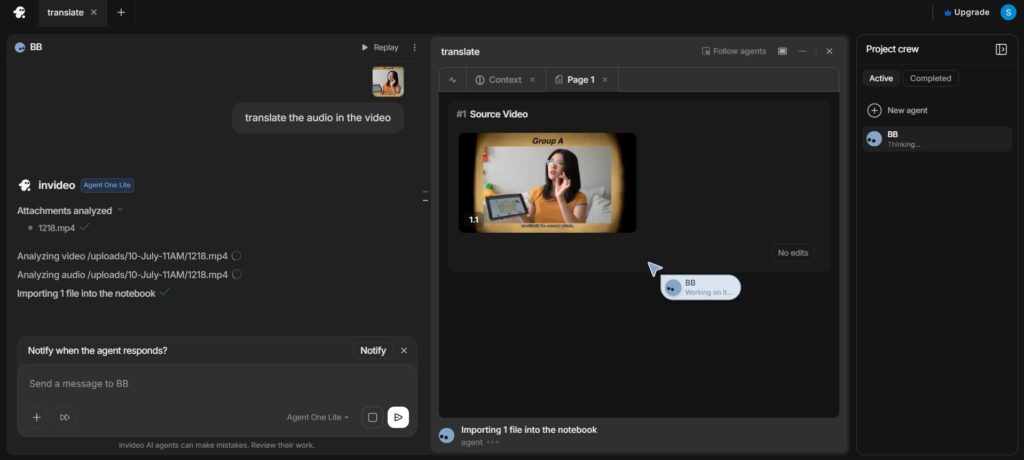
InVideo AI connects its translator directly to an AI video generator. Instead of uploading existing footage, you generate a video inside InVideo, then translate video content through a simple text command like "change the voiceover to Spanish." It only works on videos created in InVideo itself, so existing footage from elsewhere cannot be uploaded to this particular translate video workflow.
Key features
- Translation into more than 50 languages
- Prompt-based voiceover translation
- Automatic caption translation
- Built-in AI video generation and editing
- Stock visuals, music, and multilingual voices
Best for
Social media creators and small businesses who want to generate and translate new promotional or short-form videos in one platform.
AI Video Translator Comparison
Language count shouldn't be the only factor when you choose an AI video translator. The bigger question is whether you need editable subtitles, voice preservation, lip-sync, existing-footage support, or team collaboration.
How to Choose the Right AI Video Translator
Before selecting a platform to translate video content, answer five practical questions.
Are you translating an existing video or creating a new one?
Video Transcriber AI, HeyGen, Synthesia, and Adobe Firefly accept existing footage. InVideo AI only works with videos generated inside its own platform.
Do you need to review every translated sentence?
For technical or interview content, editable single or dual subtitles give you control over names, numbers, and terminology when you translate video content professionally.
Is a visible person speaking throughout the video?
Lip-sync makes the localized version feel more natural for a presenter or spokesperson. HeyGen and Synthesia emphasize this most.
How many languages do you need?
Video Transcriber AI offers the broadest coverage, making it one of the easiest tools to translate video into 200+ languages.
Will one person or an entire team manage the project?
An individual creator may prefer a simple upload-and-translate workflow, while a company managing many videos needs shared editing and analytics.
How to Translate Video with AI in Five Steps
Step 1: Choose the audience and output
Decide whether the audience needs subtitles, translated audio, or both — this shapes every later step when you translate video content for a specific audience.
Step 2: Prepare the source video
Use the clearest recording available. Background noise and overlapping dialogue make it harder to translate video content accurately later.
Step 3: Upload the video and select a language
Choose an AI video translator, upload the file or paste a link, then detect or select the source and target languages. When you translate video to English, decide between American, British, or neutral international style.
Step 4: Review the source transcript and translation
Correct the source transcript first — this single step affects the entire process to translate video content accurately. Then check that the translated sentences sound natural rather than mechanically literal.
Step 5: Preview and export
Watch the full output before publishing to confirm it did translate video content the way you intended. Check subtitle timing, pronunciation, and sync, and preview on a phone screen too.
How to Translate Video for Different Platforms
YouTube
Editable subtitles suit long tutorials and interviews, while dubbing works better for visually dense content. Many creators search for how to translate YouTube video content because of its huge international reach — remember to localize the title, description, and thumbnail too.
TikTok and Instagram Reels
Keep translations concise and preserve the hook rather than translating it literally. A lip-synced voice works well for creator-led clips, while captions are often enough as a simple way to translate video posts for social feeds.
Online Courses
Keep terminology consistent across lessons by correcting one source transcript and reusing a glossary every time you translate video lessons, especially for concepts that repeat across several modules.
Business and Training Videos
Product terms, compliance statements, and figures should be checked carefully whenever a company needs to translate video material internally, since errors in regulated industries can carry real consequences. A small library may only need an editable online translator; a larger one benefits from collaboration and analytics.
Frequently Asked Questions About How to Translate Video
What is the best AI tool to translate video?
It depends on your output: Video Transcriber AI for language coverage and editable subtitles, HeyGen for voice cloning and lip-sync, Synthesia for business localization at scale.
Is there a free AI tool to translate video?
Yes. Video Transcriber AI is one of the simplest ways to translate video free with no account needed. HeyGen, Synthesia, and InVideo AI also offer limited free tiers, though allowances can change.
How do I translate video to English?
Upload the file, detect the source language, choose English as the target, correct the transcript, then generate subtitles or dubbed audio to translate video to English accurately.
Can I translate video subtitles without changing the audio?
Yes — subtitle translation keeps the original audio and adds translated text, so you can translate video subtitles without touching the voice track at all.
Can AI translate several speakers in one video?
Some tools detect and assign separate voices when you translate video content with more than one speaker; Synthesia and Video Transcriber AI both support this.
Can I translate one video into multiple languages?
Yes. Correct one master transcript, then reuse it: HeyGen supports up to ten target languages per workflow, Synthesia generates several simultaneously, and Adobe Firefly supports up to five.
Conclusion
There is no single best way to translate video content — the right platform depends on what matters most for your project.
Choose HeyGen for realistic lip-sync, Synthesia for multilingual business video at scale, Adobe Firefly if you already work in Adobe, or InVideo AI for generating and translating new videos from prompts. For existing lectures, interviews, and multi-speaker recordings, Video Transcriber AI offers the most accessible way to translate video content accurately, with 200+ languages and editable dual subtitles.
Start with one source video, correct the transcript carefully, and choose subtitles, dubbing, or both based on how your audience will watch. Whichever platform you choose, the goal is the same: translate video content in a way that feels natural, accurate, and true to the original.