


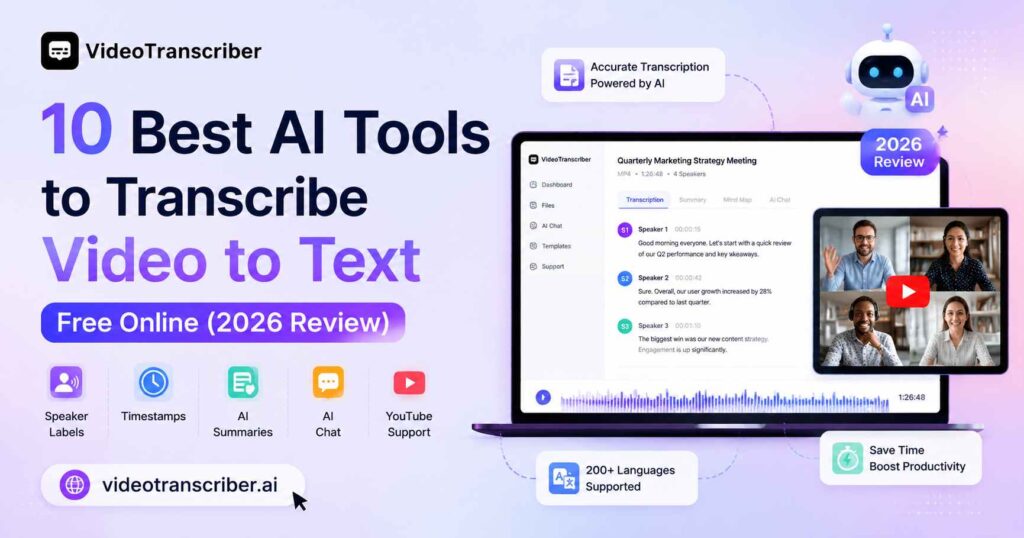
Whether you're a content creator repurposing YouTube videos, a student turning lecture recordings into study notes, or a professional converting Zoom calls into searchable documents, the ability to transcribe video to text has become a fundamental workflow step. Tools like Video Transcriber AI have helped make video transcription more accessible than ever, allowing users to generate accurate transcripts, speaker labels, timestamps, and AI-powered summaries in just minutes. The good news: you no longer need expensive software or human transcriptionists. In 2026, a new generation of AI-powered tools can transcribe video to text free online with remarkable speed and accuracy.
This guide reviews the 10 best tools available right now, breaks down what makes each one worth your time, and helps you choose the right solution when you need to transcribe video to text quickly and accurately.
Why AI Video Transcription Has Become Essential in 2026
The demand to transcribe video to text with AI has exploded alongside the growth of online content. Podcasters need transcripts for SEO. Educators need accessible captions. Marketers need repurposable text from webinars. Researchers need searchable interview records.
Manual transcription takes roughly four to six hours per hour of audio. Using AI to transcribe video to text takes seconds. The accuracy gap that once held professionals back has largely closed - top tools now claim accuracy rates between 98% and 99.9%, covering 80 to 200+ languages.
The tools below were selected based on five criteria:
- Transcription accuracy across different accents and audio quality
- Support for multiple input formats (YouTube links, MP4, MP3, Zoom recordings)
- Free tier availability and usage limits
- Bonus features: speaker diarization, timestamps, AI summaries, export options
- Ease of use - no installation, no steep learning curve
The 10 Best Tools to Transcribe Video to Text Free Online
1. Video Transcriber AI - Best Free Tool With No Sign-Up Required
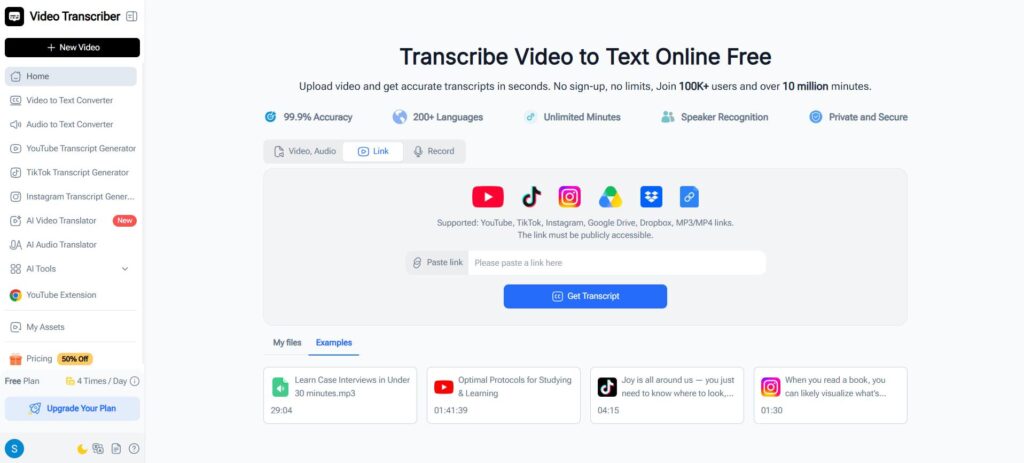
If you want to transcribe video to text free online without creating an account, Video Transcriber AI is the most friction-free option available. When people search for ways to transcribe video to text quickly, the biggest frustration is usually the multi-step setup - download, convert, upload. Video Transcriber AI removes all of that: beyond local file uploads, it accepts online links from YouTube, TikTok, Instagram, Google Drive, Dropbox, and virtually any publicly accessible audio or video URL.
Key features:
- 99.9% accuracy across 200+ languages
- Speaker recognition with labeled timestamps
- No login required - paste a link or upload and go
- Supports local uploads plus links from YouTube, TikTok, Instagram, Google Drive, Dropbox, and other online sources
- Unlimited minutes on the free plan (4 tasks per day)
- Export transcripts as TXT, SRT, or copy directly
- Built-in AI video translator for multilingual workflows
What sets Video Transcriber AI apart in a crowded field is how it removes the friction of downloading before transcribing. Whether the content lives on a social platform, a cloud storage folder, or a direct media URL, you can paste the link and transcribe video to text in seconds. For creators who regularly need to convert recordings across multiple platforms for repurposing or SEO, this makes it a uniquely versatile daily driver.
Best for: Content creators, social media managers, and professionals who need to transcribe video to text from multiple platforms without downloading files first.
2. NoteGPT - Best for Batch Transcription With AI Note-Taking
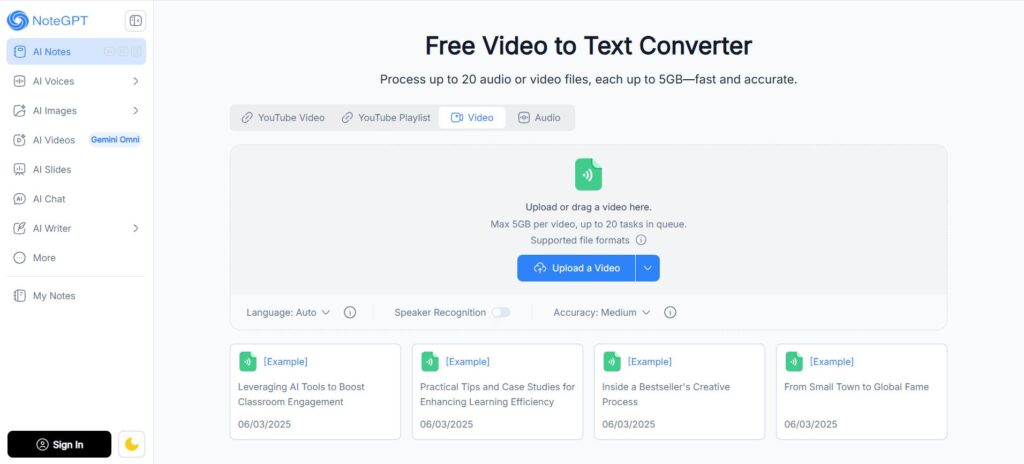
NoteGPT positions itself as more than a tool to transcribe video to text - it layers AI-powered note-taking on top of raw transcription. If you need to transcribe video to text and immediately turn that output into actionable study notes or meeting summaries, NoteGPT handles both steps in a single workflow. After you upload a video or paste a link, the tool generates a transcript and then automatically creates structured notes, summaries, and action items using GPT-level AI.
Key features:
- Supports up to 20 tasks in queue simultaneously
- Speaker recognition and accuracy level selector (medium/high)
- Auto-generates AI summaries and structured notes
- Handles YouTube, uploaded files, and lectures
- Clean export options including PDF and text
Best for: Students, researchers, and knowledge workers who need to transcribe video to text and immediately extract structured insights without manual effort.
3. Audio Converter AI - Best for Long-Form Recording, Transcription, and AI Summary in One Place
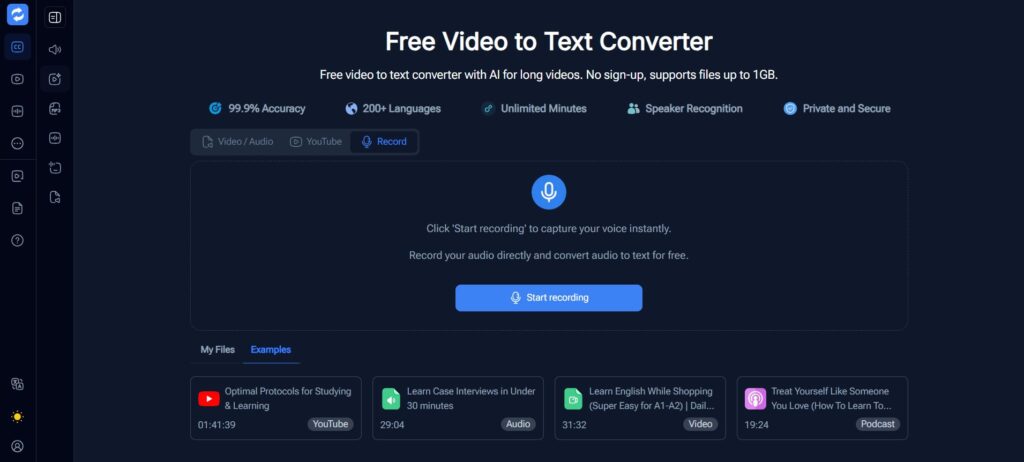
Audio Converter AI takes a different approach for users who need to transcribe video to text as part of a longer recording workflow. Rather than requiring a pre-recorded file, it lets you capture audio directly in the browser for extended sessions - then transcribe video to text or audio to text immediately after. Ideal for interviews, meetings, or lectures, it sends recordings through AI transcription and summarization without ever leaving the platform.
Key features:
- In-browser long-form audio recording with no time limit
- Automatic transcription and AI summary generated from recordings
- Online video transcription for uploaded MP4, MOV, AVI, and more
- Speaker diarization and timestamped output
- Supports 200+ languages
- No installation required
Best for: Journalists, researchers, and meeting hosts who need to record, transcribe video to text or audio, and generate AI summaries all within a single browser-based workflow.
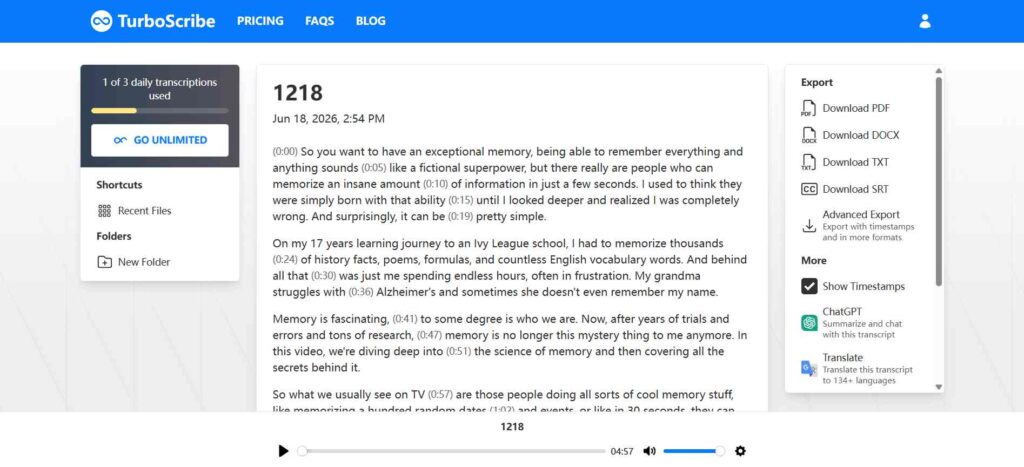
4. TurboScribe - Best for Export Flexibility and File Format Options
TurboScribe is a strong choice when you need to transcribe video to text with near-perfect 99.8% accuracy and maximum flexibility over how you export the results. Free users receive three opportunities to transcribe video to text per day with no account required, and paid plans unlock unlimited transcription with no caps or quotas - making it one of the few services that genuinely offers unlimited AI transcription at scale.
Key features:
- Export as DOCX, PDF, TXT, SRT subtitles
- 98+ language support
- No file length limits on paid plans
- Fast processing - results in seconds, not minutes
- Clean editor for post-transcription review
Best for: Journalists, podcasters, and legal professionals who need to transcribe video to text with flexible export formats and high accuracy across long recordings.
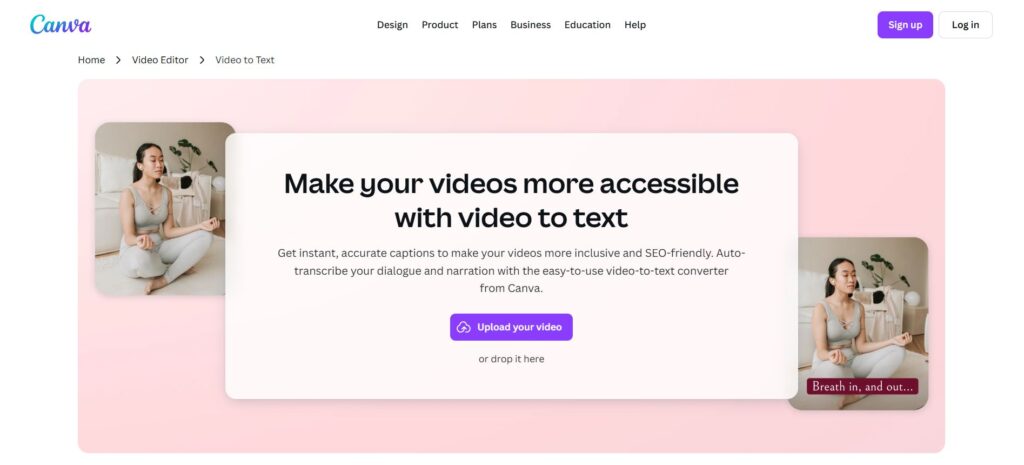
5. Canva - Best for Designers Who Need Auto-Captions
Canva's video-to-text tool offers a way to transcribe video to text directly inside the design suite most social media creators already use. If your goal is to transcribe video to text for styled on-screen captions rather than a raw transcript document, Canva handles this natively - auto-generating captions from uploaded video that you can style, reposition, and export as part of your visual design.
Key features:
- Integrated directly into the Canva design editor
- Auto-caption generation with style customization
- Supports video uploads from local files
- Export video with embedded subtitles
- Works across Canva's Free and Pro tiers
Best for: Social media managers and visual content creators who want to transcribe video to text as styled captions baked directly into their video without switching tools.
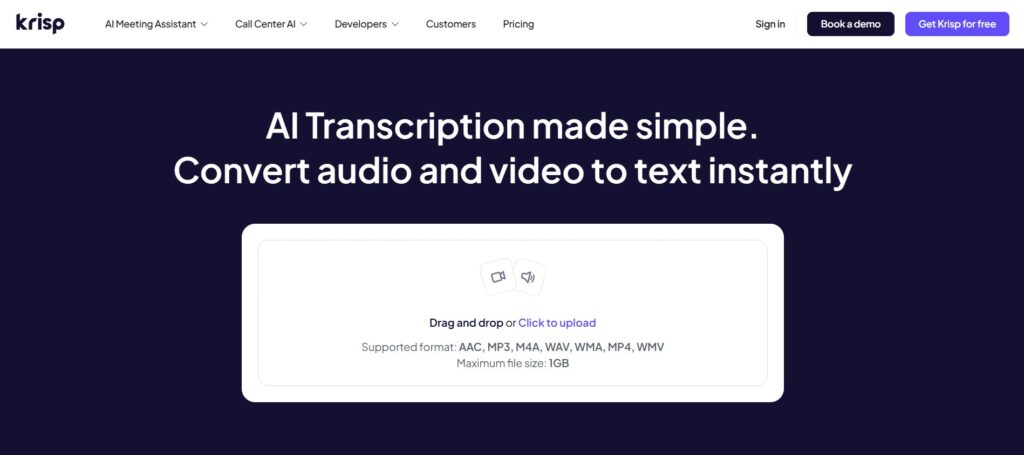
6. Krisp - Best for Meeting and Call Transcription With Noise Cancellation
Krisp started as a noise-cancellation tool for calls and has expanded into a full AI meeting transcription platform - one of the more specialized ways to transcribe video to text from real-world recordings where background noise is unavoidable. It lets you transcribe video to text from uploaded recordings while also providing real-time transcription during live calls - a combination few tools in this space offer.
Key features:
- Background noise cancellation applied before transcription
- Speaker-labeled transcripts with AI meeting summaries
- Supports 90+ languages
- Upload video files or transcribe live meetings
- Action item extraction from meeting content
Best for: Remote teams and professionals who transcribe video to text from meetings, webinars, and interviews and need clean, noise-free output.
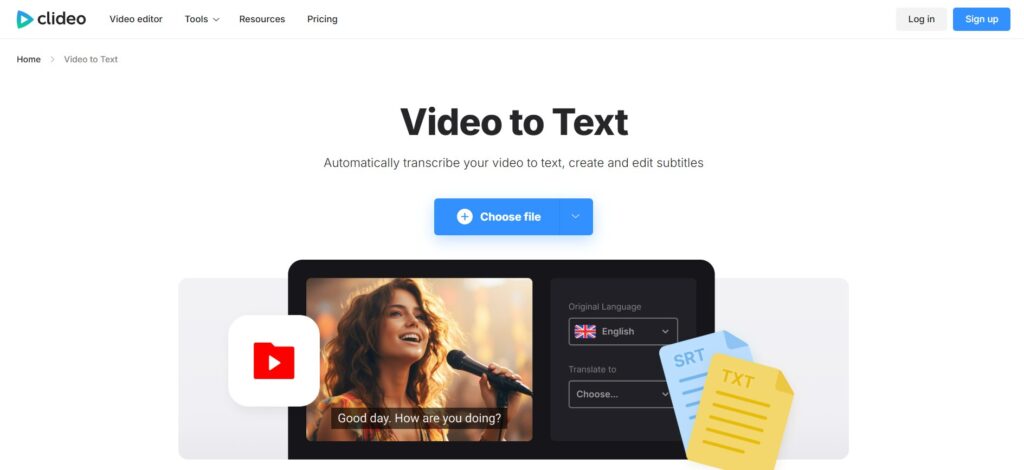
7. Clideo - Best for Quick Clips and Lightweight Video Editing
Clideo is a lightweight browser-based video editor with a built-in feature to transcribe video to text. It isn't the most powerful tool to transcribe video to text at scale, but for users who want to make small edits to a clip and pull a transcript in the same session, it removes the need to switch between platforms.
Key features:
- Upload from device, Google Drive, or Dropbox
- Generates text transcript with basic timestamps
- Integrated video trimming and editing tools
- Simple, no-account-required interface for short files
- Download transcript as SRT or TXT
Best for: Casual users who need to transcribe video to text quickly for short clips and want basic editing in the same place.
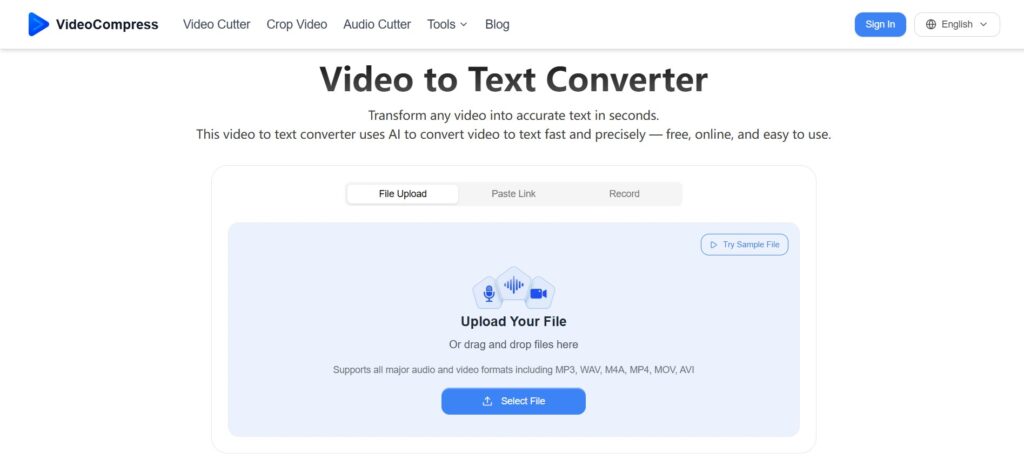
8. VideoCompress AI - Best Lightweight Browser Tool for Fast Results
VideoCompress AI is a lean, browser-based tool that lets you transcribe video to text alongside video compression utilities. For users who want to transcribe video to text without signing up or navigating a complex dashboard, it delivers fast results with support for most common video formats and a clean, minimal interface.
Key features:
- No account or download required
- Supports MP4, AVI, MOV, MKV, and more
- Speaker diarization with timestamped text
- 100+ language support
- Transcript download in multiple formats
Best for: Users who need to transcribe video to text fast, without extra features or sign-up friction getting in the way.
9. ElevenLabs - Best for Voice-First Workflows and High-Fidelity Output
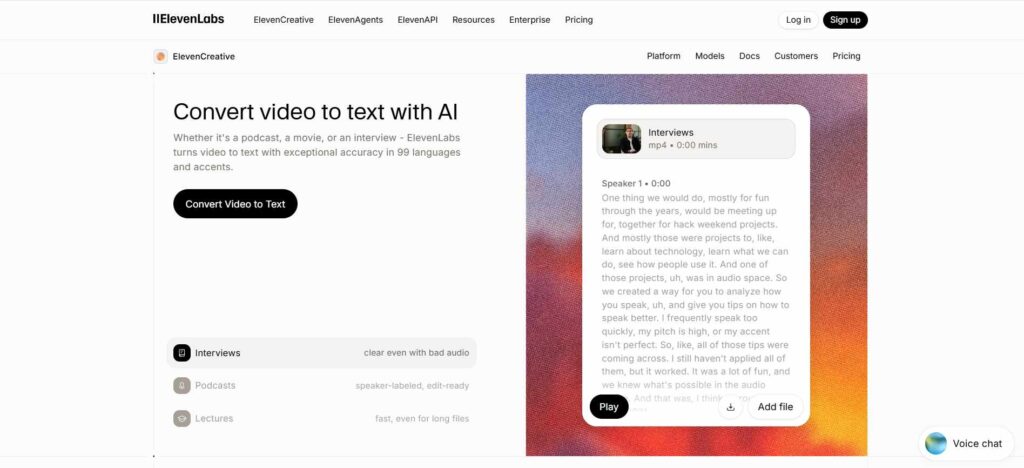
ElevenLabs is best known for its AI voice generation, but its ability to transcribe video to text brings the same quality focus to speech recognition. For creators who need to transcribe video to text from professionally produced content - podcasts, voiceovers, scripted videos - ElevenLabs excels at capturing nuanced speech patterns, especially with studio-quality audio.
Key features:
- High-fidelity transcription optimized for voice content
- Supports 99+ languages
- Clean word-level timestamps
- Integrates into ElevenLabs' broader voice production suite
- Best results with clear, professionally recorded audio
Best for: Podcasters, voice actors, and audio producers who need to transcribe video to text accurately as part of a voice-centric production workflow.
10. Vizard - Best for Content Repurposing and Video Clip Creation
Website: vizard.ai/tools/video-to-text
Vizard combines the ability to transcribe video to text with a full video repurposing toolkit. After you transcribe video to text, Vizard lets you use that transcript to clip highlights, generate short-form content for TikTok or Reels, and add auto-captions - all within the same editor.
Key features:
- 98.5% accuracy across 80+ languages
- No sign-up required for basic transcription
- Text-based video editor (edit video by editing the transcript)
- Auto-generates short clips from long recordings
- Supports YouTube URLs and uploaded files
Best for: Video content creators and social media teams who want to transcribe video to text with AI and immediately repurpose that content across platforms.
Quick Comparison: 10 Best Tools to Transcribe Video to Text
| Tool | Free Tier | Speaker Labels | Languages | Best For |
| Video Transcriber AI | 4/day Free | Yes | 200+ | All-purpose, no sign-up |
| NoteGPT | Yes | Yes | 100+ | Batch transcription + AI notes |
| Audio Converter AI | Yes | Yes | 200+ | Audio/video conversion hub |
| TurboScribe | 3/day Free | Yes | 98+ | Export flexibility |
| Canva | Limited | No | 100+ | Designers needing captions |
| Krisp | Yes | Yes | 90+ | Meeting transcription |
| Clideo | Limited | No | 100+ | Quick video edits + transcript |
| VideoCompress AI | Yes | Yes | 100+ | Lightweight browser tool |
| ElevenLabs | Limited | No | 99+ | Voice-forward workflows |
| Vizard | Yes | Yes | 80+ | Content repurposing |
How to Transcribe Video to Text: Step-by-Step
Whether you use Video Transcriber AI or another tool from this list, the process to transcribe video to text online follows the same basic steps:
Step 1: Choose Your Input Method
Most tools to transcribe video to text accept direct file uploads (MP4, MOV, AVI, MP3, WAV) or URL inputs from YouTube, TikTok, and similar platforms. Decide whether you're uploading locally or pasting a link.
Step 2: Select Your Language and Settings
Choose the spoken language of your video. If the recording includes multiple speakers, enable speaker diarization. Some tools let you choose between speed and accuracy modes.
Step 3: Submit and Wait
Processing time depends on file length and the tool you're using to transcribe video to text. Most AI transcription tools return results in under a minute for standard recordings. Longer files may take a few minutes.
Step 4: Review and Edit the Transcript
AI transcription is highly accurate but not perfect. Review the output - especially proper nouns, technical terms, and overlapping speech - and make corrections in the built-in editor.
Step 5: Export Your Transcript
Download in your preferred format: plain text (TXT), subtitle file (SRT/VTT), Word document (DOCX), or PDF. Some tools also let you copy directly to clipboard.
Frequently Asked Questions
Q1: Is it really free to transcribe video to text online?
Yes - most tools on this list offer a genuinely free tier. Video Transcriber AI provides unlimited minutes with four tasks per day at no cost and no sign-up. TurboScribe offers three free transcripts daily. NoteGPT and Vizard also have usable free plans. Paid plans unlock higher daily limits, priority processing, or advanced features like AI summaries.
Q2: How accurate is it to transcribe video to text with AI in 2026?
Top tools now reach 98–99.9% accuracy when you transcribe video to text on clear audio with standard accents. Accuracy drops with heavy background noise, strong regional accents, or multiple overlapping speakers. For best results, use recordings with minimal noise and clearly separated speakers.
Q3: Can I transcribe video to text from YouTube for free?
Yes. Tools like Video Transcriber AI, NoteGPT, and Vizard accept YouTube URLs directly. Paste the link, select your language, and receive a full transcript with timestamps in seconds - no downloading required.
Q4: What video formats can I upload to transcribe video to text?
Most tools support the common formats: MP4, MOV, AVI, MKV, WebM for video; MP3, WAV, M4A, AAC for audio. Video Transcriber AI accepts files up to 5GB, which covers most long-form recordings.
Q5: Do these tools support languages other than English?
Yes. Video Transcriber AI supports 200+ languages. TurboScribe covers 98+, Vizard handles 80+, and Krisp supports 90+. If you regularly transcribe video with AI in non-English languages, check the specific language list for each tool before committing.
Q6: Is my video data private when I use these tools?
Most reputable tools process your files securely and do not store or share your content beyond the session. Video Transcriber AI explicitly states files are private and secure. If you're handling sensitive recordings, review the privacy policy of any tool before uploading.
Q7: What's the difference between a transcript and subtitles?
A transcript is a plain text document of everything spoken in a video - what you get when you transcribe video to text in its simplest form. Subtitles (SRT/VTT files) include timestamps synced to specific moments so they can be displayed over video playback. Most tools on this list can export both.
Conclusion
The ability to transcribe video to text free online is no longer a premium feature locked behind expensive subscriptions. In 2026, tools like Video Transcriber AI, TurboScribe, NoteGPT, and Vizard bring high-accuracy AI video transcription to anyone with a browser - no installation, no account, no cost for everyday use.
If you need a reliable, no-friction starting point, Video Transcriber AI delivers 99.9% accuracy across 200+ languages with unlimited minutes and zero sign-up requirements. For batch workflows with AI summarization, NoteGPT stands out. For content repurposing, Vizard adds the most value on top of the raw transcript.
The right tool depends on your workflow - but for most people who need to transcribe video to text quickly and accurately, the tools reviewed here are more than capable of handling the job.