


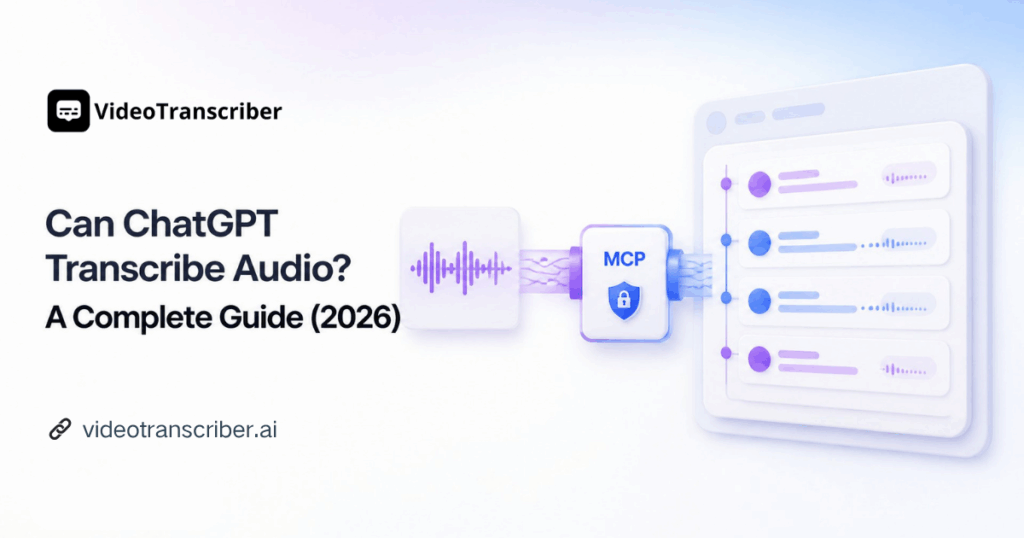
Can ChatGPT transcribe audio? Yes, when you connect it to Video Transcriber AI Transcript API through MCP or use its transcription skill in a compatible AI agent.
Introduction: Can ChatGPT Transcribe Audio?
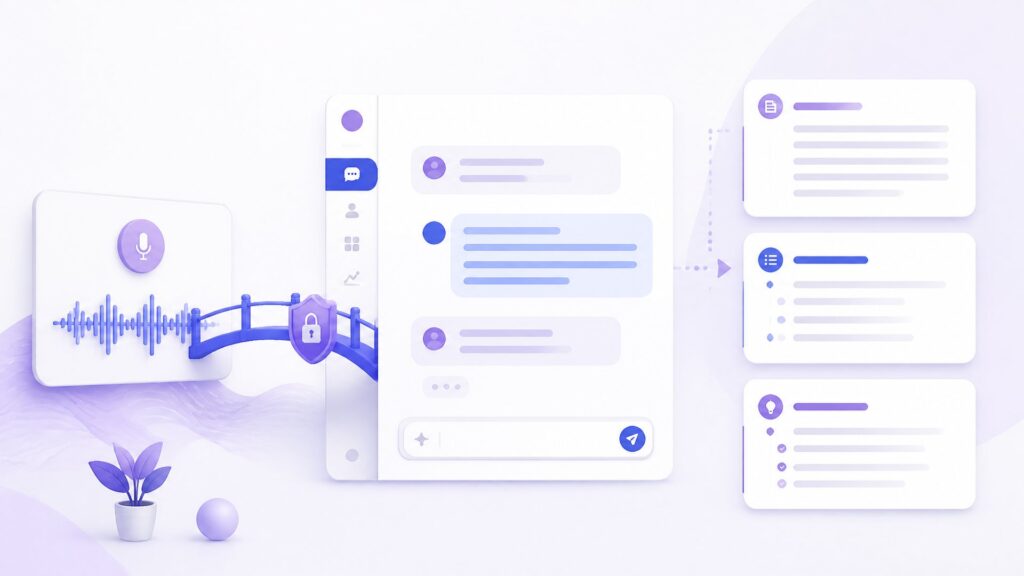
If you have ever dropped a recording into a chat and hoped for a polished transcript, you have probably asked: can ChatGPT transcribe audio? ChatGPT is excellent at working with text, but reliable transcription also requires a service that can retrieve media, process speech, detect languages, identify speakers, and return structured results.
Video Transcriber AI Transcript API supplies that missing transcription layer. It accepts public media links, turns their audio into text, and makes the result available to an AI assistant. With an MCP connection, a supported ChatGPT environment can call the service from the conversation. With the official Agent Skill, compatible coding agents can manage the complete asynchronous workflow for you.
This guide gives a practical answer to can ChatGPT transcribe audio. It explains how Video Transcriber AI Transcript API supplies the transcription layer, how MCP and Skills differ, and which prompts produce useful results.
The Short Answer for ChatGPT Users in 2026
Can ChatGPT transcribe audio by itself in every chat? Not necessarily. Audio features, tool access, file limits, and integrations vary by ChatGPT plan and workspace. A dependable workflow connects ChatGPT to a dedicated transcription service.
Once Video Transcriber AI Transcript API is available as a tool, ChatGPT can submit a public audio or video URL, wait for the transcription task, retrieve the result, and then summarize or analyze it. The final experience feels conversational, even though a specialized API handles the speech recognition behind the scenes.
Can ChatGPT transcribe audio when MCP is unavailable? Not through this connected workflow. Can ChatGPT transcribe audio after MCP is enabled? Yes, provided the ChatGPT environment supports the connection and can access the configured tools.
How Video Transcriber AI Adds Transcription to ChatGPT
The connection has three layers:
- Transcript API processes the media and returns structured transcript data.
- MCP server exposes transcription capabilities to an MCP-compatible ChatGPT environment or another supported client.
- Agent Skill teaches compatible AI agents how to create a task once, poll it correctly, and retrieve the finished transcript.
Can ChatGPT transcribe audio without manually calling REST endpoints? In a supported MCP environment, the assistant can coordinate those API actions for you.
How Can ChatGPT Transcribe Audio?
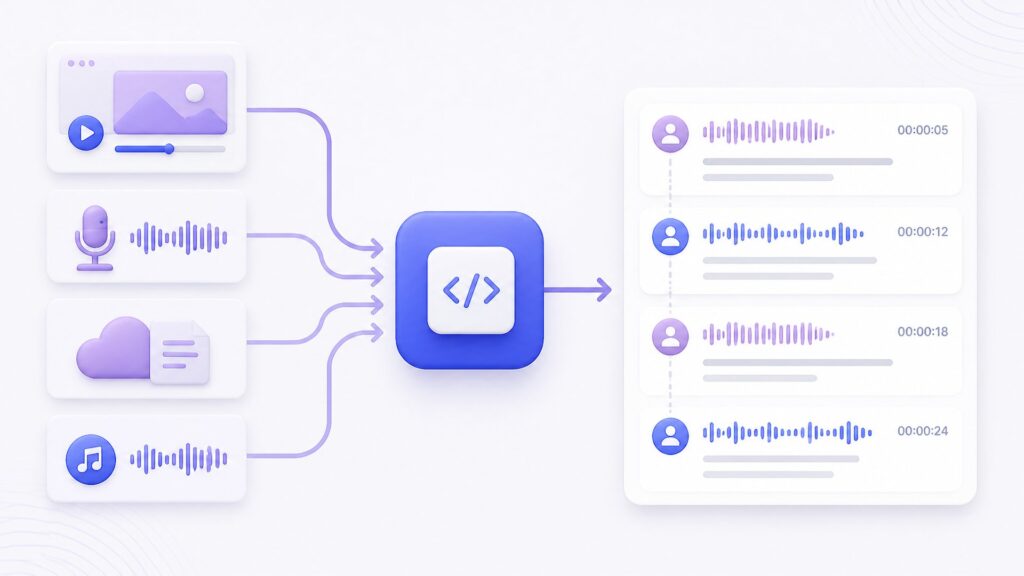
Can ChatGPT transcribe audio from a link? With Video Transcriber AI, the practical workflow begins with a public URL. The source can be a supported platform link, a cloud-storage link, or a direct link to a media file. The service retrieves the media, processes the audio, and returns text that ChatGPT can use.
Supported sources include YouTube, TikTok, Instagram, Facebook, X, Bilibili, Google Drive, Dropbox, and direct media URLs. OpenAPI does not upload a local file directly. The URL must be reachable without an interactive login or private session.
Can ChatGPT transcribe audio from an MP3 or MP4? Yes, when you provide a directly reachable file URL. Can ChatGPT transcribe audio from a private desktop path? Not through this OpenAPI workflow until the file is available through a supported public URL.
What ChatGPT Can Do with the Result
After transcription, you can ask ChatGPT to:
- Summarize the recording in a chosen format.
- Extract decisions, tasks, quotes, or questions.
- Turn interviews or lectures into organized notes.
- Translate the transcript and create chapters or captions.
So, can ChatGPT transcribe audio and analyze it in one conversation? Yes, provided the connected workflow completes the transcription first and returns the text to ChatGPT.
Can ChatGPT transcribe audio before creating a summary? That is the correct order: generate the transcript first, then ask ChatGPT to interpret it.
Why ChatGPT Needs a Transcription API or Connected Tool
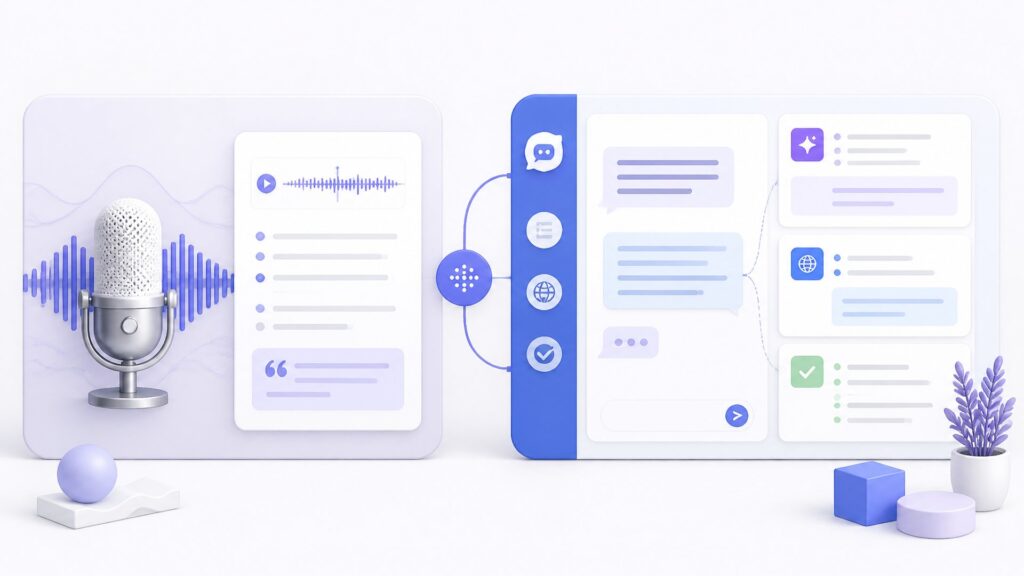
A language model and a transcription system solve different parts of the job. ChatGPT reasons over instructions and text. Transcript API retrieves media and performs speech recognition. MCP gives ChatGPT a standard way to request that work.
Can ChatGPT transcribe audio reliably without a connected transcription tool? The answer depends on the interface and its native capabilities. Video Transcriber AI provides a repeatable API layer instead of relying on an uncertain upload experience.
How the API, MCP, and Skill Work Together
The REST API creates an asynchronous task, returns an ID, and exposes the result when ready. MCP turns those operations into tools an AI client can call. A Skill teaches a compatible agent to use the tools in the correct order. Developers can call REST directly, ChatGPT users can use MCP where supported, and coding-agent users can install the official Skill.
Can ChatGPT transcribe audio through an Agent Skill? A compatible coding agent can use the Skill, while ChatGPT should use MCP unless its environment explicitly supports Skill installation.
What Is Video Transcriber AI Transcript API?
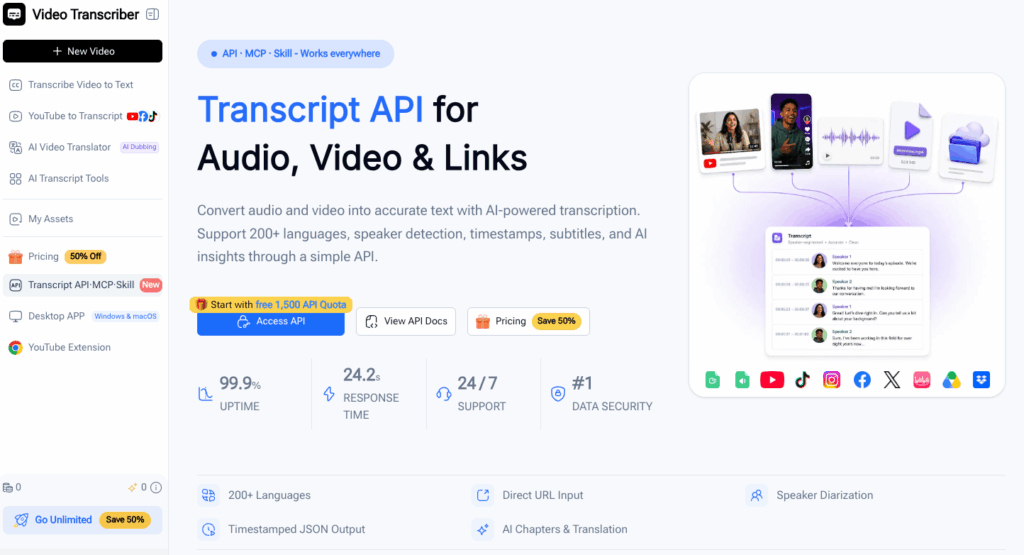
Video Transcriber AI Transcript API converts public audio, video, and platform links into structured text. It supports more than 200 languages, automatic language detection, and one response model across supported sources.
Can ChatGPT transcribe audio across podcasts, social videos, and cloud files? Transcript API normalizes those supported sources into a consistent result that ChatGPT can use.
Can ChatGPT transcribe audio at scale? Transcript API supports repeatable, API-driven tasks for larger media workflows.
Structured Transcripts, Speakers, and Timestamps
The API returns full text and timed segments. Optional diarization labels speakers. Results can include chapters, translations, SRT or VTT subtitles, and JSON containing language, duration, segments, speakers, and other metadata.
Can ChatGPT transcribe audio with speaker labels and timestamps? Yes, when those options are requested and the selected model supports the required detail.
Basic and Advanced Transcription Models
The Basic model covers full text, language detection, timed segments, and optional speakers. Advanced adds:
- Word-level timestamps.
- Audio-event detection and speech cleanup.
- Keyterm prompting for names, brands, and technical vocabulary.
Can ChatGPT transcribe audio with word-level timing and specialized vocabulary? Choose Advanced and provide a focused list of keyterms.
Trial Quota and Usage
The current documentation states that the first successful API key creation grants 1,500 API Quota, subject to one gift per user and IP. Basic transcription uses one quota per rounded-up minute, while Advanced uses three. Optional features can add usage, so check the product page for current details.
Can ChatGPT transcribe audio using the trial quota? Yes, after the eligible API key has been created and connected.
Why Connect Video Transcriber AI to ChatGPT?
The main benefit is continuity. You can start with a media link and finish with notes, decisions, captions, or a translation in one conversation. For readers researching can ChatGPT transcribe audio, Video Transcriber AI Transcript API provides the transcription layer that makes this workflow possible in an MCP-compatible ChatGPT environment.
Use Natural-Language Instructions
Instead of writing HTTP requests, say: “Transcribe this interview, detect the speakers, and summarize the three strongest arguments.” Be explicit about the URL, model, speakers, language, chapters, and desired output.
Can ChatGPT transcribe audio from a natural-language request? Yes, once the connected tool is available and the prompt includes a supported source.
Build a Repeatable Workflow
The official Agent Skill manages the asynchronous lifecycle: create one task, retain its ID, honor the recommended wait, stop at a terminal status, and fetch the available result. This avoids duplicate billable tasks and creates a repeatable workflow.
Can ChatGPT transcribe audio repeatedly without creating duplicate tasks? A well-configured workflow uses idempotency and follows the existing task instead of resubmitting the recording.
How to Make ChatGPT Transcribe Audio with Video Transcriber AI
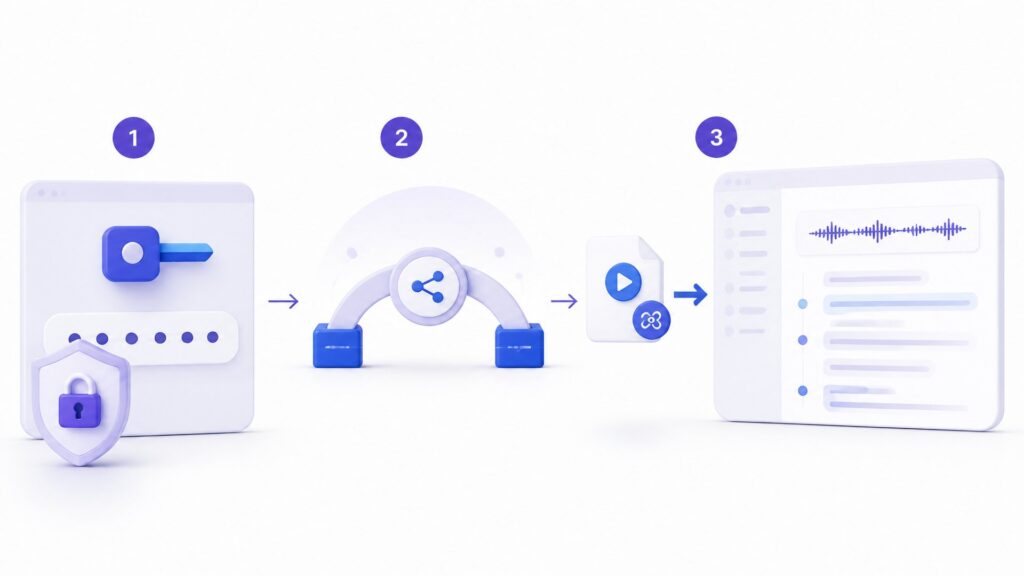
The MCP settings depend on your ChatGPT account and workspace. The product page identifies ChatGPT as an MCP use case, but its visible command example is for Claude. Use your ChatGPT environment's connection method with https://videotranscriber.ai/mcp and Bearer authentication.
Can ChatGPT transcribe audio through this MCP endpoint? Yes, when the endpoint, API key, permissions, and workspace capabilities are configured correctly.
Step 1: Create an API Key
To test can ChatGPT transcribe audio, open the Video Transcriber AI Transcript API page, sign in, and create an API key. Never expose the complete key in a public chat, screenshot, repository, browser script, or support message.
Step 2: Choose MCP or the Agent Skill
Use MCP for an MCP-compatible ChatGPT environment. Use the Agent Skill with a compatible coding agent such as Codex, Claude Code, or Cursor.
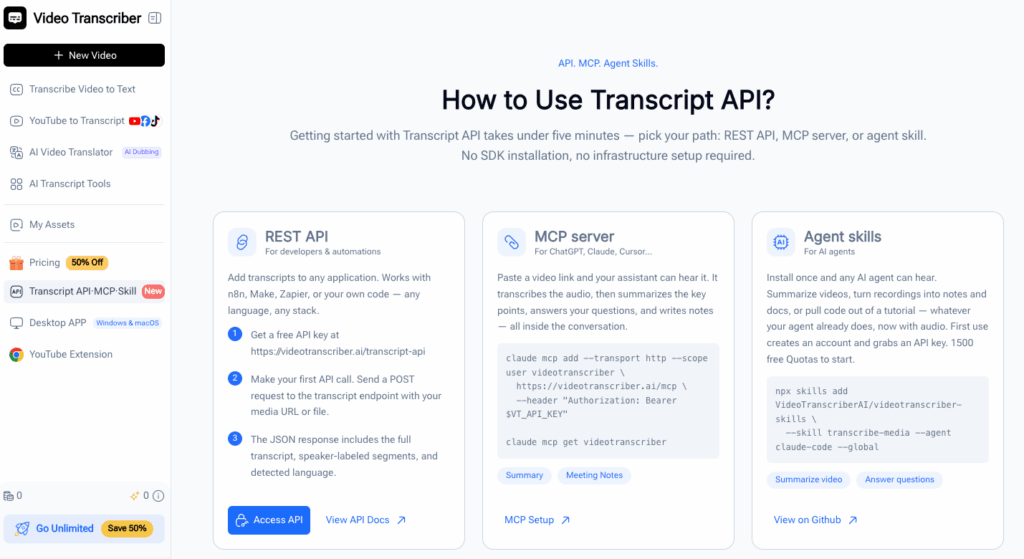
The official repository provides the transcribe-media Skill through the Video Transcriber AI Skills package. Its current example targets Claude Code, so follow the installation method documented for your actual compatible agent. A regular ChatGPT conversation does not automatically support coding-agent Skill packages, so use MCP unless your environment explicitly offers Skill installation.
Can ChatGPT transcribe audio after you install the Skill? Only if that ChatGPT environment supports the Skill system. Otherwise, use the MCP connection described above.
Step 3: Configure the MCP Connection
Create the connection with the MCP endpoint and a Bearer authorization header. Store the key in a secure secret mechanism. Confirm that transcription tools are visible, then check the endpoint, credentials, permissions, and MCP availability if they are not.
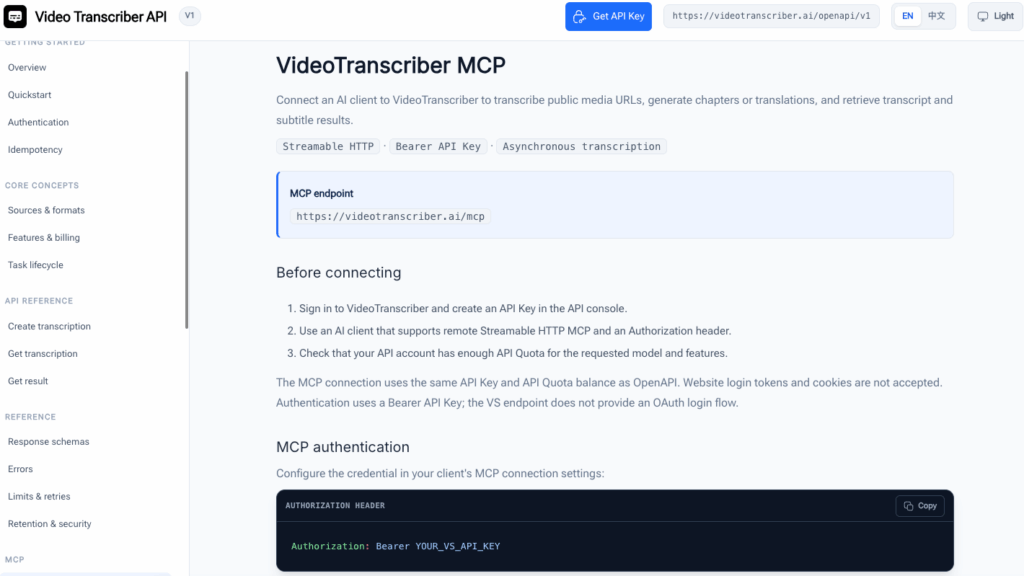
Can ChatGPT transcribe audio when the tools are missing from the conversation? No. Tool visibility is the simplest confirmation that the connection is ready.
Step 4: Provide a Public Media URL
Give ChatGPT a supported platform, cloud, or direct file URL. A local path is not a valid OpenAPI source. The URL must not require an interactive login, browser session, or private network.
Can ChatGPT transcribe audio from a cloud link? Yes, if the link is supported and publicly reachable by the service.
Step 5: Request the Transcription
A useful prompt is:
Transcribe this public audio URL with Video Transcriber AI. Use the Advanced model, enable speaker diarization and speech cleanup, and return the full transcript with timestamps. Do not summarize until the transcription finishes.
Can ChatGPT transcribe audio with diarization and cleanup? Yes, when you request those options and select a compatible transcription model.
Step 6: Let the Tool Finish
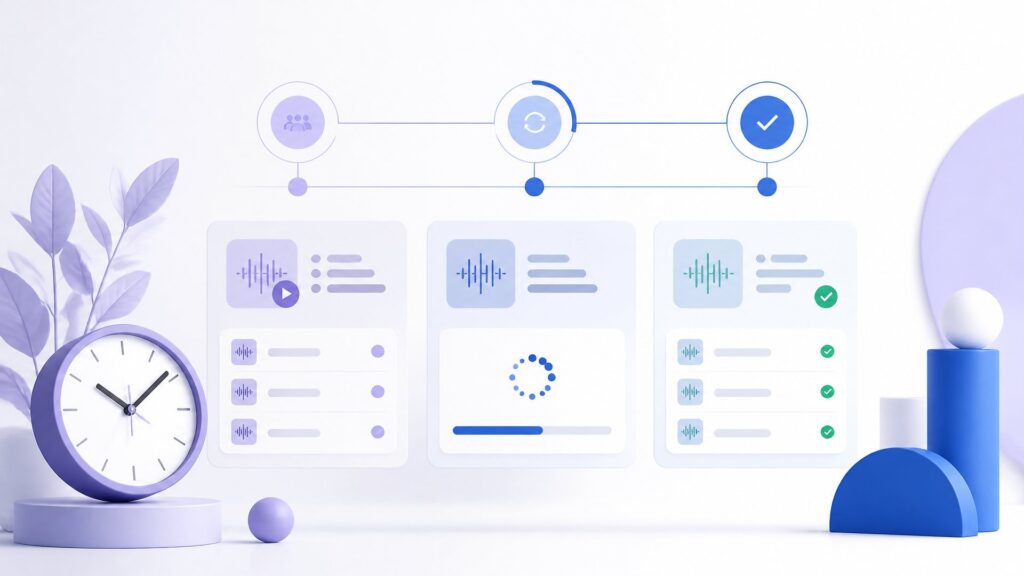
Can ChatGPT transcribe audio instantly? Short clips may finish quickly, but the API is asynchronous. The connected tool creates a task and receives a polling interval. It should wait for that interval rather than checking continuously.
For an uncertain network retry, reuse the same idempotency key and request body to avoid a duplicate task.
Step 7: Retrieve and Use the Result
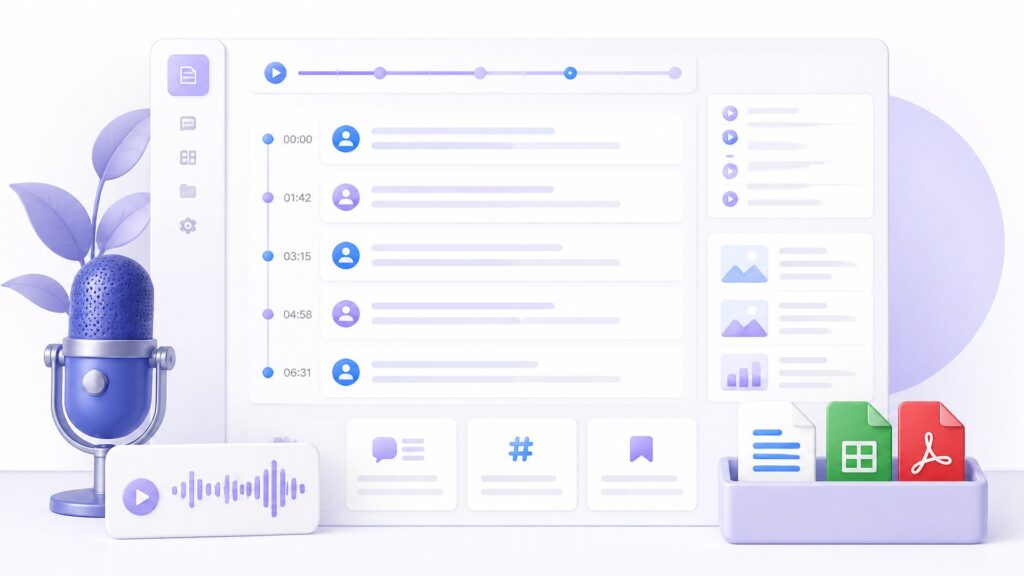
When the task reaches succeeded or partial_succeeded, retrieve the result and request your deliverable:
For example:
- “Create meeting minutes with decisions, owners, and deadlines.”
- “Extract ten quotable moments with timestamps.”
- “Translate the transcript into Chinese and preserve speaker labels.”
- “Create an SRT caption file and a five-section article outline.”
Can ChatGPT transcribe audio and translate the result in one workflow? Yes, request a target language, then ask ChatGPT to format or analyze the returned text.
Example Prompts for the Video Transcriber AI Skill
Use these prompts after MCP or the official Skill is available.
Can ChatGPT transcribe audio from a simple prompt? The following examples show how to make the request clear and actionable.
Transcribe an Interview
Transcribe this interview with the Advanced model, speaker diarization, and timestamps. After completion, identify the interviewer and guest only where context makes their roles clear.
Create Podcast Show Notes
Transcribe this podcast, create chapters, and write show notes with key ideas, quotes, and timestamps.
Turn a Recording into Action Items
Transcribe this meeting with speaker detection. List decisions, actions, owners, deadlines, and unresolved questions without inventing missing details.
Together, these examples answer "can ChatGPT transcribe audio?" with an end-to-end Video Transcriber AI workflow: transcription first, requested analysis second.
Pro Tips for Better Transcript API Results
Can ChatGPT transcribe audio accurately when a recording is messy? Source quality still matters. No API can fully rescue speech buried under loud music or clipping.
Use the Right Model and Options
Choose Advanced for word-level timestamps, audio events, cleanup, or keyterms. Keep keyterms focused. Enable diarization for interviews, meetings, podcasts, and panels.
Can ChatGPT transcribe audio more accurately with the Advanced model? It can provide richer controls, but clean source audio still matters most.
Describe the Output You Want
The question can ChatGPT transcribe audio is only the beginning. Specify raw text, speakers, subtitles, chapters, translation, summary, or JSON. Ask ChatGPT to mark uncertainty and avoid inventing missing details.
Avoid Duplicate Tasks
Use a stable idempotency key. If submission times out, retry with the same key and body. Honor retry_after; frantic polling does not make audio finish sooner.
Can ChatGPT transcribe audio safely after a network timeout? Yes, when the workflow reuses the same idempotency key instead of creating another task.
Real-World Video Transcriber AI Workflows
Example 1: Can ChatGPT Transcribe Audio for Podcast Research?
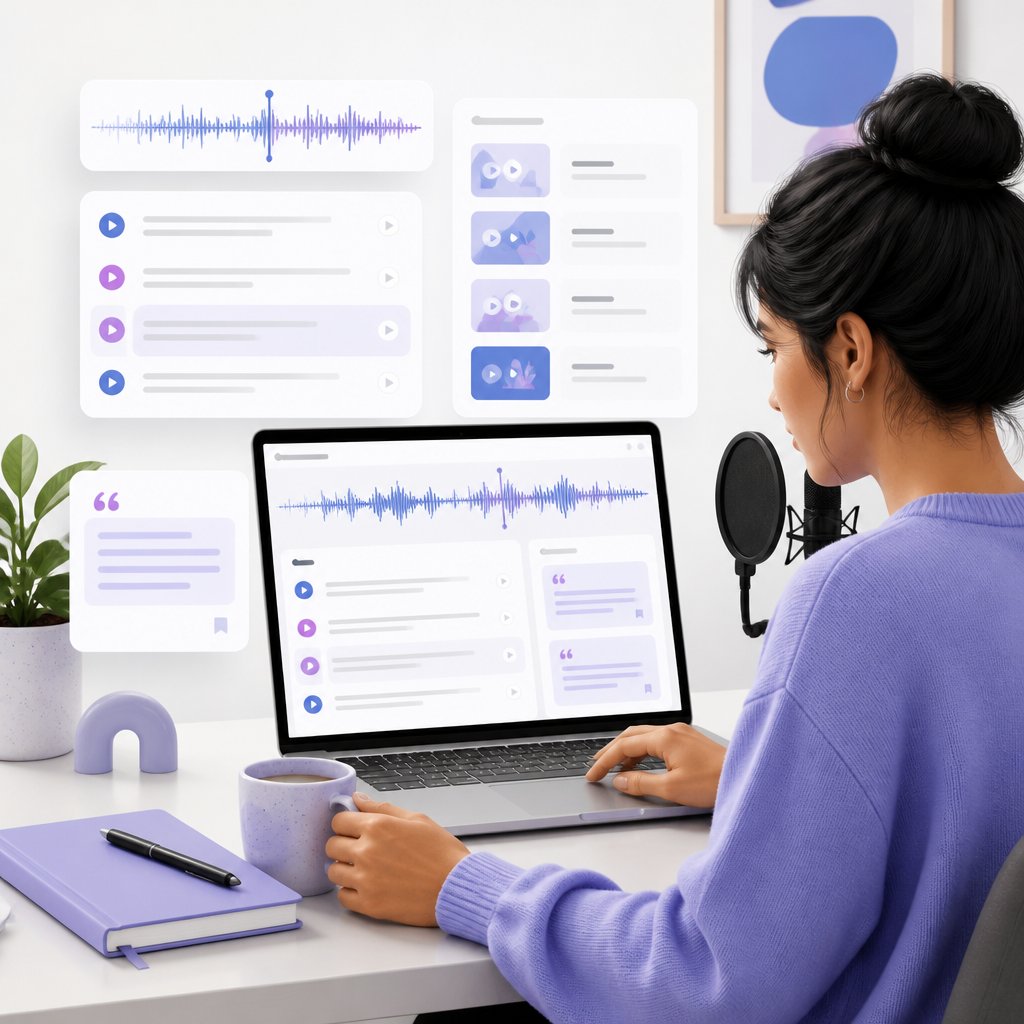
A marketer shares a public podcast link and requests Advanced transcription with speakers and chapters. ChatGPT then extracts claims, quotes, and content angles with timestamps for verification.
Example 2: Can ChatGPT Transcribe Audio for Meeting Follow-Up?
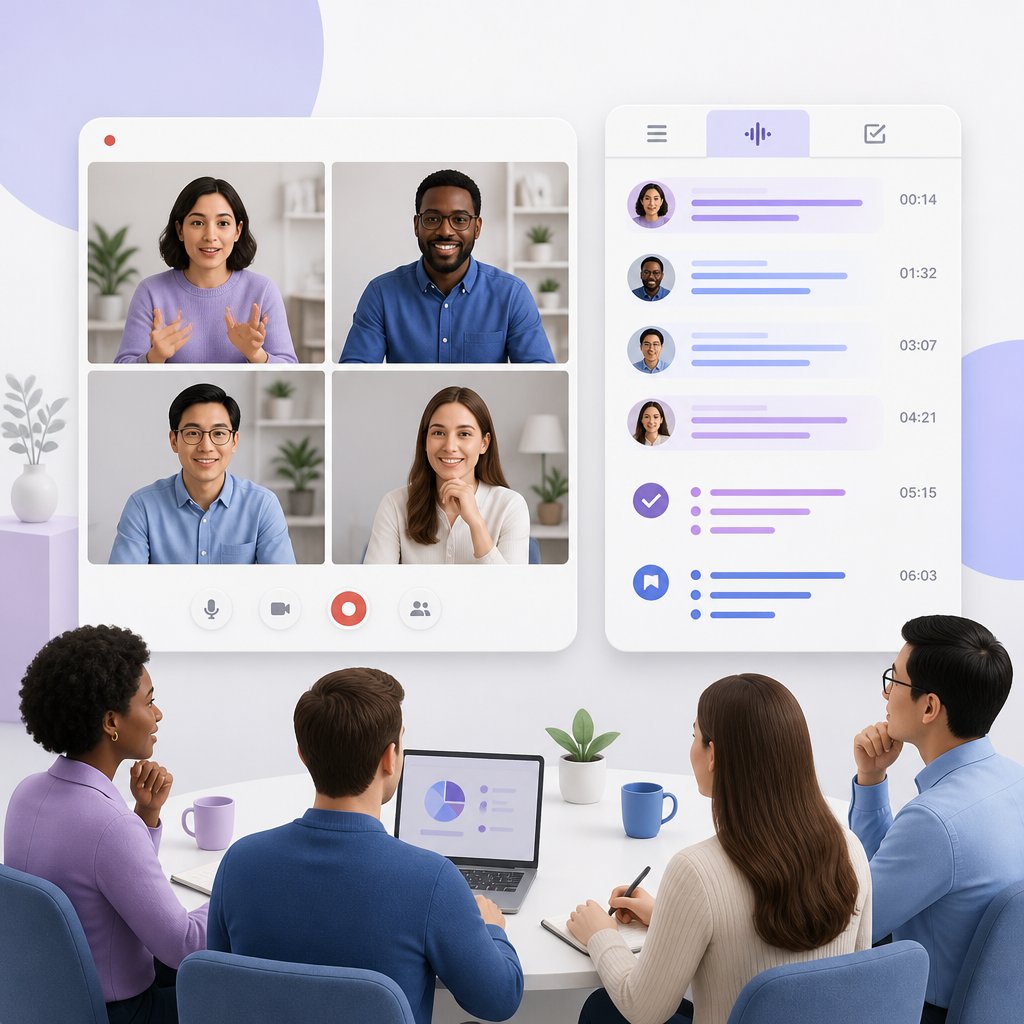
A project lead submits a meeting recording with speaker detection. After success, ChatGPT produces decisions and action items with supporting timestamps. For teams asking can ChatGPT transcribe audio and produce useful work, this beats a plain text dump.
Frequently Asked Questions About Transcript API
Can ChatGPT Transcribe Audio After MCP Is Configured?
Can ChatGPT transcribe audio through MCP? Yes, if your ChatGPT environment exposes the Video Transcriber AI tools. Availability depends on your account and workspace.
Can ChatGPT Transcribe Audio Without Coding Experience?
Not for routine requests. A compatible coding agent follows the workflow from natural language. Installation requires a supported agent and installer. For ChatGPT, MCP is the documented connection path.
Can ChatGPT Transcribe Audio Quickly?
Time depends on media length, source availability, model, and features. The client should honor retry_after instead of assuming an instant result.
Can ChatGPT Transcribe Audio and Translate the Transcript?
Yes. ChatGPT can summarize or analyze the result. Transcript API can also generate translated text and aligned segments when requested.
Conclusion: Can ChatGPT Transcribe Audio with an MCP Skill?
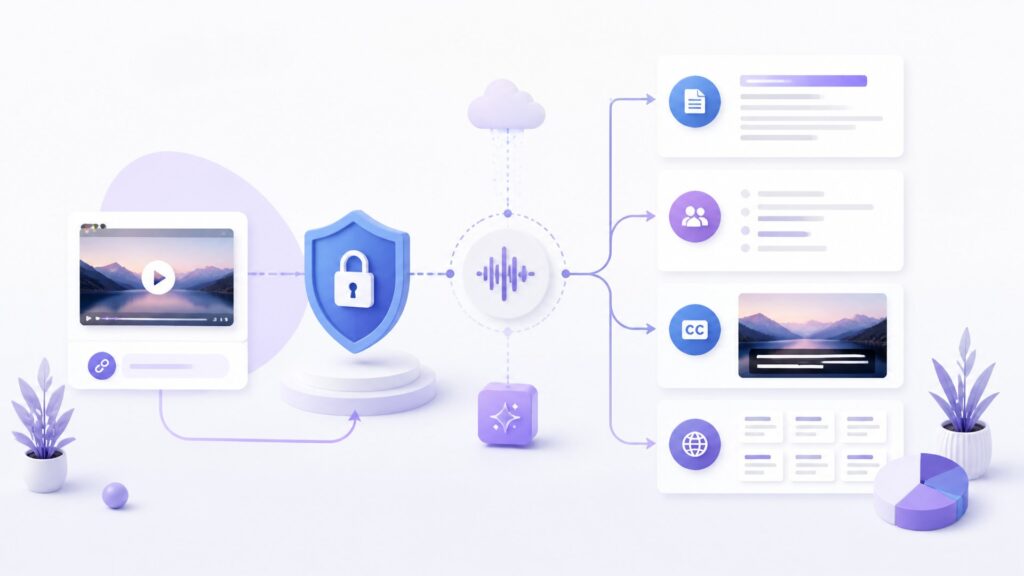
Can ChatGPT transcribe audio? Yes, when a supported ChatGPT environment connects to Video Transcriber AI Transcript API through MCP. The API handles speech recognition, while ChatGPT coordinates the request and turns the finished transcript into summaries, notes, subtitles, translations, or other useful content.
Can ChatGPT transcribe audio as part of a repeatable content workflow? With the right connection and settings, the process can move smoothly from a media link to structured, reusable text.
If you want to test can ChatGPT transcribe audio, create a Video Transcriber AI Transcript API key and connect the service through the method supported by your environment. A clear request and a suitable recording are enough to turn a media link into a structured transcript without leaving your AI workflow.