


You just wrapped a Reel. You spent time on the hook, nailed the delivery, hit post — and 48 hours later it's buried in the feed. The content is gone. But the words you spoke? Those can keep working for weeks.
Converting Instagram to text is how creators and marketers turn a single video into captions, newsletters, articles, and subtitles — without recording anything new. This guide covers what Instagram to text means, which method to use, the best tools available in 2026, and how to build a repeatable repurposing workflow around it.
What "Instagram to Text" Actually Means
Instagram to text is the process of converting the spoken audio in an Instagram video — a Reel, Story, IGTV, or feed video — into a written transcript. Depending on the tool, that output can take several forms:
- Raw transcript — a plain-text record of everything spoken, with punctuation
- SRT/VTT file — a timestamped subtitle file ready to upload directly to Instagram or YouTube
- Speaker-labeled transcript — identifies who said what in multi-person or interview-format videos
- AI summary — a condensed breakdown of the transcript's key points, generated automatically
The phrase also covers a narrower use case: pulling the written caption text from a post using an Instagram caption to text extractor. But throughout this guide, Instagram to text refers specifically to converting spoken video content into readable, usable text.
Why Converting Instagram to Text Matters in 2026
Video content has one serious limitation: once it's posted, it only works as a video. Instagram to text conversion changes that.
Your Content Disappears Without Repurposing
A Reel peaks within 24–48 hours, then drops out of the feed. Instagram to text conversion is the bridge between a video that lives and dies in the algorithm and a piece of content that keeps working — as a blog post, a newsletter paragraph, a LinkedIn article — for months afterward.
Most Viewers Watch Without Sound
The majority of social video is consumed silently. Without captions, your message is invisible to a significant portion of your audience. An Instagram reel transcript gives you the raw material to add accurate subtitles in minutes — keeping viewers engaged instead of scrolling past.
Captions Are a Baseline, Not a Bonus
Accurate subtitles are now a standard accessibility expectation. Converting Instagram video to text and turning that output into a subtitle file is far more reliable than Instagram's native auto-captions, which struggle with accents, fast delivery, and background music.
One Video, Multiple Formats
The biggest unlock from Instagram to text isn't any single output — it's the ability to feed one piece of spoken content into five different formats at once. A 60-second Reel becomes a caption, an email snippet, a LinkedIn post, a quote graphic, and an article intro, all from a single Instagram to text conversion.
How to Convert Instagram to Text — 3 Methods Compared
| Method | Speed | Accuracy | Cost | Scalable |
| AI transcription tools | 20–60 seconds | 97–99.9% | Free–paid | Yes |
| Instagram built-in captions | Manual copy | 85–95% | Free | No |
| Manual transcription | 4–6× video length | ~100% | Time only | No |
Method 1: AI Transcription Tools (Fastest & Most Accurate)
Paste a public Instagram URL into an Instagram to text converter, click Generate, and download your transcript in 20–60 seconds. No video downloads, no technical setup. This is the method used by the vast majority of creators and content teams because it's fast, accurate, and repeatable at any volume.
Best for: anyone publishing Instagram content regularly who needs a scalable Instagram to text workflow.
Method 2: Instagram's Built-in Caption Copy (Limited)
Instagram auto-generates captions for Reels natively. You can read and manually copy the text from the caption editor — but there's no export button, no timestamps, no speaker labels, and no retroactive transcript for videos already posted. Accuracy drops with accents, fast speech, or music in the background.
Best for: occasional use when you only need a rough transcript of your own new content.
Method 3: Manual Transcription (Free but Slow)
Watch the video and type what's said. A 3-minute Reel takes 20–30 minutes to transcribe accurately — unworkable at any scale, but useful for sensitive or highly technical content in languages automated tools don't yet support well.
Best for: one-off needs where precision outweighs speed.
7 Best Instagram to Text Tools in 2026
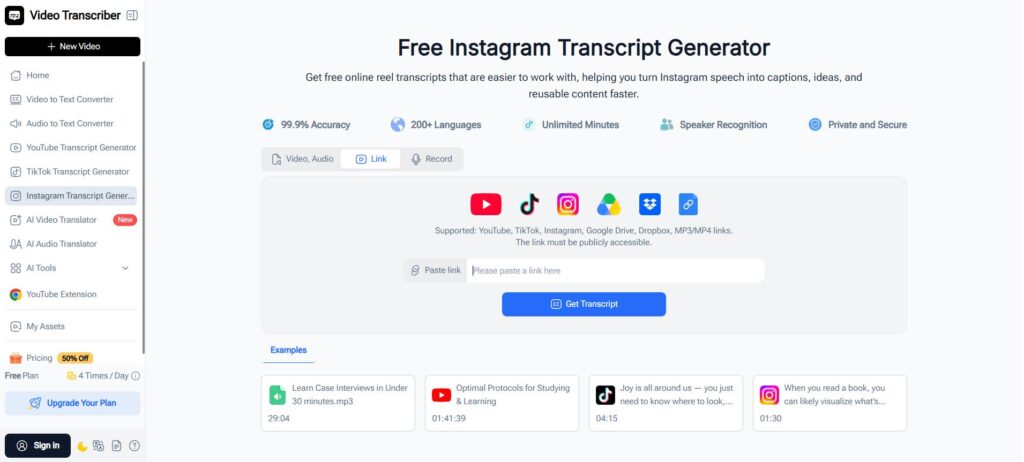
1. Video Transcriber AI — Segment Breakdown with AI Summary and Analysis
Video Transcriber AI goes beyond a raw Instagram to text transcript. Once it converts your Instagram video to text, it breaks the content into labeled segments and runs AI-powered summarization on each section — so instead of a wall of raw text, you get a structured breakdown of key points and takeaways ready to turn into content immediately.
Key features:
- Paste any public Instagram URL for instant Instagram to text conversion — no file download needed
- AI segment breakdown with individual summaries per section
- Extracts key themes and highlights from each segment automatically
- 200+ languages supported with 99.9% accuracy on clear speech
- Works across YouTube, TikTok, Google Drive, Dropbox, and MP3/MP4 links — not just Instagram
Ideal for: creators and marketers who want to go from Instagram to text to a usable content brief in one step.
2. Musely — Speaker-Labeled Transcripts in Under 60 Seconds
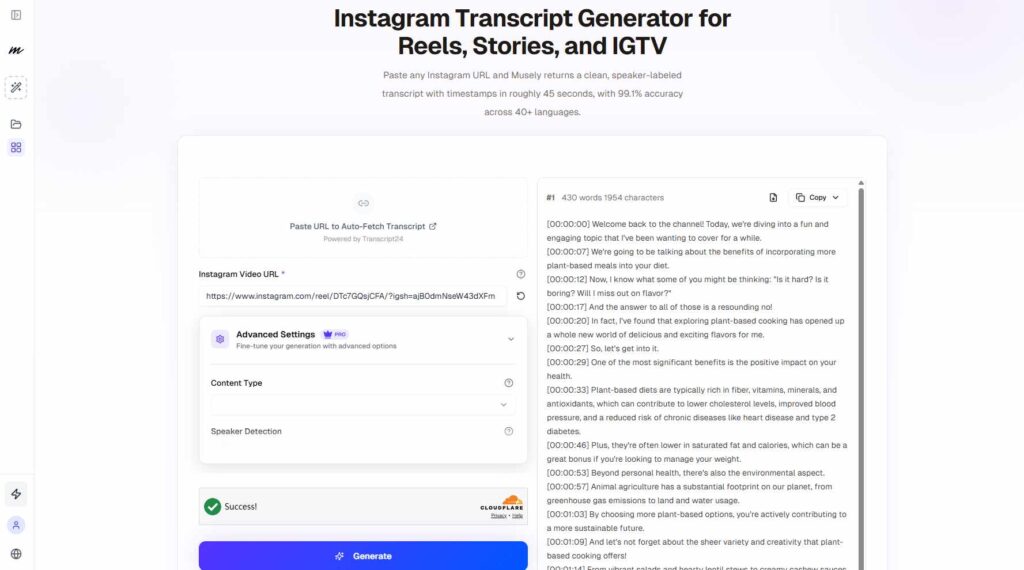
Musely completes Instagram to text conversion in a median of 45 seconds with 99.1% accuracy and speaker diarization for up to 6 voices — the standout feature for interview-style Reels and panel content.
Key features:
- Speaker diarization for up to 6 distinct voices
- Word-level, line-level, or 30-second timestamp options
- 40+ languages with automatic detection
- Export to TXT, SRT, VTT, and JSON
Ideal for: creators transcribing multi-speaker Instagram video where knowing who said what matters.
3. WayinVideo — The Widest Export Format Range
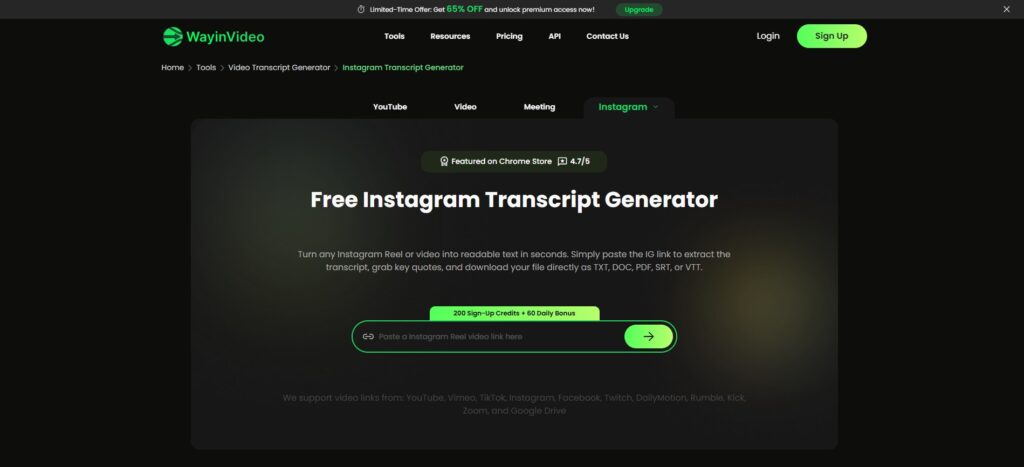
WayinVideo's Instagram to text tool exports to TXT, DOC, PDF, SRT, and VTT from a single transcription — the broadest format coverage of any tool here. No login required to get started.
Key features:
- Five export formats from one Instagram to text conversion
- Supports Reels, Instagram Live, and feed videos
- No account required for basic use
Ideal for: teams who need to hand off transcripts in different formats to different stakeholders.
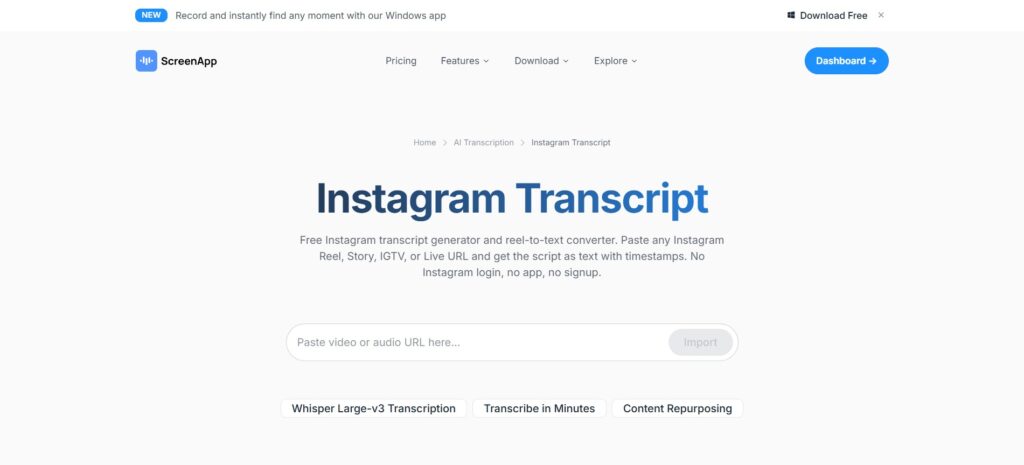
4. ScreenApp — Instagram to Text Inside a Full Video Toolkit
ScreenApp embeds Instagram to text conversion inside a broader suite: AI summaries, clip maker, subtitle generator, screen recorder, and video compressor — all in one workspace.
Key features:
- URL-based Instagram to text conversion with timestamp support
- Integrated AI assistant for querying and summarizing the transcript
- Desktop apps for Mac and Windows; no Instagram login required
Ideal for: creators who want transcription, captioning, and light editing without switching tools.
5. Proactor AI — Transcript Plus AI Insights in One Step
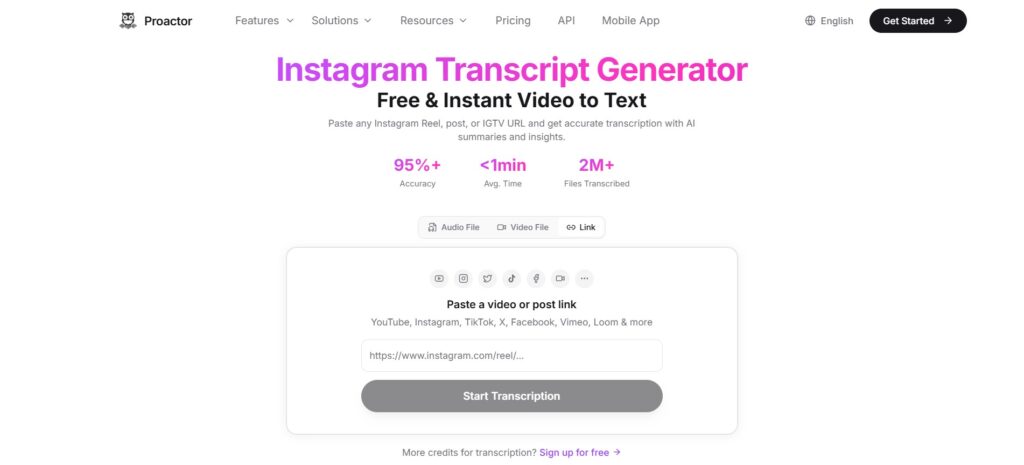
Proactor AI layers AI summaries and content insights on top of the Instagram to text output — useful for analyzing competitor Reels, identifying content angles, or drafting articles from high-performing videos.
Key features:
- Instant Instagram to text from any public Reel, post, or IGTV URL
- AI-generated summary and insights alongside the raw transcript
- Free to start; no credit card required
Ideal for: marketers and researchers who need structured takeaways, not just raw text.
6. Kapwing — Edit, Caption, and Export in One Browser Tab
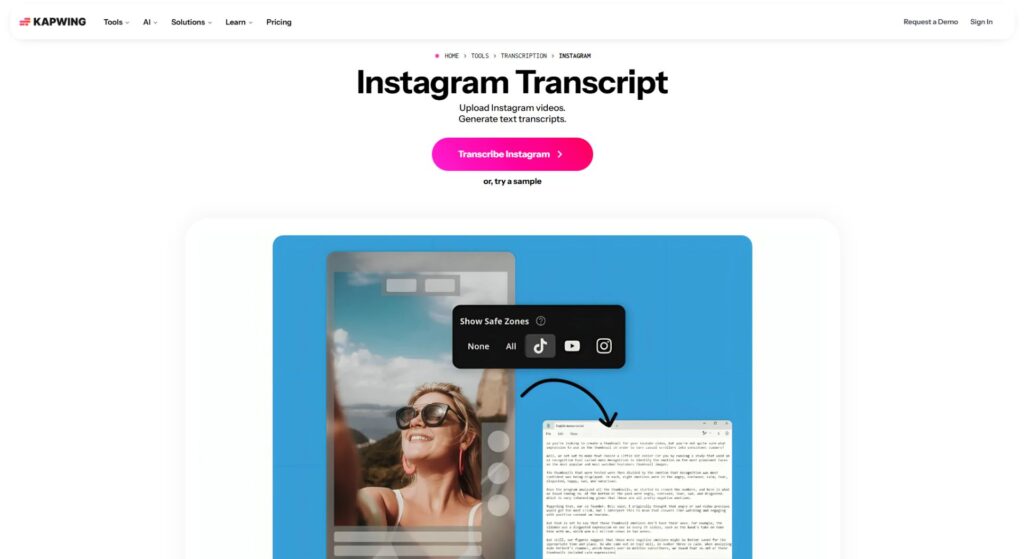
Kapwing's Instagram to text feature sits inside a full browser-based video editor. Transcribe a Reel, then immediately add styled captions, trim the video, and export — without leaving the tab.
Key features:
- Instagram to text conversion inside a browser video editor
- Auto-generated styled subtitles from the transcript
- Repurpose Studio for reformatting across aspect ratios; no download needed
Ideal for: social media managers who need to transcribe and caption Instagram content in one workflow.
7. Choppity — Transcribe, Clip, and Publish Without Switching Apps
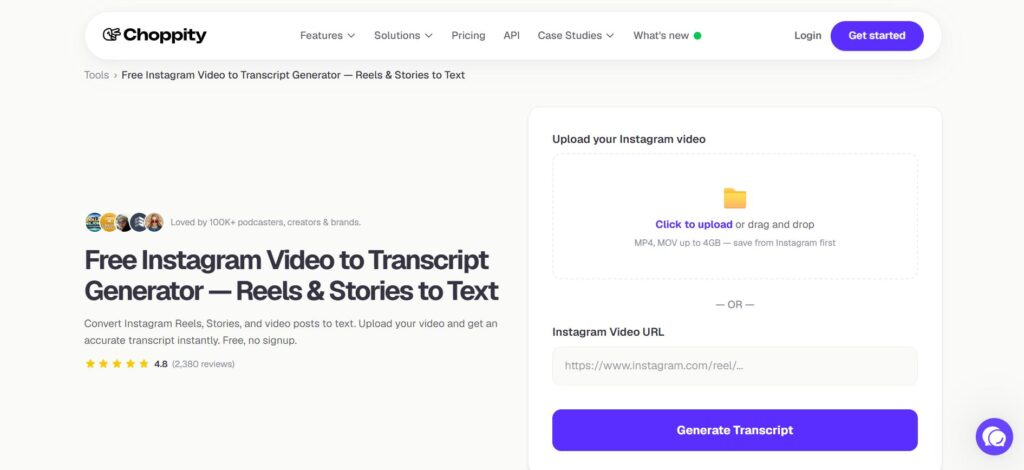
Choppity accepts both Instagram URLs and direct video uploads for its Instagram to text tool. After transcription, the output feeds an AI clip maker that identifies hook-worthy moments and connects to a built-in scheduler for publishing.
Key features:
- Accepts Instagram URLs and uploaded MP4/MOV files up to 4GB
- AI clip maker cuts highlights automatically from the Instagram to text output
- Built-in content calendar with 1-click publishing to social platforms
Ideal for: creators who want to go from Instagram to text to scheduled short-form clips in a single workflow.
How to Repurpose One Reel into 5 Content Pieces
Run any Reel through an Instagram to text converter, then work the output through these five formats:
1. Blog post — Break the transcript into 3–4 sections, add a short intro and conclusion, expand each section by one sentence. A 90-second Reel becomes a 600-word draft in 15 minutes.
2. Instagram caption — Find the strongest line in the first third of the transcript. Use it as your hook. Add two to three more sentences, format with line breaks, and end with a call to action.
3. LinkedIn or Twitter/X post — The Instagram to text output is already conversational. Reframe the main point as a short numbered list or thread and publish.
4. Email newsletter — Pull the most insight-dense 50–75 words from the middle of the transcript. That's your newsletter paragraph. Use the Reel's opening line as the subject.
5. Subtitle file — Export the Instagram to text result as an SRT file and upload it back to the original Reel via Instagram's caption editor, or burn it in with Kapwing or ScreenApp.
One Instagram to text conversion. Five pieces of content. One video's work done for the week.
Common Mistakes to Avoid
Publishing the raw transcript without editing
AI transcripts capture filler words, false starts, and run-on sentences. Always do a quick pass on any Instagram to text output before it goes live — remove "um," "like," and "you know," and split long sentences in two.
Skipping audio quality
Even the best Instagram to text tool struggles with loud background music or poor mic placement. Record in a quiet space, lower backing tracks well below your voice level, and use a clip-on mic if you can. Clean audio produces cleaner transcripts.
Trying to transcribe private content via URL
Instagram to text tools that work via URL only reach publicly accessible content. For private videos you own, download the file first and use an upload-based tool like Choppity.
Conclusion
Instagram to text conversion is one of the most efficient habits a creator can build in 2026. It turns content that peaks in 48 hours into assets that keep working across formats and channels for months.
For most creators, Video Transcriber AI is the best starting point — its segment-level AI analysis does more than extract words, it tells you what the content is actually about and hands you a ready-to-use brief. For multi-speaker content, Musely's diarization is the go-to. And for a complete transcribe-to-publish workflow, Choppity and Kapwing keep everything in one place.
Start with one Reel. Run it through an Instagram to text converter. See what was already there, waiting to be used.