


A transcript from interview audio turns a valuable conversation into searchable, editable text. With Video Transcriber AI, you can create one in minutes instead of replaying every answer and typing until your coffee goes cold.
Introduction: Create an Interview Transcript Faster with Video Transcriber AI
Interviews contain stories, evidence, expert opinions, and memorable quotes. Unfortunately, those insights can be difficult to find when they are trapped inside a 60-minute recording. Creating a transcript from interview audio gives you a written record that is easier to review, quote, share, and repurpose.
Upload an audio or video file, generate the text, review it, and export the finished document.
What Is a Transcript from Interview?
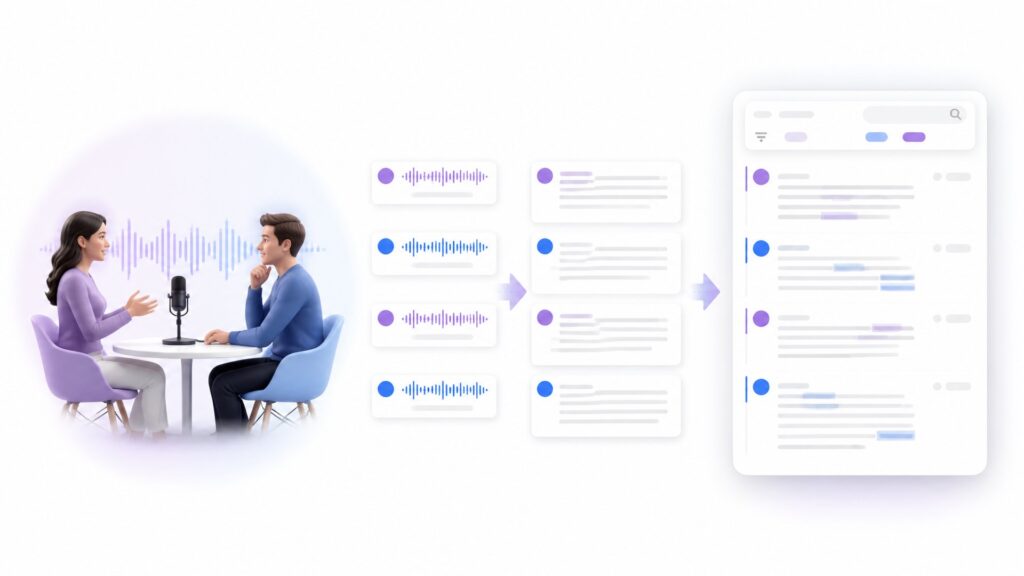
A transcript from interview content is a written version of the spoken conversation between an interviewer and one or more participants. Depending on your purpose, it may reproduce every spoken word or present a lightly edited version that removes distracting filler.
The Essential Elements of an Accurate Interview Transcript
A useful transcript from interview audio normally includes:
- Correct wording: The text reflects what was said.
- Speaker labels: Each response has the right participant.
- Timestamps: Key moments link back to the recording.
- Consistent formatting: Names and paragraphs follow one style.
Interview Transcript vs. Interview Notes: What Is the Difference?
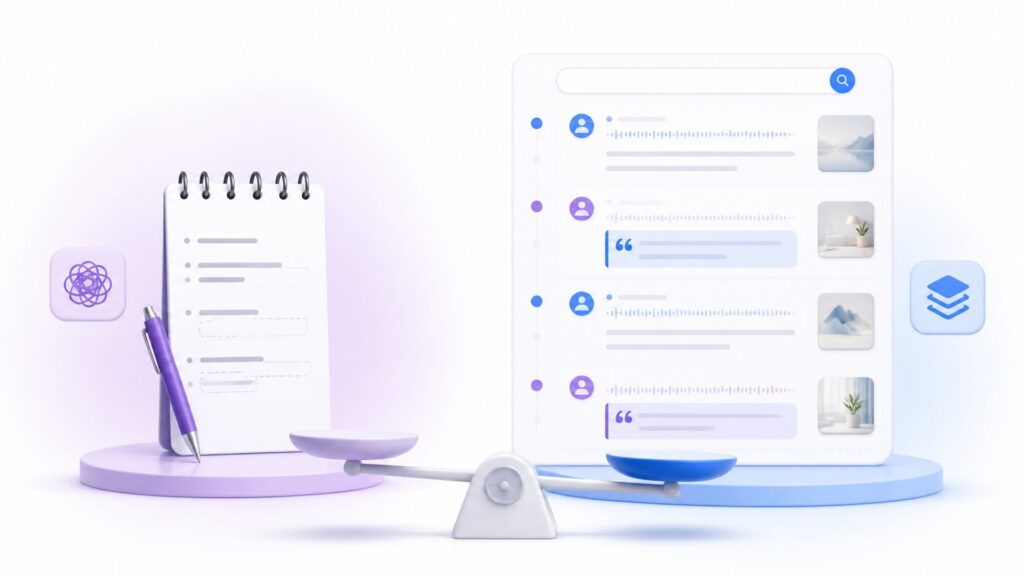
Interview notes summarize selected ideas. A transcript from interview audio captures the conversation itself. Notes are faster to scan, but they may omit context, exact phrasing, or an unexpected comment that becomes important later.
Why an Accurate Transcript from Interview Matters
Accuracy affects every task that follows transcription. A mistaken name can undermine a published article. A missing word can change the meaning of a research response. A poorly labeled speaker can make a customer story confusing. A careful transcript from interview audio reduces those risks.
Make Interview Content Easier to Search and Analyze
Audio is linear. To find one comment, you may have to scrub through the timeline and listen repeatedly. Text is searchable. Once Video Transcriber AI produces a transcript from interview audio, you can locate a phrase, name, product, or theme in seconds.
Preserve Exact Quotes and Important Context
People rarely speak in neat bullet points. Meaning comes from the words around a quote, the question that prompted it, and the speaker who said it. A timestamped transcript from interview content helps preserve this context.
Review important statements beside the source recording before publishing or making a decision.
Repurpose Interview Insights into New Content
The transcript from interview page gives you a direct route from recording to reusable text. Once the words are available in a clean document, repurposing becomes an editing task instead of a listening marathon.
How to Get a Transcript from Interview with Video Transcriber AI
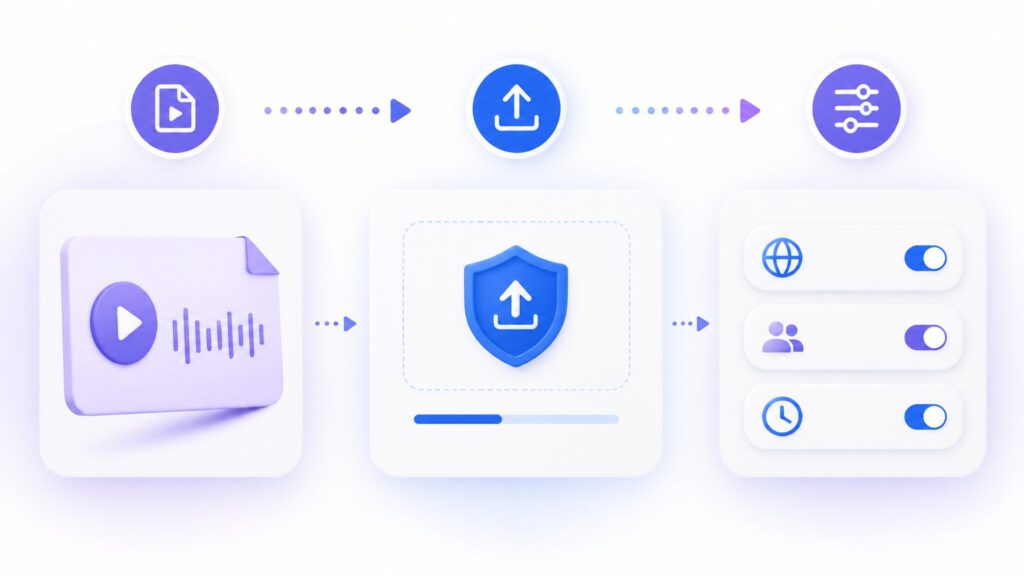
The following workflow takes you from raw recording to polished document. Before starting, choose the clearest available source file and confirm the names of all speakers. That small amount of preparation makes the transcript from interview process faster to review.
Step 1: Upload Your Interview Audio or Video
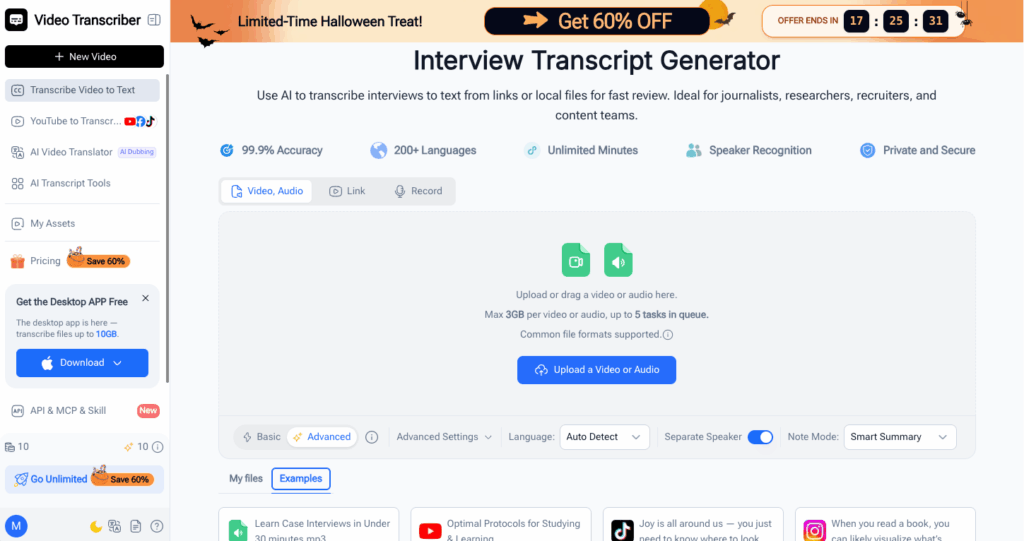
Open Video Transcriber AI, select the interview transcription tool, and upload the original audio or video file. Keep the source as your reference copy.
Step 2: Select the Language and Transcription Settings
Choose the language spoken in the recording. For multilingual interviews, select the dominant language and review language switches carefully.
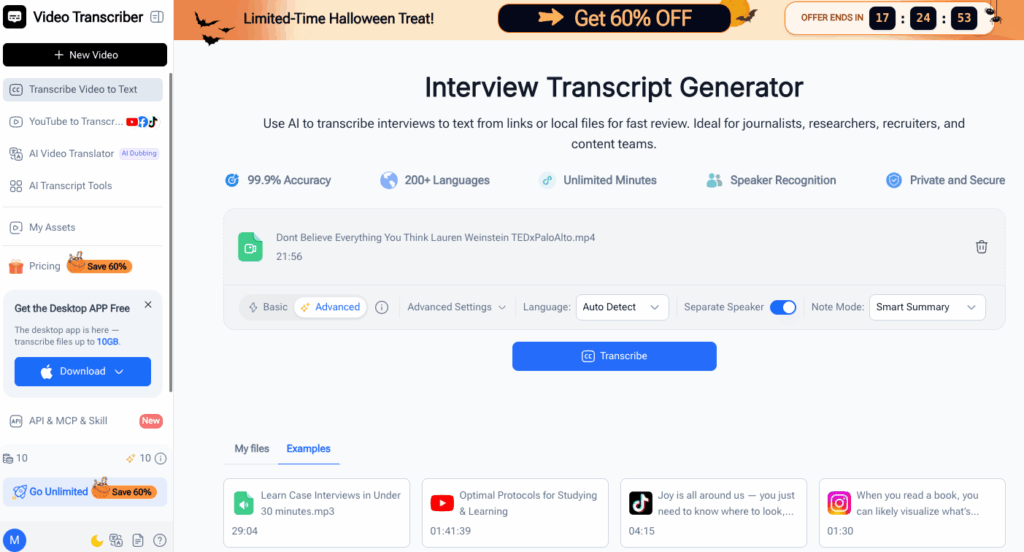
Use speaker separation when it is available and relevant. Distinguishing the interviewer from the guest makes a transcript from interview audio much easier to read. Timestamps are also useful when you expect to verify quotes or create clips later.
Step 3: Generate the Transcript from Interview Automatically
Start transcription. While it processes, list participant names, companies, acronyms, and specialist terms for review.
When processing finishes, open the generated transcript from interview audio and scan its overall structure. Confirm that the beginning and ending are present, paragraphs appear in the right order, and speaker changes have been detected reasonably well.
Step 4: Review Speakers, Timestamps, and Transcription Errors
Review quotations, technical claims, unclear wording, and speaker changes against the recording.
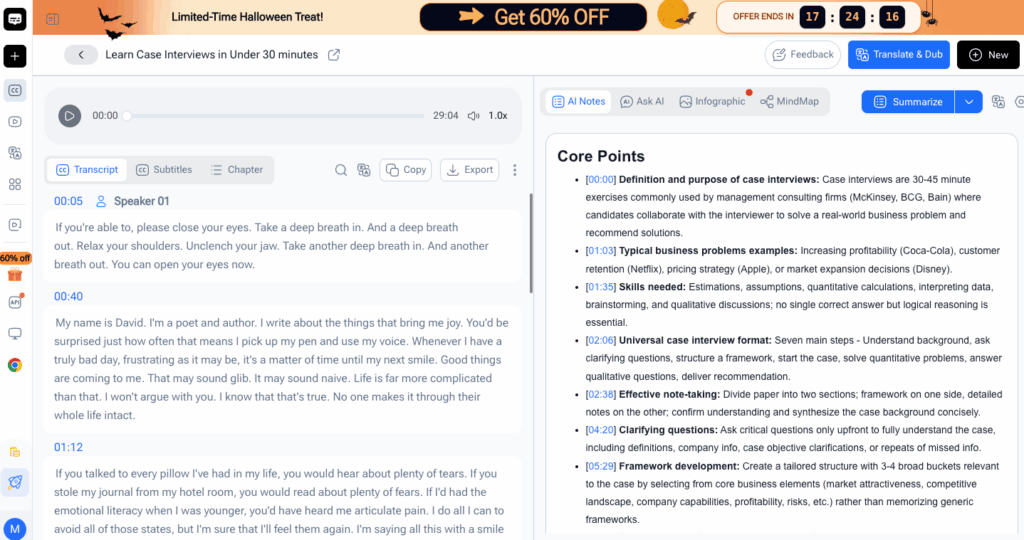
Use this checklist to refine your transcript from interview audio:
- Correct names and speaker labels.
- Verify numbers, dates, and proper nouns.
- Fix unclear words.
- Confirm important quotes.
- Remove filler only when appropriate.
Step 5: Export and Share Your Finished Interview Transcript
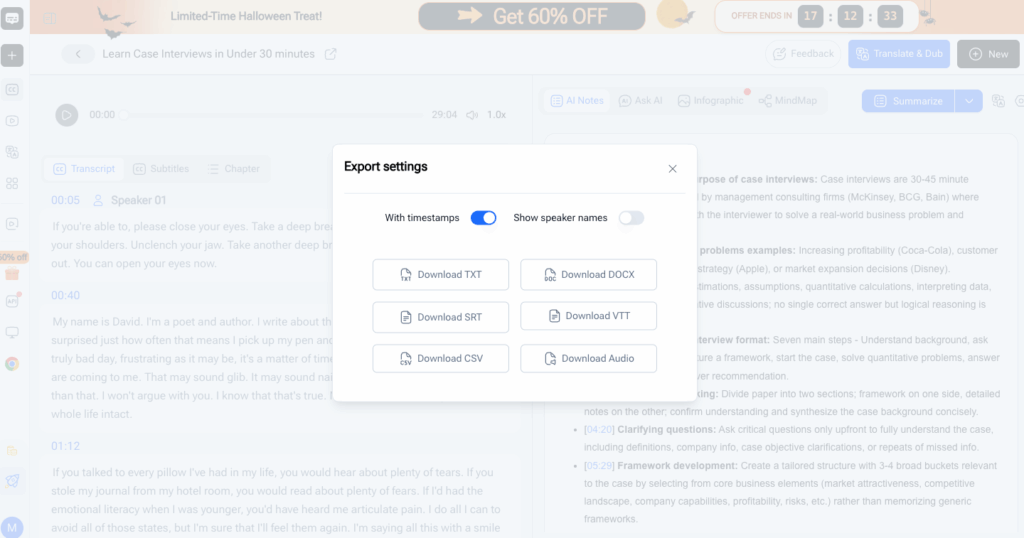
Export a document for editing and collaboration, or plain text for search and analysis. Keep timestamps when colleagues may need to verify the source.
Store the recording and final transcript from interview audio together. If the conversation is confidential, follow your organization's privacy and retention policies.
With the transcript from interview workflow, the exported document can move directly into research, editing, publishing, or internal review.
Pro Tips for Better Interview Transcripts with Video Transcriber AI
Improve the Source Recording Before Uploading It
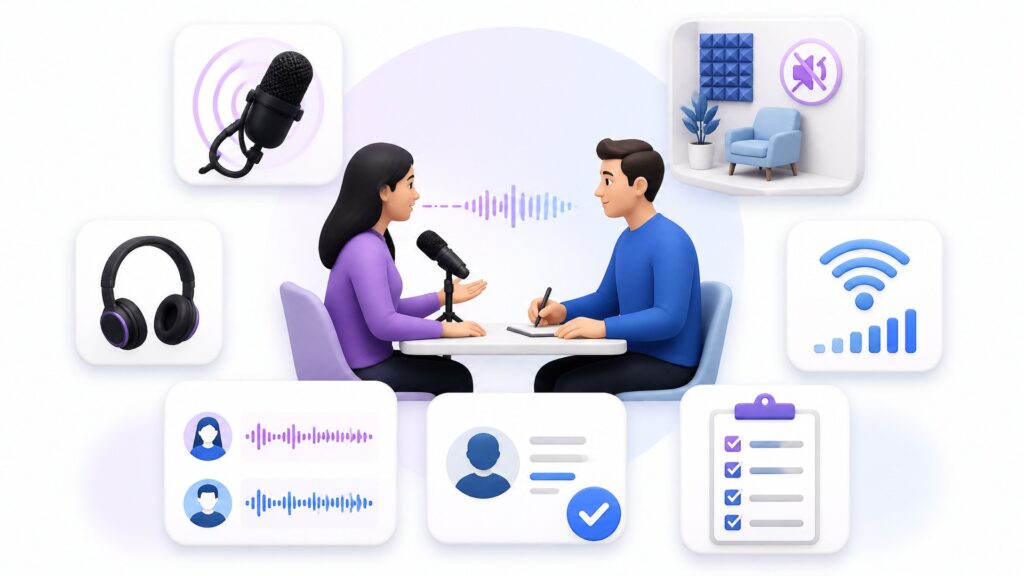
Place microphones near speakers, reduce background noise, and avoid talking over one another.
For remote interviews, encourage each participant to use headphones and a stable connection. A clear source helps Video Transcriber AI produce a more accurate transcript from interview audio. It also makes uncertain passages easier for you to verify later.
Use Speaker Labels to Organize Every Interview Response
Replace generic labels with names or roles such as Interviewer, Dr. Chen, or Customer.
Check labels whenever speakers interrupt each other or deliver short responses. These are common places for attribution to shift. Correct labeling protects the context of every quote in the transcript from interview recording.
Review Names and Technical Terms Before Exporting
Search for every important name and technical term, then compare spellings with an approved source.
Focus most on facts that would be harmful if published incorrectly. The transcript from interview tool saves typing time, leaving more time for high-value verification.
Real-World Examples of Using Video Transcriber AI
Example 1: A Journalist Creates a Transcript from Interview Audio
A journalist uploads a 45-minute expert interview, generates the text, and assigns the correct speaker names.
Next, she searches the transcript from interview audio for the themes discussed in her article. She verifies each selected quote against the timestamped recording and keeps a full copy for fact-checking. The transcript helps her write faster without sacrificing quotation accuracy.
Example 2: A Researcher Analyzes Multiple Interview Transcripts
A researcher has twelve recorded interviews from a product study. He processes each file through Video Transcriber AI using consistent language and speaker settings. He then exports every transcript from interview recording with a standardized filename.
He searches repeated terms, codes responses by theme, and returns to timestamps when a response needs clarification.
For recurring projects, a documented transcript from interview workflow also helps teammates follow the same quality checks across every participant.
Frequently Asked Questions About Video Transcriber AI
How Accurate Is Video Transcriber AI for Interview Audio?
Video Transcriber AI can eliminate most manual typing, but you should review a transcript from interview audio before publishing it or using it for a high-stakes decision. Always verify names, numbers, quotations, and specialist language.
Which Interview Audio and Video Formats Can I Upload?
Check the upload interface for the current format list. Use the original recording when accepted, and avoid repeated conversions that may reduce audio quality.
How Long Does It Take to Generate a Transcript from Interview?
Processing depends on duration, file size, audio complexity, and service demand. Short, clear interviews generally finish sooner.
Can I Edit and Export the Interview Transcript After Processing?
Yes. Generate the text, inspect labels and timestamps, correct important errors, and choose an available export format.
Before sharing, read the exported file once more to ensure formatting survived correctly. Save the reviewed version separately from the initial draft so your team knows which transcript from interview document is ready to use.
Conclusion: Turn Every Interview into a Useful Transcript
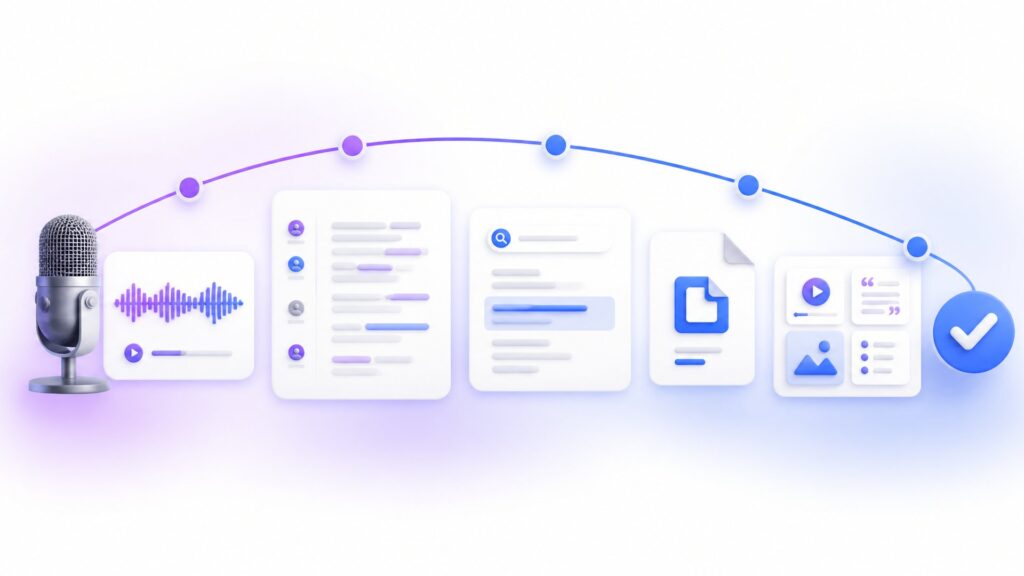
Video Transcriber AI turns a recorded conversation into searchable, editable text through a simple workflow: upload the media, choose the right settings, generate a draft, verify important details, and export the finished document. This makes a transcript from interview audio faster to create without removing the need for thoughtful review.
A reliable transcript from interview recording helps journalists confirm quotes, researchers compare responses, and content teams repurpose valuable insights. For the best result, use clear source audio and check names, numbers, speaker labels, and technical terms before sharing the file.
Ready to stop replaying the same sentence? Use the transcript from interview workflow in Video Transcriber AI to generate your first draft, review the text, and export a practical document that is ready for your next project.