


Want to transcribe a video for free without hours of typing? Video Transcriber AI converts interviews, lectures, tutorials, and marketing videos into editable text through a simple five-step workflow.
Introduction: The Easiest Way to Transcribe a Video for Free
Typing a transcript manually means constantly playing, pausing, and rewinding. Video Transcriber AI provides a faster way to transcribe a video for free. Upload your recording, choose its language, generate a draft, and review the text in one straightforward workflow.
This guide explains how to transcribe a video for free and improve the result without specialist software. You will also learn how to turn the finished transcript into useful notes, articles, captions, and searchable reference material.
What Does It Mean to Transcribe a Video for Free?
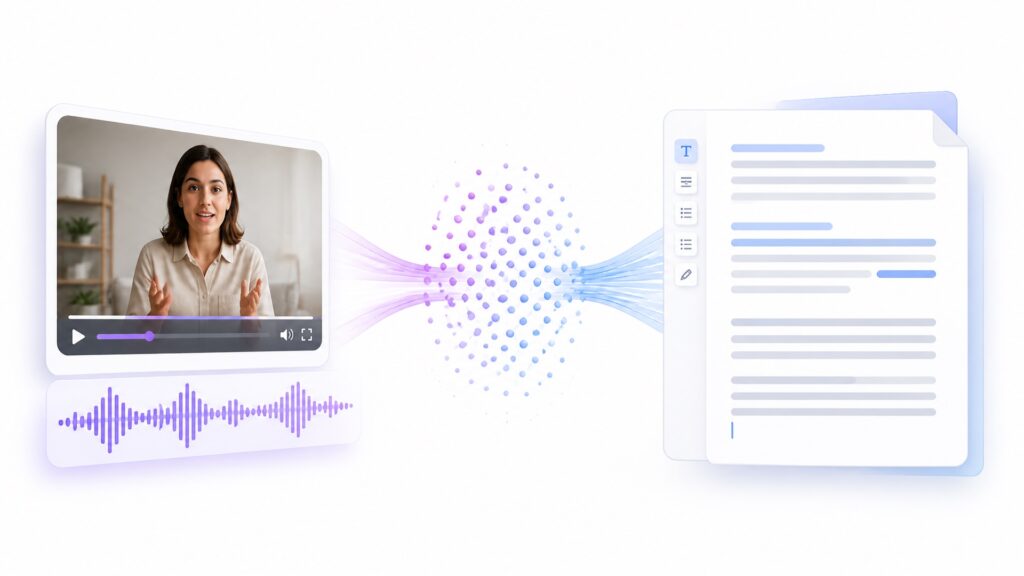
To transcribe a video for free means converting the speech in a video into written text without paying for the initial transcription. The result can preserve dialogue, highlight useful information, and provide source material for other content.
When you transcribe a video for free with Video Transcriber AI, the system analyzes the audio and produces an editable draft. You remain in control of the final wording, punctuation, and formatting.
How AI Converts Video Speech into Text
AI transcription recognizes spoken language and matches sounds with words. This automated first pass is much faster than starting from a blank document. You can then listen to important sections and correct anything that needs human context.
Names, acronyms, numbers, and specialist terms deserve extra attention. A quick review helps you transcribe a video for free while maintaining the accuracy your audience expects.
Free Video Transcription vs. Manual Transcription
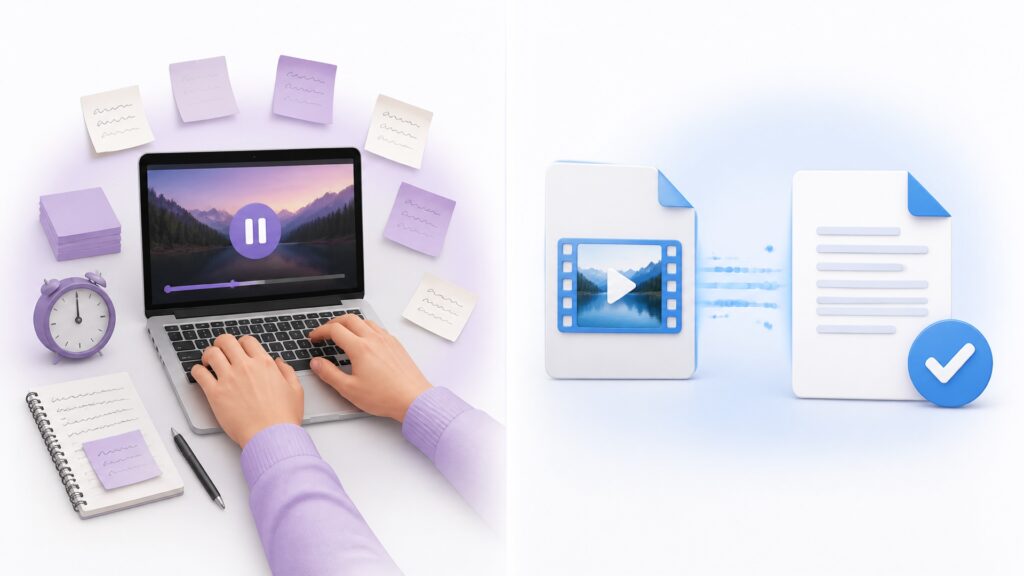
Manual transcription can be accurate, but it demands time and concentration. Fatigue also makes it easier to miss words. AI changes the order of work: instead of typing every sentence, you review an existing draft.
That makes it practical to transcribe a video for free even when the recording is longer than a short social clip. The tool handles repetitive listening while you focus on meaning and quality.
What You Can Do with a Finished Transcript
After you transcribe a video for free, you can:
- Find quotes without replaying the entire recording.
- Create subtitle or caption drafts.
- Turn interviews into articles and case studies.
- Build lecture notes and study guides.
- Create searchable archives of meetings or presentations.
- Share information with people who prefer reading.
Why Use AI to Transcribe a Video for Free?
Video Transcriber AI gives you a strong first draft quickly. You still make the editorial decisions, but you do not have to reproduce every spoken sentence by hand.
This workflow helps you transcribe a video for free while saving time, improving access, and making recorded information easier to reuse.
Save Time on Long Videos
A long interview or lecture may contain thousands of words. AI creates the initial transcript automatically, allowing you to concentrate on unclear passages, quotations, and important details.
Create Searchable, Reusable Content
Video is linear, but text is searchable. Once you transcribe a video for free, you can locate a topic or statistic in seconds. One webinar transcript can also support an article, an FAQ, several social posts, and a training document.
Improve Accessibility
A transcript supports viewers who are deaf or hard of hearing, people watching without sound, non-native speakers, and anyone who finds written information easier to absorb. Review the AI draft carefully before publishing important accessibility content.
How to Transcribe a Video for Free in 5 Easy Steps
Before starting, locate the clearest version of your recording and confirm that you have permission to process it. Then open Video Transcriber AI to transcribe a video for free.
Step 1: Open Video Transcriber AI
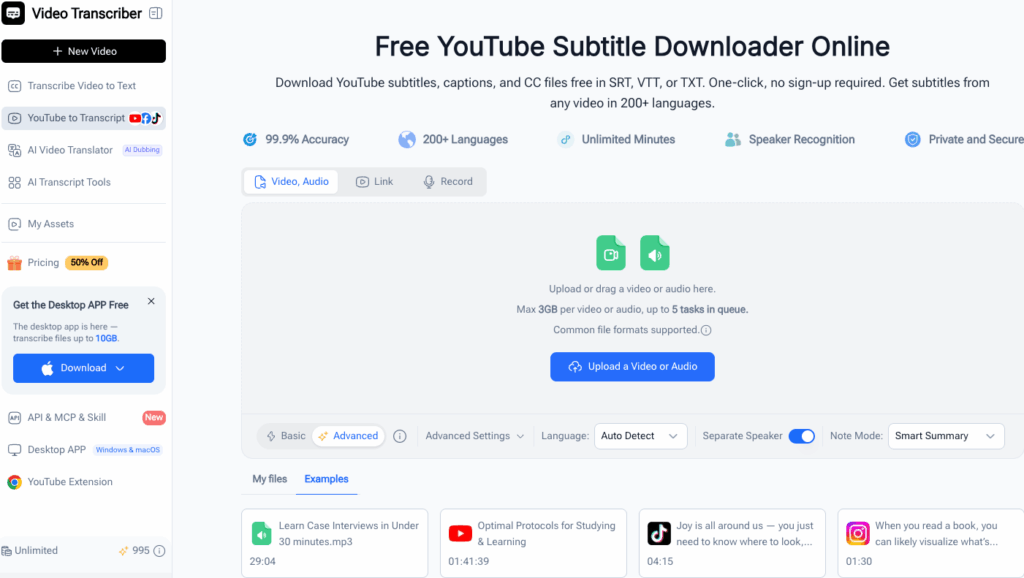
Visit the product homepage and open the transcription interface. Review the current free allowance, privacy information, supported formats, and file limits shown there. These details may change, so the live interface is the best reference.
Step 2: Upload Your Video
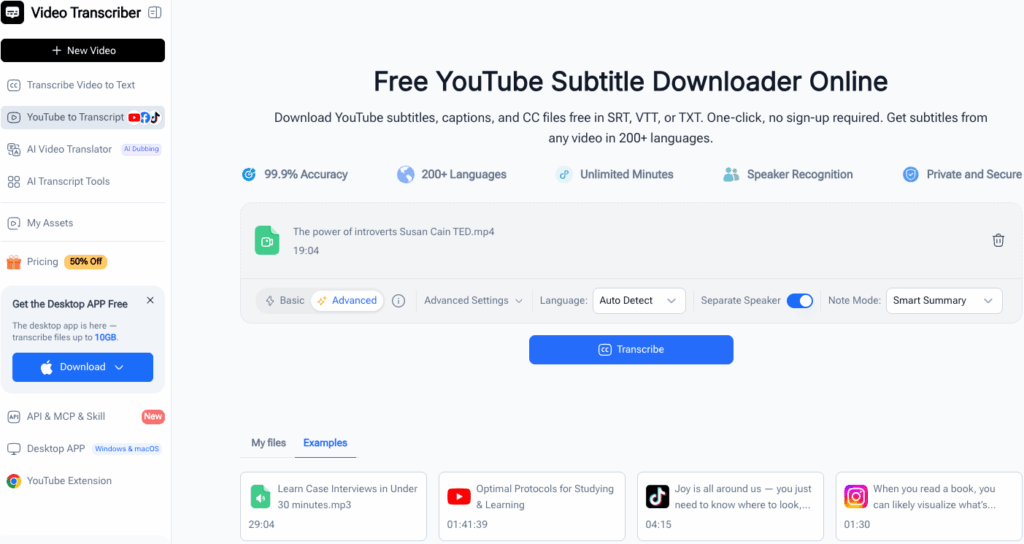
Select the video and wait for the upload to finish before closing or refreshing the page. Use a stable connection for large files. If the upload fails, compare the file format and size with the current requirements.
Choose a clearly named file and verify that it is the correct version. Nobody wants to transcribe a video for free only to discover they uploaded last week’s silent rough cut.
Step 3: Select the Language and Settings
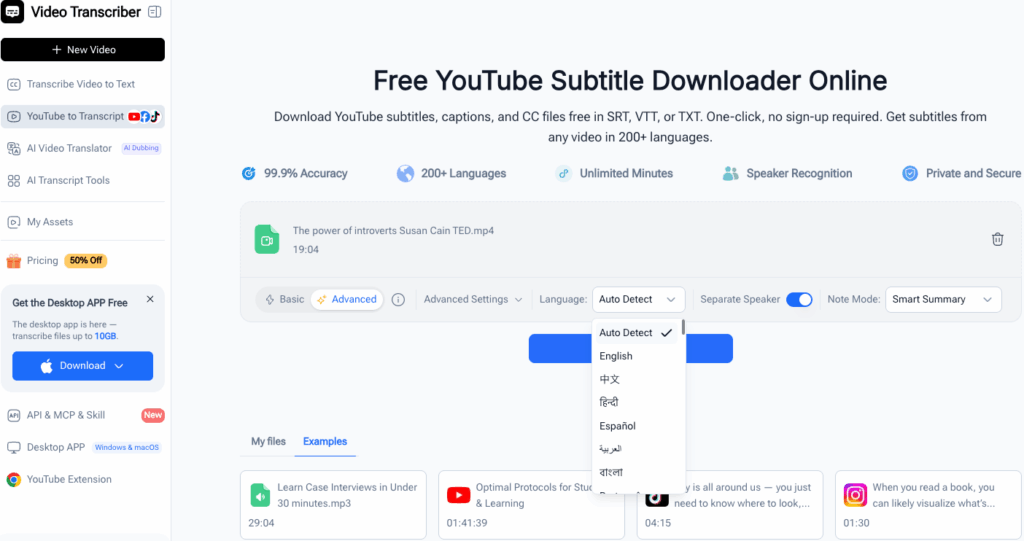
Choose the language actually spoken in the recording. Selecting the wrong language can cause widespread errors. If the interface offers additional options, select those that match your interview, lecture, presentation, or tutorial.
Step 4: Generate and Review the Transcript
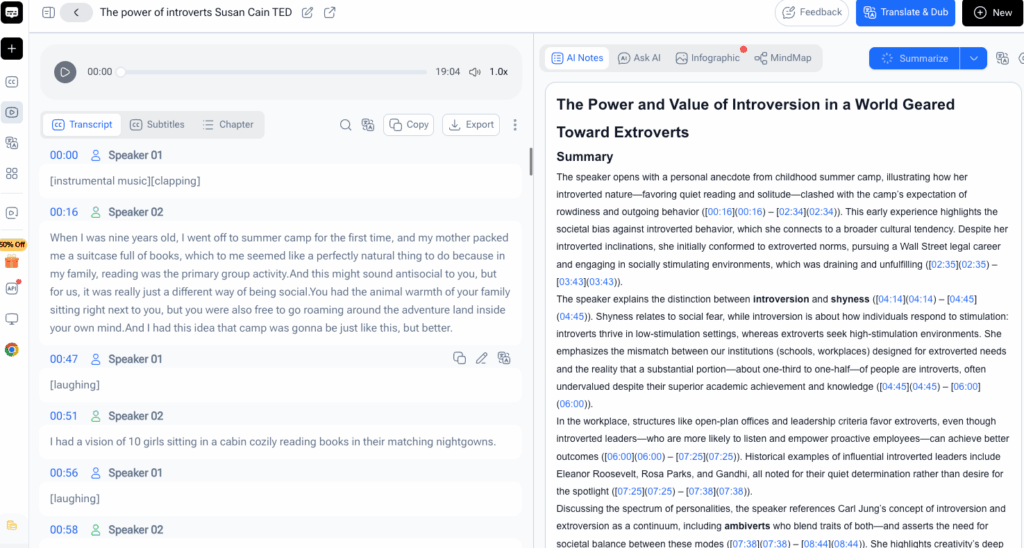
Start the transcription and let Video Transcriber AI process the recording. When the draft appears, compare it with the original video. Check:
- Names of people, products, companies, and places.
- Dates, prices, measurements, and statistics.
- Acronyms and technical vocabulary.
- Speech affected by noise or overlapping voices.
- Punctuation in long sentences.
AI supplies speed, while your knowledge supplies context. This focused review is what turns generated text into a dependable transcript.
Step 5: Edit and Export the Result
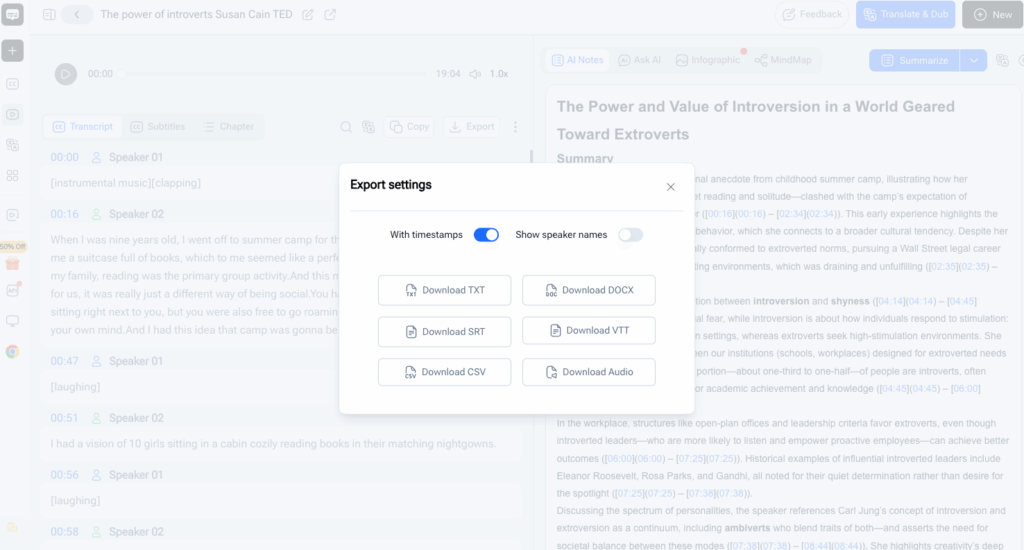
Correct mistakes, divide long passages into paragraphs, and add consistent speaker labels when needed. Preserve one untouched copy, then create a separate version for editing or publication.
Use the available copy or export option to save the result. You have now used Video Transcriber AI to transcribe a video for free and turn spoken content into practical written material.
Pro Tips for Better Results with Video Transcriber AI
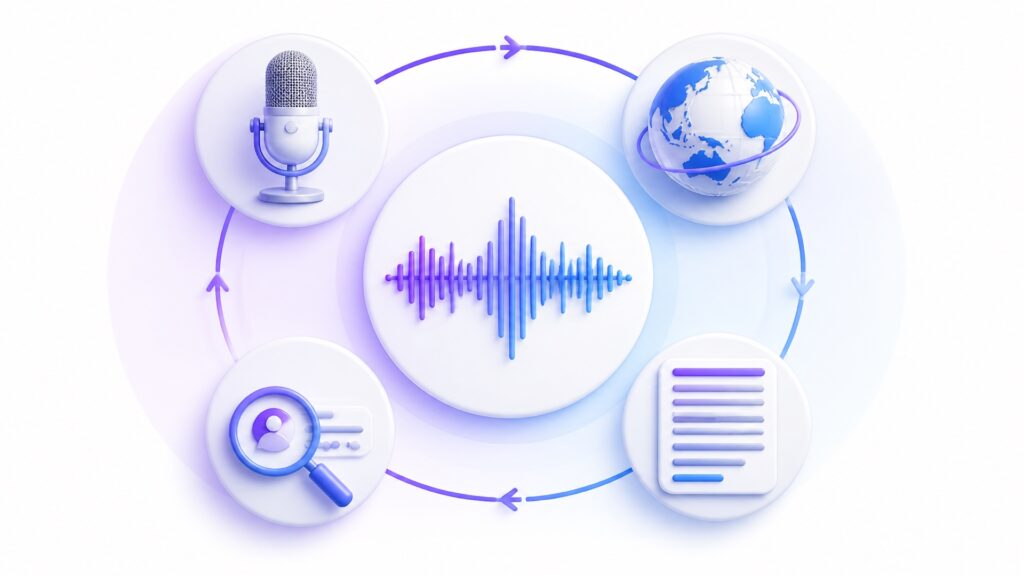
Use these tips whenever you transcribe a video for free. A few small improvements to the source and settings can reduce correction time significantly.
Use Clear Audio to Transcribe a Video for Free More Accurately
Use the original video whenever possible. Repeated compression can make speech less distinct. Keep voices louder than music and reduce echoes, wind, and background conversations before uploading.
If a passage is difficult for you to understand, the AI may struggle too. Note its timestamp, listen with headphones, and use nearby sentences for context. Clearer audio makes it easier to transcribe a video for free accurately.
Select the Correct Language
Verify the spoken language before processing. For multilingual videos, check the available language support and consider dividing the recording into separate sections if that produces a cleaner result.
Check Names, Numbers, and Technical Terms
Prepare a reference list of names, abbreviations, and expected terminology. Search the transcript for likely variations and correct them consistently. Replay numbers carefully because one wrong digit can change the meaning of a date, price, or statistic.
Format for the Final Use
A research transcript may preserve filler words, while an article benefits from cleaner sentences. Study notes may need headings and timestamps. Decide on the final use before doing detailed formatting, and always edit a copy rather than the original transcript.
Real-World Uses for Video Transcriber AI
People can transcribe a video for free for many practical reasons. The same product workflow adapts easily to interviews, education, and marketing.
Turn an Interview into an Article
A marketer uploads a customer interview, selects its language, generates the transcript, and checks names and industry terminology. After using Video Transcriber AI to transcribe a video for free, the marketer searches for strong quotations and groups related ideas into an accurate case study.
Convert a Lecture into Study Notes
A student generates a lecture transcript, checks specialist terms against course materials, and adds headings for major topics. The student can search for a concept immediately instead of replaying an entire class.
Repurpose a Marketing Video
Once a team can transcribe a video for free, one demonstration video can support a tutorial, FAQ, email, social posts, and an internal sales reference. Keeping the original transcript protects accuracy while separate copies can be adapted for each channel.
Frequently Asked Questions
Can I Transcribe a Video for Free with Video Transcriber AI?
Yes, you can transcribe a video for free according to the allowance and conditions displayed in the current interface. Check those details before uploading a particularly long or large recording.
Which Video Formats Are Supported?
Supported formats may change as the product evolves. Check the upload area for the current list. If a file is rejected, confirm its format and size before trying again.
How Accurate Is the AI Transcript?
Accuracy varies with audio quality, accents, speaking pace, vocabulary, noise, and overlapping voices. To transcribe a video for free successfully, begin with clear audio and review the output before publishing it.
Can I Edit and Download the Transcript?
Use the editing, copying, or export controls currently shown after processing. Keep the original result as a reference and work from a duplicate when making substantial changes.
Conclusion: Transcribe a Video for Free Today
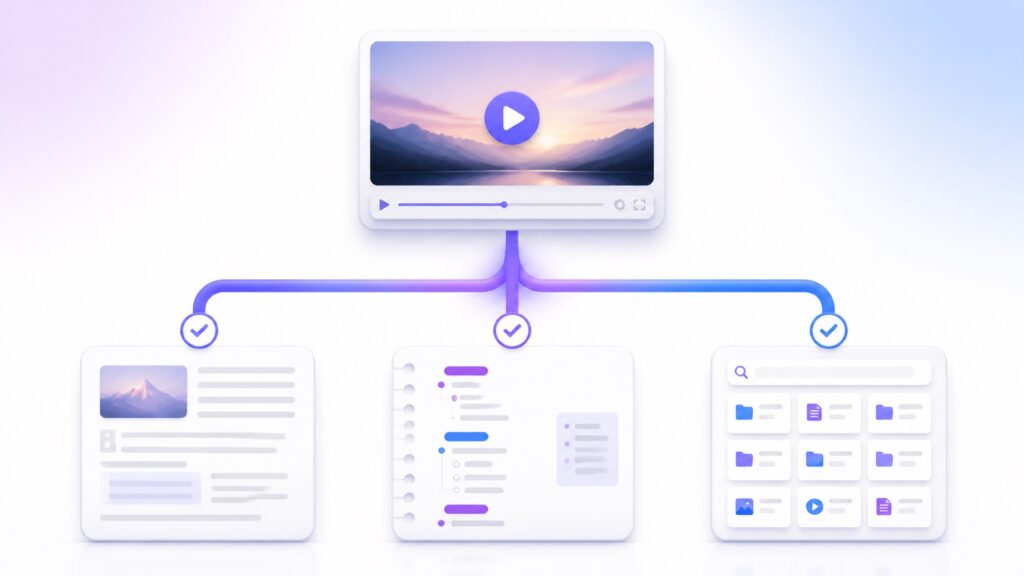
Video Transcriber AI makes it simple to transcribe a video for free: upload the recording, choose its language, generate the draft, review important details, and export the result. When you transcribe a video for free, interviews become articles, lectures become notes, and presentations become searchable resources. Clear audio and a careful final review will produce the best outcome. If manual typing is slowing your project, transcribe a video for free with Video Transcriber AI and turn your next recording into useful text in minutes. Start today and transcribe a video for free.
Transcribe a video for free for interviews, transcribe a video for free for lectures, or transcribe a video for free for tutorials. Whenever you transcribe a video for free, verify names and numbers. This helps you transcribe a video for free confidently.