


A transcript for YouTube video is easy to treat as an afterthought. You open it, skim a few lines, copy a quote, and move on. But that misses the real value. A good transcript for YouTube video can become a summary, a blog draft, a study sheet, a subtitle draft, or a searchable reference file. That is the reason this topic deserves its own guide. It is not only about getting text from video. It is about turning that text into something useful.
YouTube itself lets viewers open a transcript for videos that have captions, scroll through the text, and click any line to jump to that part of the video. At the same time, YouTube also notes that automatic captions are not always perfect and may need review or editing. That gap is exactly why transcript workflows matter: viewing the text is only the first step.
Why a Transcript for YouTube Video Matters More Than It Seems
Video is powerful, but it is slow to scan. Text is faster to review, easier to search, simpler to quote, and much easier to reuse. That is what makes a transcript for YouTube video so valuable. Once the spoken content becomes text, it is no longer locked inside a timeline. You can skim it, structure it, compare sections, highlight key ideas, and turn it into new outputs much more quickly.
That matters for different kinds of users in different ways. A student may use a transcript for YouTube video to build revision notes. A creator may turn the same transcript into a blog outline or a newsletter section. A researcher may use it as searchable source material. A marketer may extract quotes, talking points, or content themes. The transcript is not the final result. It is the raw material that makes the next step easier.
This is also why transcript tools now compete on more than extraction. The stronger products emphasize editable output, timestamps, downloads, summaries, subtitles, translations, or content reuse. That shift matches the real search intent behind this keyword. Many users searching for a transcript for YouTube video do not want text for its own sake. They want to do something with it.
How to Get a Transcript for YouTube Video Before You Reuse It
Use YouTube’s Built-In Transcript When It Is Available
If a video has captions, YouTube lets you open the transcript directly from the video page. You can read the full text and jump to any section by clicking the lines in the transcript. For quick reading, this is often the simplest way to get a transcript for YouTube video.
But there are limits. This only works when captions are available. And even when automatic captions exist, YouTube says they should be reviewed because transcription quality can vary. If the goal is only to read along, the built-in transcript may be enough. If the goal is to copy, edit, export, summarize, or repurpose the content, the built-in option often feels restrictive.
Use a Transcript Tool When You Need Editable Output
A dedicated tool becomes more useful when you want a transcript for YouTube video that is easier to copy, clean up, save, or transform. That is the real difference between “seeing the transcript” and “using the transcript.”
For example, Video Transcriber AI positions its YouTube Transcript Generator around editable transcripts, no sign-up access, and transcript generation even when a YouTube video does not already show subtitles. Happy Scribe emphasizes downloadable transcripts with timestamps. Transkriptor highlights transcripts, subtitles, and translations for content repurposing and research. These are all signals that the workflow is moving beyond simple viewing.
How to Turn a Transcript for YouTube Video Into Usable Content
A transcript for YouTube video becomes much more valuable when you treat it as a working draft instead of static text. Once the spoken content is written out, you can reshape it for different goals, from quick summaries to blog drafts, study material, and subtitle preparation.
Turn a Transcript for YouTube Video Into a Summary
One of the fastest ways to use a transcript for YouTube video is to turn it into a short, readable summary. This works especially well for tutorials, interviews, lectures, webinars, and long explainer videos.
A simple way to do this is to scan the transcript for major section changes, repeated ideas, strong examples, and final conclusions. Then reduce the full transcript into a few core parts:
- Main idea: what the speaker is really trying to explain
- Supporting points: the ideas that carry the topic forward
- Examples: stories, cases, or details that make the point clearer
- Takeaway: the one conclusion worth remembering
A transcript for YouTube video makes summarizing much easier because the material is already in text form. You can compare sections, remove repetition, and keep only the parts that matter. That is why transcript tools with built-in summary workflows often feel more useful than tools that only show raw text.
Turn a Transcript for YouTube Video Into a Blog Draft
A transcript for YouTube video can also become the first version of a blog post. Instead of starting from a blank page, you already have the ideas, examples, and overall structure in front of you.
A practical workflow looks like this:
- identify the central topic
- group related ideas into sections
- rewrite spoken language into clearer written language
- remove filler words and repeated phrasing
- add headings and transitions
- keep the strongest insights and examples
The result will not be a finished article yet, but it can become a strong rough draft. This is one of the most practical ways to turn a transcript for YouTube video into usable content, especially for creators, marketers, and bloggers who want to move from video research to written output more efficiently.
Turn a Transcript for YouTube Video Into Study Material
A transcript for YouTube video is also useful for learning and review. Instead of replaying the same section several times, you can turn the transcript into study-friendly material that is easier to scan and revise later.
For example, you can reshape the transcript into:
- revision notes
- key term lists
- chapter summaries
- quiz prompts
- discussion questions
This works especially well for lectures, educational channels, tutorial videos, and language learning content. A transcript for YouTube video gives learners more control because it makes exact wording easier to find, compare, and review at their own pace.
Turn a Transcript for YouTube Video Into a Subtitle Draft
A transcript for YouTube video is not exactly the same as polished subtitles, but it is often the best first step. Once the spoken content has been captured, you can refine it into subtitle-ready text by shortening long lines, improving punctuation, and making the wording easier to read on screen.
This is especially useful when the original captions are missing, incomplete, or too rough to reuse directly. In that case, a transcript for YouTube video becomes the base layer for subtitle cleanup and later export. That makes the transcript useful not only for reading and writing, but also for video accessibility and multilingual publishing.
Top 6 Best Tools to Create and Use a Transcript for YouTube Video
Not every tool helps in the same way. For this article, the best options are not just tools that can generate a transcript. They are tools that help turn a transcript for YouTube video into something more useful, whether that means a blog draft, a study sheet, a quick summary, a clean export, or searchable reference material.
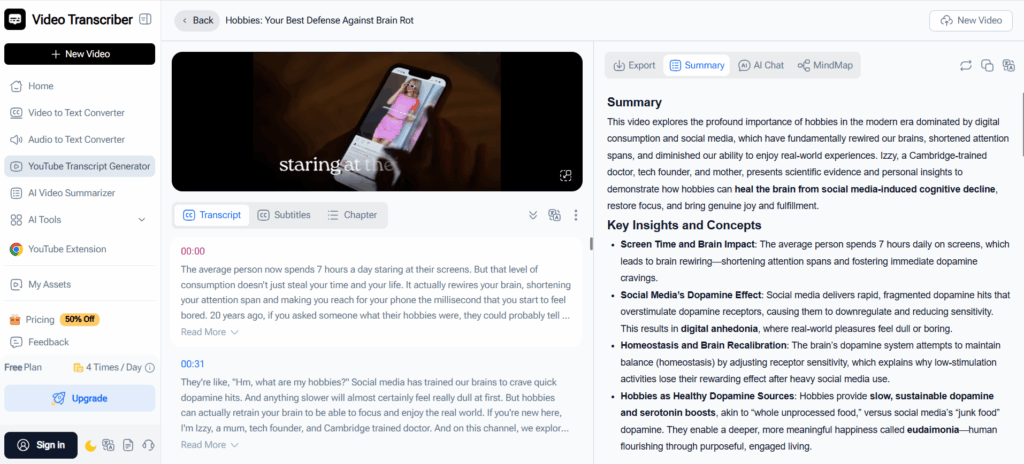
1. Video Transcriber AI: Best for Blog Drafts, Notes, and Reusable Written Content
Video Transcriber AI is the closest fit for this article’s theme because it is built around what happens after the transcript is generated. Its YouTube Transcript Generator is positioned around editable transcripts, no-sign-up access, and transcript generation from YouTube videos, including videos without subtitles. That makes it especially useful for users who want to turn a transcript for YouTube video into summaries, notes, captions, or other written content they can reuse.
Best for
- Turning a transcript for YouTube video into blog drafts and notes
- Fast online use without sign-up friction
- Editable transcript output for reuse
Key strengths
- Built around editable transcript output, not just transcript viewing
- Useful for written reuse, including notes, drafts, and caption prep
- Supports broader video-to-text workflows beyond a single YouTube use case
- Strongest fit here when the goal is usable written content rather than simple extraction
2. NoteGPT: Best for Summaries, Study Material, and Structured Output
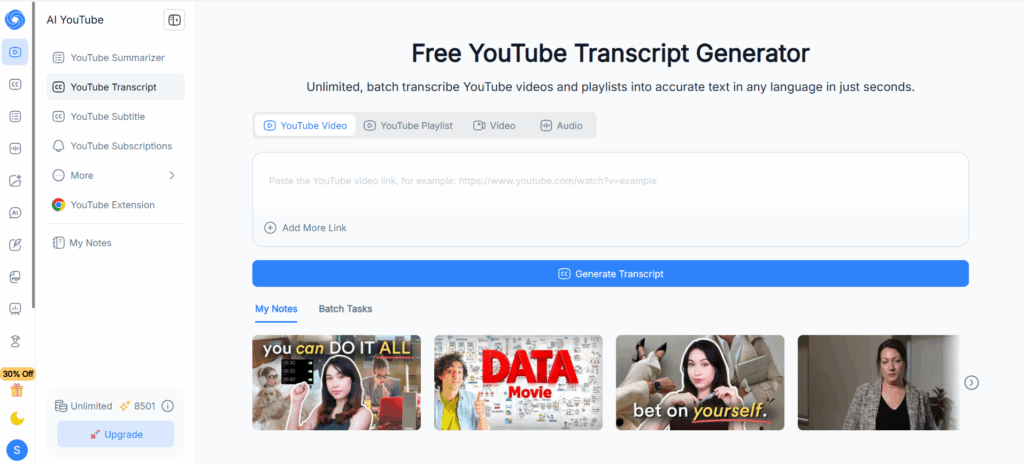
NoteGPT is a natural fit when a transcript for YouTube video is mainly used for learning, review, or content breakdown. Its transcript and summarizer pages emphasize timestamps, copyable transcript text, and summary-oriented workflows. A useful difference is that the transcript does not have to stay in one format. With the right prompt, users can reshape it into study notes, structured summaries, presentation-style briefs, or draft content for reports and announcements. That makes NoteGPT especially relevant for users who want more than plain transcript text.
Best for
- Turning a transcript for YouTube video into summaries
- Lecture review and learning workflows
- Structured output guided by prompts
Key strengths
- Well suited for summary and note-building tasks
- Useful for educational and concept-heavy videos
- Can be guided into different output styles with prompts
- Stronger fit for learning and structured output than many creator-first tools
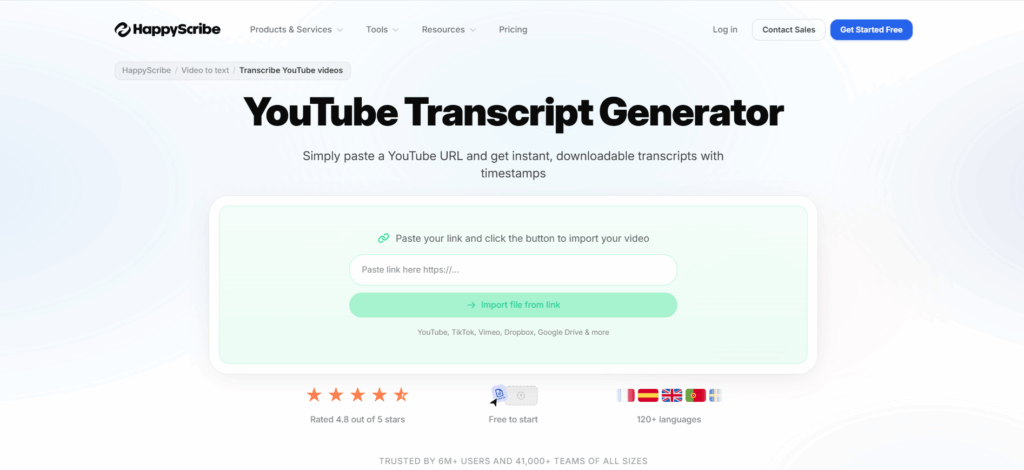
3. Happy Scribe: Best for Clean, Download-Ready Text
Happy Scribe is a stronger fit when clean exports matter. Its YouTube transcript page highlights downloadable transcripts with timestamps, while the wider platform emphasizes transcription, subtitles, translation, and support across many languages. That gives it a more polished, delivery-ready feel than lighter transcript viewers, especially when a transcript for YouTube video needs to be saved, shared, or handed off.
Best for
- Clean transcript downloads
- Polished text output
- Multilingual transcript workflows
Key strengths
- Download-oriented positioning with timestamp support
- Useful when transcript text needs cleanup and handoff
- Better fit for organized storage and sharing
- Strong option when presentation and export matter
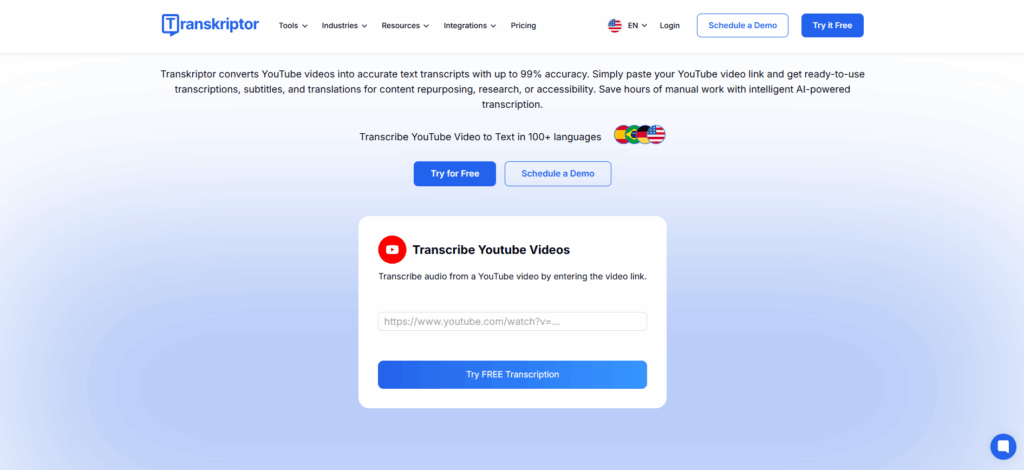
4. Transkriptor: Best for Research and Reference Material
Transkriptor stands out because it explicitly ties YouTube transcription to content repurposing, research, accessibility, subtitles, and translations. Its related pages also highlight summaries and key insights, which makes it a good match when a transcript for YouTube video needs to become searchable reference material rather than just text on screen.
Best for
- Research workflows
- Reference material
- Content repurposing from long videos
Key strengths
- Clear research and accessibility angle
- Useful for long informational or interview-style videos
- Good fit for reference-heavy workflows
- Practical when transcript text is part of a larger research process
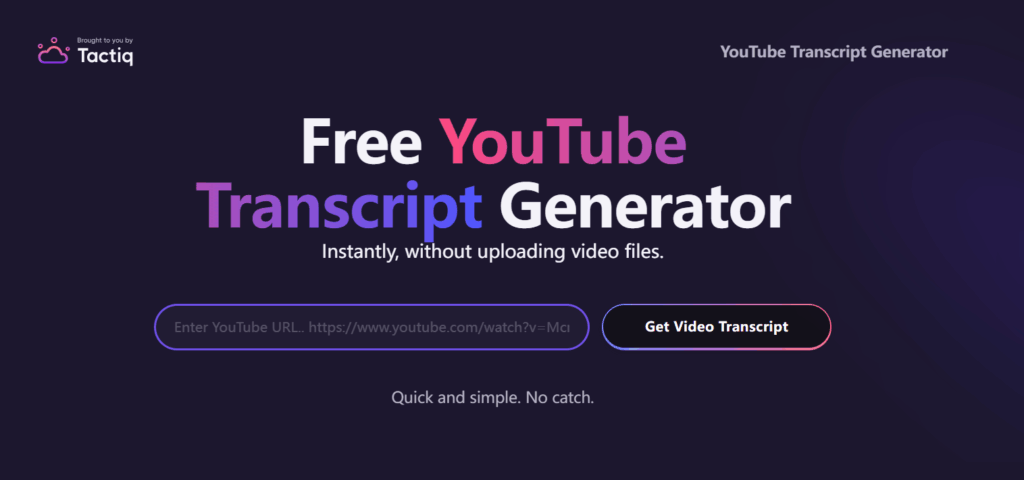
5. Tactiq: Best for Fast Copy-and-Use Text
Tactiq is useful when speed matters more than a full production workflow. Its YouTube transcript tool focuses on quick transcript access, online viewing, and low-friction download or copy workflows without requiring email. That makes it a practical option for users who want a transcript for YouTube video they can grab quickly and move into another workflow right away.
Best for
- Fast transcript access
- Quick copy and download
- Lightweight transcript use cases
Key strengths
- Low-friction workflow with no-email emphasis
- Practical for quick notes or rough drafts
- Simpler than full transcript platforms
- Good when speed matters more than advanced processing
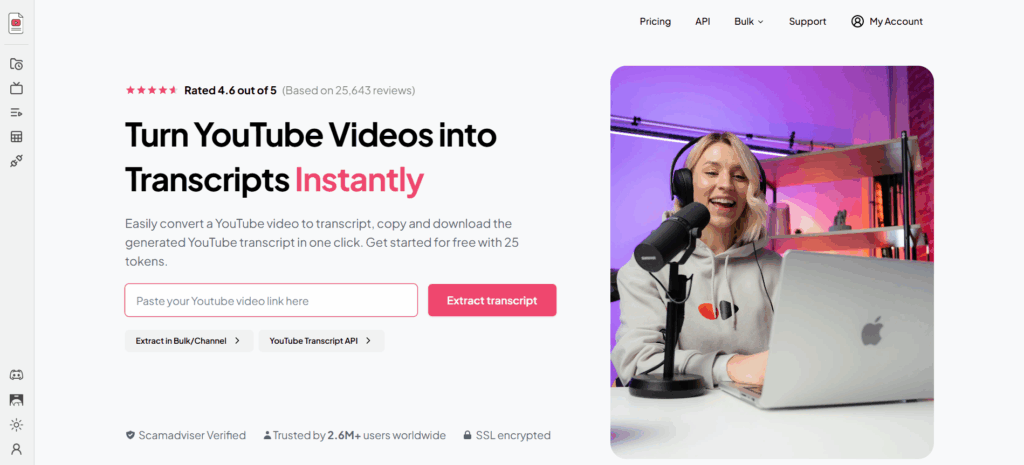
6. YouTube-Transcript.io: Best for Quick Summaries and Content Ideas
YouTube-Transcript.io is one of the clearer examples of a “transcript plus next step” tool. Its official page highlights transcript extraction alongside AI summaries for notes, blogs, and social posts. That makes it a strong fit for this article because it treats a transcript for YouTube video as input for content reuse rather than the final destination.
Best for
- Quick summaries
- Content idea extraction
- Lightweight blog and social reuse
Key strengths
- Transcript plus AI summary workflow
- Useful for quick content ideation
- Practical for long videos that need faster breakdown
- Aligned with note-style and blog-style output
Quick Comparison of the Best Transcript for YouTube Video Tools
| Tool | Best for | Main strength | Better suited for |
| Video Transcriber AI | Reusable written content | Editable transcripts for drafts, notes, and captions | Users who want to quickly repurpose a transcript for YouTube video |
| NoteGPT | Summaries and structured output | Transcript-based review, summaries, and prompt-guided formats | Students, educators, and users working with long educational videos |
| Happy Scribe | Download-ready text | Clean transcript output with stronger export positioning | Users who want polished transcript text |
| Transkriptor | Research and reference | Searchable transcript reuse for research and accessibility | Researchers and long-form content users |
| Tactiq | Quick copy workflow | Fast access with low friction | Users who want speed and simplicity |
| YouTube-Transcript.io | Summary and content ideas | Transcript plus quick summary flow | Users who want notes, blog angles, or social content ideas |
Frequently Asked Questions About Transcript for YouTube Video
Q1: How can I get a transcript for YouTube video quickly?
If the video already has captions, you can use YouTube’s built-in transcript view to read the text and jump to specific parts of the video. If you want a more editable transcript for YouTube video, Video Transcriber AI is a practical option because its official page says it can generate editable transcripts online with no sign-up required.
Q2: Can I get a transcript for YouTube video without subtitles?
Not always from YouTube itself. YouTube’s transcript feature works for videos that have captions. If there are no visible subtitles, a third-party tool is often the easier route. Video Transcriber AI specifically says its YouTube Transcript Generator can generate editable transcripts from YouTube videos even without subtitles.
Q3: Can I edit a transcript for YouTube video online?
Yes, with the right tool. YouTube’s built-in transcript view is useful for reading, but Video Transcriber AI is a stronger fit when you want to edit a transcript for YouTube video online, clean up wording, and turn raw speech into notes, drafts, or other usable content. Its official page explicitly describes the output as editable.
Q4: What is the best way to turn a transcript for YouTube video into usable content?
Start with the output you need most, such as a summary, blog draft, study notes, or subtitle draft. Then remove filler language, group the main ideas, and rewrite the strongest parts into that format. An editable transcript for YouTube video makes this much easier, which is why Video Transcriber AI fits this workflow well.
Q5: Which tool is best for transcript for YouTube video summaries and study material?
If your focus is summaries or learning workflows, NoteGPT is a good option because its official page highlights timestamps plus copyable and downloadable transcript text. If you want a more flexible transcript for YouTube video workflow for notes, drafts, and broader reuse, Video Transcriber AI is the stronger all-around choice.
Q6: Can a transcript for YouTube video help with blogs and content repurposing?
Yes. A transcript for YouTube video makes spoken content easier to search, summarize, quote, and turn into written assets. That is why tools increasingly position transcripts around notes, summaries, and reuse rather than simple viewing. Video Transcriber AI is especially relevant here because its transcript output is editable online and designed for reuse.
Conclusion
A transcript for YouTube video becomes far more valuable when you treat it as usable working text instead of static copy. It can help you turn long videos into summaries, blog drafts, study material, and subtitle-ready content much faster.
That is why choosing the right workflow matters. If you want more than simple transcript viewing, Video Transcriber AI is a strong fit because it can generate a transcript for YouTube video, support online transcript editing, and make the text easier to reuse for notes, drafts, and other written output.
The transcript is only the starting point. The real goal is turning it into something useful.