


In 2026, online learning has become a daily habit for millions. Recent studies show that the average learner spends over 7 hours per week watching educational videos, webinars, and recorded lectures. With lecture lengths stretching from 45 minutes to over three hours, keeping up with all the material can be overwhelming.
Manual note-taking often fails to capture key points, and reviewing long lectures can take almost as much time as watching them the first time. That’s where lecture to notes AI tools come in - converting long videos, class recordings, and webinars into searchable, structured, and summarized study notes automatically.
By transforming spoken content into AI-generated notes with timestamps and key highlights, these platforms help students, researchers, and online learners save time, retain more information, and focus on understanding instead of transcribing.
What Is Lecture to Notes AI?
lecture to notes AI refers to AI-powered tools that automatically convert lectures, webinars, YouTube videos, and class recordings into organized, searchable study notes. Unlike traditional transcription software that produces only plain text, modern lecture to notes AI platforms understand context, extract key concepts, and structure content into sections that are easier to review.
These tools combine speech recognition, natural language processing, and AI summarization to deliver more than just transcripts. They can:
- Highlight key points and main ideas
- Generate AI summaries for faster understanding
- Add timestamps for easy navigation
- Create searchable notes for review and revision
By transforming long lectures into digestible, structured study materials, lecture to notes AI enables learners to focus on comprehension rather than manual note-taking. Students can quickly locate important concepts, researchers can review dense presentations efficiently, and online learners can revisit YouTube tutorials without rewatching entire videos.
Why Lecture to Notes AI Is Growing So Fast
The demand for lecture to notes AI has surged because modern learning is increasingly video-driven. In 2026, much of education and professional training occurs online - from YouTube courses and recorded university lectures to webinars and virtual conferences. Long-form video content is now the standard, and traditional note-taking cannot keep pace with this volume.
lecture to notes AI platforms address these challenges by offering fast, accurate, and structured summaries of lengthy recordings. They save time, improve retention, and make content easier to revisit. Additionally, multilingual support allows learners worldwide to access lectures in multiple languages, further expanding their reach.
As more learners consume content asynchronously - studying at their own pace across different time zones - tools that convert recordings into actionable notes become indispensable. By bridging the gap between passive video consumption and active learning, lecture to notes AI has become a critical part of modern study workflows.
8 Best Lecture to Notes AI Tools in 2026
1. Video Transcriber AI - Best for Hours of Long Lecture
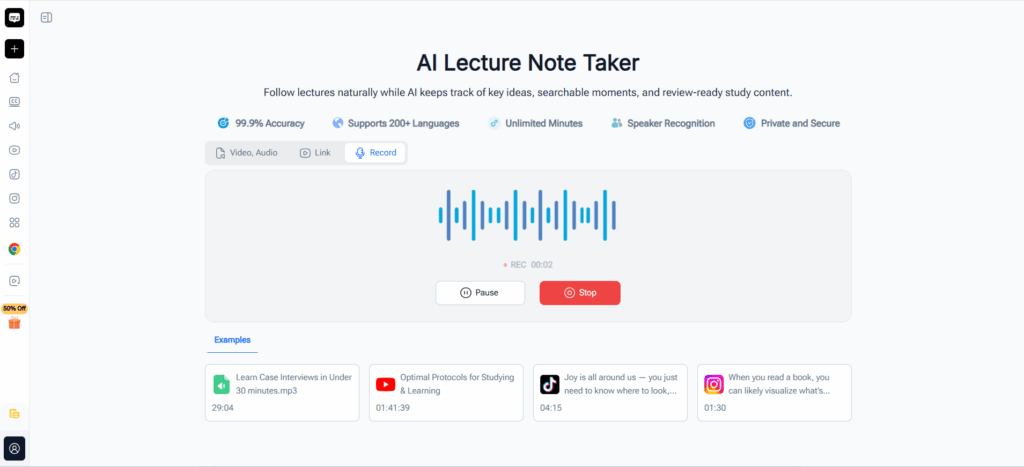
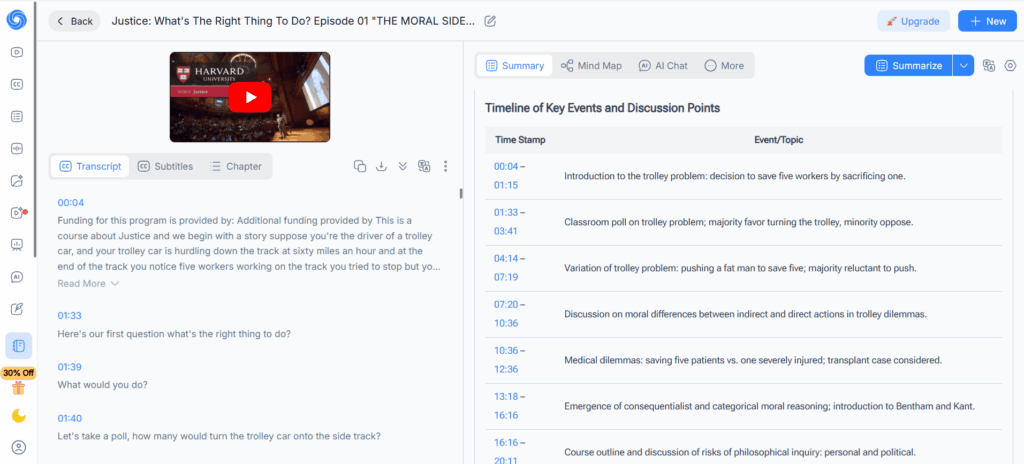
Video Transcriber AI is one of the most powerful lecture to notes AI platforms available, purpose-built for transforming lengthy course recordings and multi-hour lectures into structured, searchable study materials. With its robust lecture to notes AI workflow, users can upload MP4 files up to 5GB, paste YouTube or other video links for instant processing, or capture classes live directly in the browser. The platform delivers timestamped transcripts, AI-generated summaries, and organized notes - making it an indispensable lecture to notes AI solution for anyone dealing with extended academic or professional content.
Key Capabilities:
- Supports large lecture uploads and long-form video files up to 5GB
- Paste YouTube or online video links for instant lecture to notes AI transcript generation
- Built-in lecture recorder for live classes or audio capture
- AI summaries and keyword extraction for accelerated review
- Timestamped notes and slides-ready structure
Best For: Students, online learners, and professionals who regularly convert hours-long lecture videos, conference recordings, or multi-session courses into organized notes.
2. NoteGPT - Best for All-In-One Learning Hub
NoteGPT extends well beyond basic transcription to serve as a comprehensive lecture to notes AI learning hub. By applying its lecture to notes AI engine across videos, PDFs, audio files, and web content, NoteGPT enables learners to extract key points, generate flashcards, and export materials in multiple formats. Whether working with YouTube videos, uploaded recordings, or classroom content, NoteGPT's lecture to notes AI capabilities help organize information quickly and flexibly for any study style.
Key Capabilities:
- Accurate lecture to notes AI transcription and summarization across video, audio, PDF, and text
- Compatible with YouTube, uploaded files, and classroom recordings
- AI-generated summaries and highlights to accelerate study
- Additional tools: flashcard maker, quiz generator, and integrated study hub
- Multi-language support and flexible export options
Best For: Learners seeking an all-in-one platform that applies lecture to notes AI technology to diverse content types and turns them into structured study assets.
3. Knowt - Best for Active Recall & Practice
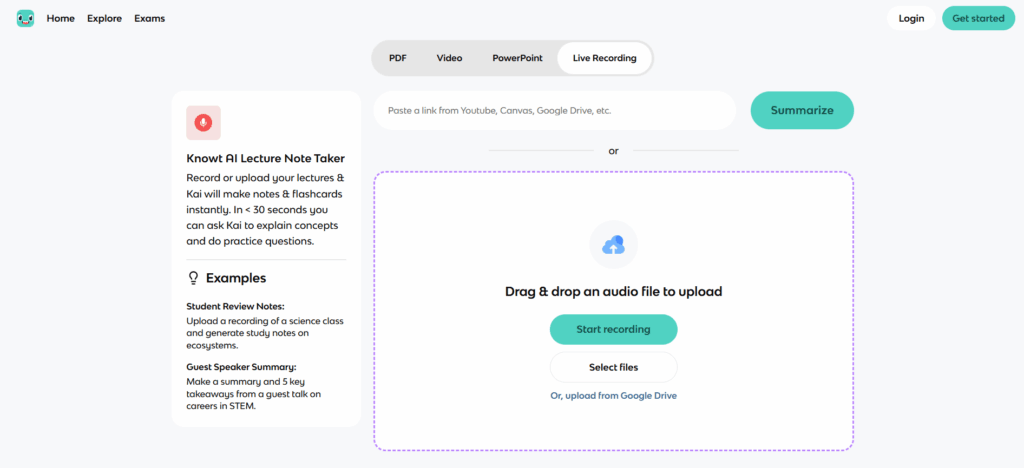
Knowt takes lecture to notes AI a step further by turning transcribed content into interactive study tools. Rather than stopping at note generation, Knowt's lecture to notes AI system feeds directly into flashcard creation, personalized quizzes, and active review sessions. Students can record live lectures or upload recordings, and the platform's lecture to notes AI pipeline instantly produces concise, customizable notes primed for exam preparation.
Key Capabilities:
- AI lecture to notes AI transcription and summarization
- Converts lecture content into flashcards and practice quizzes
- Customizable note formats: outline, paragraph, or key points
- Supports live lecture capture via app or browser
- Optimized for memorization and exam-ready review
Best For: Students focused on active recall, revision, and using lecture to notes AI output as a foundation for exam prep.
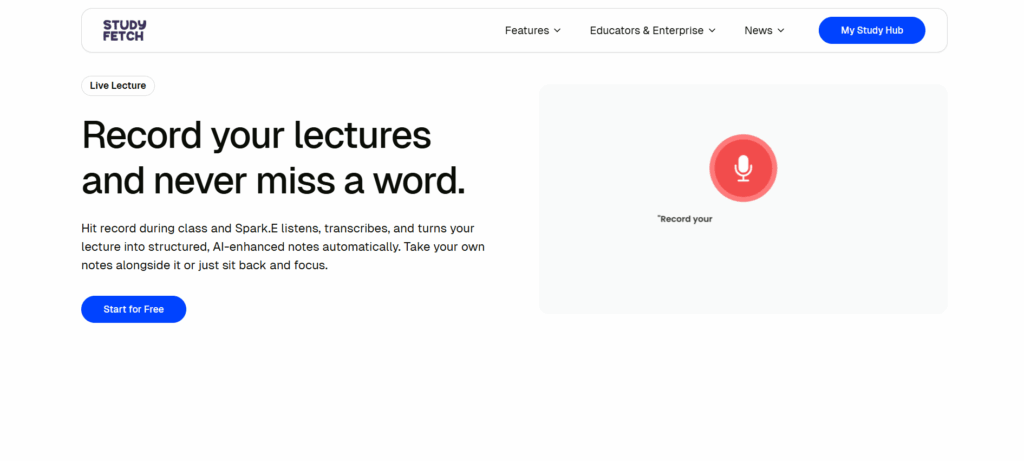
4. StudyFetch - Best for Real-Time Learning Support
StudyFetch brings lecture to notes AI capabilities into the live classroom, generating organized notes as a lecture unfolds rather than after the fact. This real-time lecture to notes AI approach captures contextual flow and key concepts during synchronous sessions, giving learners structured materials the moment class ends. For online or hybrid learners, StudyFetch makes lecture to notes AI an active part of the learning experience rather than a post-session task.
Key Capabilities:
- Real-time lecture to notes AI note generation during live sessions
- AI-assisted organization throughout class
- Interactive learning tools integrated with live content
- Contextual note structuring and key concept extraction
Best For: Learners in live or hybrid courses who want lecture to notes AI support happening in parallel with instruction.
5. Mindgrasp - Best for Dense Academic Content
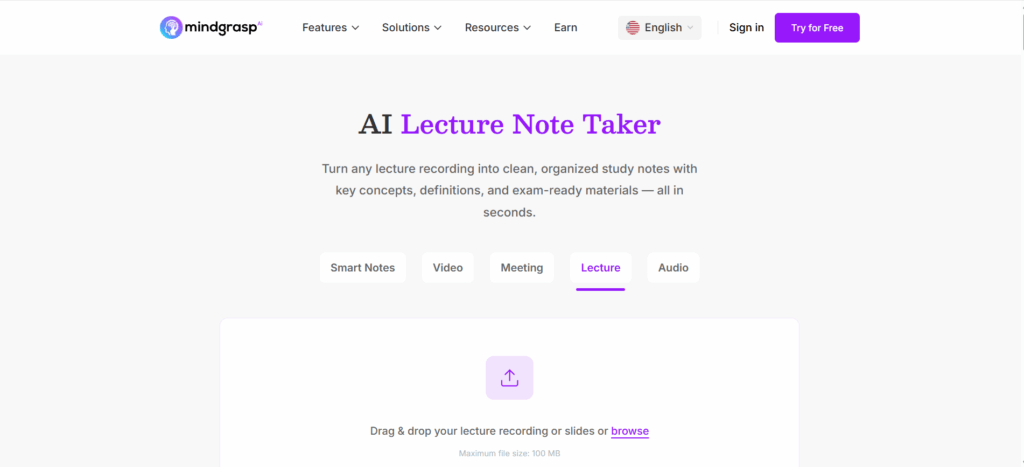
Mindgrasp is engineered for learners who need lecture to notes AI to go beyond surface-level transcription. Its lecture to notes AI system processes complex lectures, research presentations, and dense academic material into concept-focused, structured notes. Combined with built-in flashcards, summaries, follow-up questions, and a 24/7 AI tutor, Mindgrasp makes lecture to notes AI an essential tool for graduate students and researchers navigating information-heavy content.
Key Capabilities:
- Processes lectures, slides, and research material through a unified lecture to notes AI pipeline
- Generates detailed summaries, flashcards, and follow-up questions
- Built-in AI tutor for deeper concept exploration
- Structured notes optimized for review and testing
Best For: Researchers and graduate students who rely on lecture to notes AI to make sense of dense, high-complexity academic content.
6. TutorGPT - Best for Concept Extraction & Study Guidance
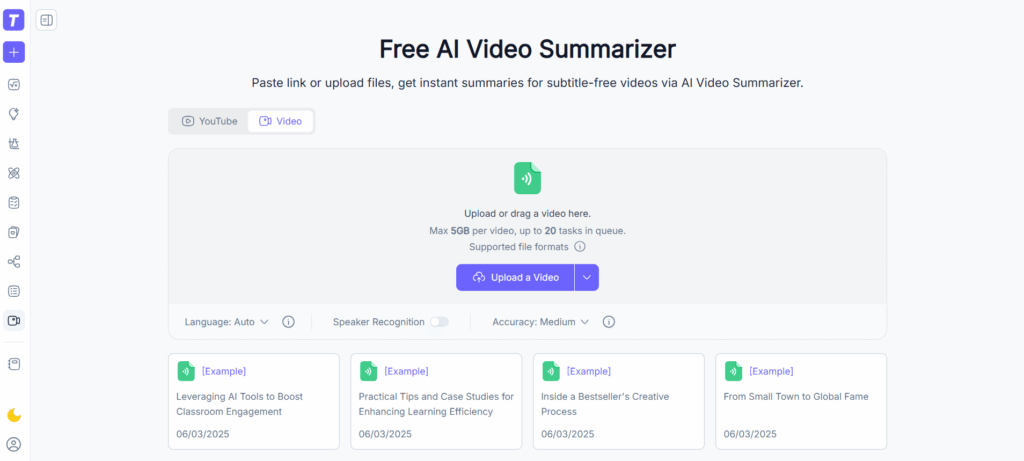
TutorGPT uses lecture to notes AI as a tool for building comprehension, not just producing transcripts. Its lecture to notes AI engine identifies core concepts, organizes them into insightful summaries, and provides study guidance to help learners truly understand the material. For self-paced learners working through video tutorials and online courses, TutorGPT's lecture to notes AI approach bridges the gap between raw content and meaningful understanding.
Key Capabilities:
- AI video summarization via a concept-driven lecture to notes AI workflow
- Concept extraction and structured note organization
- Supports self-paced online learning
- Guidance focused on key takeaways and topic clarity
Best For: Users who want lecture to notes AI to enhance comprehension and provide direction, not just generate text.
7. ScreenApp - Best for Lecture Recording & Organization
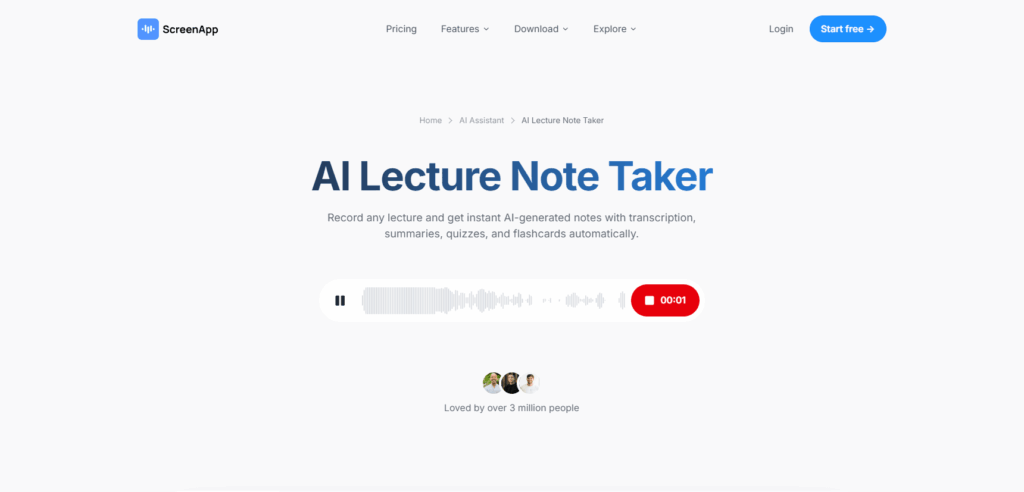
ScreenApp combines lecture recording and lecture to notes AI processing into a single, seamless workflow. Users can upload existing videos or capture live sessions, then let ScreenApp's lecture to notes AI system generate automatic transcripts, chapter-segmented notes, and searchable highlights. With export options to PDF, Word, or plain text, ScreenApp makes lecture to notes AI the backbone of a complete lecture management solution.
Key Capabilities:
- Upload or record live lectures with integrated lecture to notes AI processing
- Structured notes with automatic chapter detection
- Highlight extraction and key concept identification
- Export lecture content to PDF, Word, or text formats
Best For: Learners who want recording and lecture to notes AI generation handled in one unified tool.
8. AudioConverter AI - Best for Audio-Centric Study
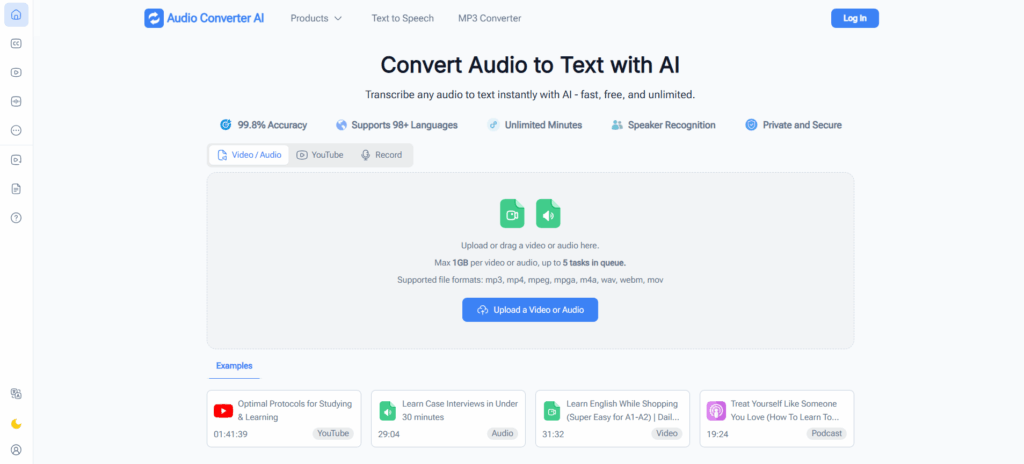
AudioConverter AI applies lecture to notes AI principles to audio-first workflows, converting podcasts, voice recordings, and spoken lectures into searchable transcripts and AI-generated summaries. For learners whose study routines revolve around audio content, this lecture to notes AI tool provides a clean, efficient path from spoken word to organized text notes - with batch processing and custom export options for maximum flexibility.
Key Capabilities:
- Converts voice and audio files into structured text notes via a lecture to notes AI pipeline
- Generates summaries from spoken content
- Supports batch processing of audio learning materials
- Custom export options for text and audio
Best For: Users who rely on audio content - podcasts, recorded lectures - and want lecture to notes AI technology to make it reviewable and searchable.
Quick Comparison Table
| Tool | Strength | Free Version | YouTube Support | AI Summary | Large File Support | Export Options |
| Video Transcriber AI | Long lectures, hours of video, online recording | Yes | Yes | Yes | Up to 5GB | TXT, DOC, CSV, SRT |
| NoteGPT | Fast summaries, all-in-one hub | Yes | Yes | Yes | Up to 5GB | TXT, PDF, Audio |
| Knowt | Active recall, flashcards & quizzes | Yes | Limited | Yes | 2GB | PDF, Slides |
| StudyFetch | Real-time live lecture notes | Yes | No | Yes | Limited | Study Sets |
| Mindgrasp | Dense academic/research content | Yes | Yes | Yes | Up to 100MB | PDF, Slides |
| TutorGPT | Concept extraction & study guidance | Yes | Yes | Yes | 2 hours per video | TXT, PDF |
| ScreenApp | Recording + notes integration | Yes | Yes | Yes | Up to 3GB | PDF, Word, TXT |
| AudioConverter AI | Audio-first workflows, podcasts | Yes | Yes | Yes | Up to 1GB | MP3, TXT |
With these eight tools, learners have a wide range of options to convert lectures, webinars, YouTube videos, and audio recordings into structured, searchable, and AI-enhanced notes. Each platform addresses different study needs — from handling hours-long videos and large files with Video Transcriber AI, to active recall and flashcard creation with Knowt, or real-time live lecture support with StudyFetch.
By understanding the unique strengths of each tool, users can select the solution that best fits their workflow and maximize their learning efficiency. In the following section, we’ll address common questions about lecture to notes AI, practical tips for using these tools effectively, and how to integrate them into daily study routines.
Frequently Asked Questions About Lecture to Notes AI
Q1: How can I integrate lecture to notes AI into my daily study routine?
To make the most of lecture to notes AI, start by setting aside a regular study session where you upload or record your lectures. Use AI-generated summaries and timestamps to highlight key concepts, then review those sections actively. Combine with flashcards or note-taking apps for reinforcement.
Q2: What is the best way to capture live lectures effectively?
For live sessions, platforms like Video Transcriber AI or StudyFetch allow real-time recording and transcription. Make sure to test audio quality beforehand, use headphones if necessary, and choose a tool that can handle the full duration of your lecture to ensure accurate notes.
Q3: How can I use lecture to notes AI to improve retention?
Use the AI summaries to identify core concepts, then create flashcards or practice questions based on these notes. Revisit timestamped sections to reinforce learning and combine with spaced repetition for better memory retention.
Q4: Are there tips for managing multiple lecture sources efficiently?
Batch processing can save time. Many tools allow you to upload multiple files or links at once, generate notes, and organize them by course or topic. Labeling files consistently and exporting notes into structured formats (TXT, DOC, CSV) can streamline your study workflow.
Q5: How can I customize AI-generated notes to fit my learning style?
After generating the transcript and summary, you can reorganize sections, highlight key points, or merge notes with other study materials. Tools like NoteGPT and Knowt allow customization into outlines, paragraphs, or flashcards, letting you adapt AI output to your preferred learning style.
Conclusion
In 2026, lecture to notes AI has become essential for learners handling long lectures, webinars, and video courses. Tools like Video Transcriber AI let users process hours-long videos, upload large files up to 5GB, and even record live lectures, producing searchable notes, AI summaries, and timestamped highlights.
To get the most from lecture to notes AI:
- Review AI-generated summaries to focus on key concepts quickly
- Use timestamped notes to revisit important sections without rewatching the entire lecture
- Organize multiple lectures with batch processing and structured exports
- Combine AI notes with flashcards or practice quizzes for better retention
With these strategies, lecture to notes AI transforms passive video and audio content into actionable study materials, saving time and improving comprehension. Whether reviewing long university lectures, professional webinars, or YouTube tutorials, these tools make learning faster, more organized, and more effective.
Start integrating lecture to notes AI into your study workflow to streamline note-taking, focus on understanding, and turn every lecture into structured, searchable, and AI-enhanced study notes.