


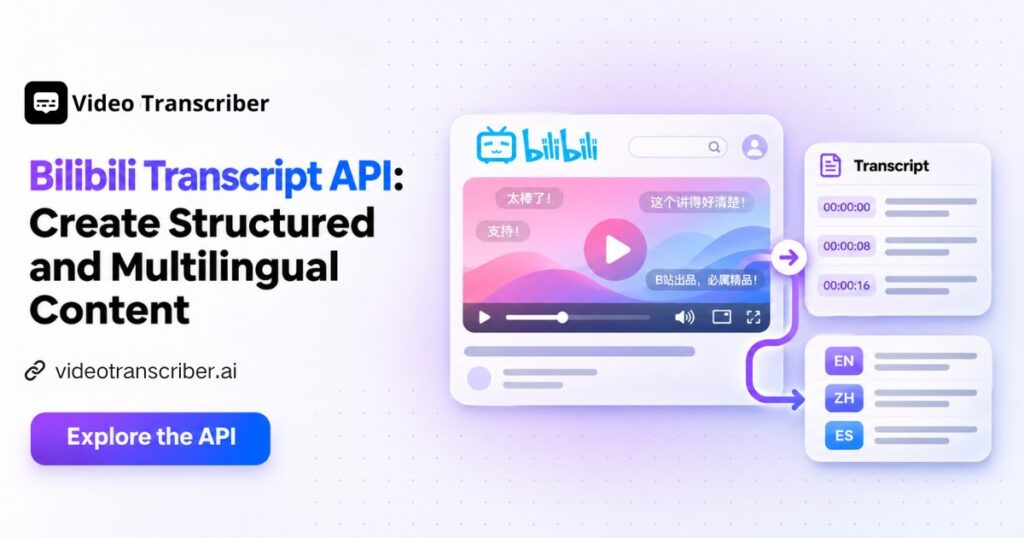
Bilibili hosts everything from educational tutorials and technology discussions to product reviews, interviews, and professional lectures. Yet video is hard to reuse. Finding one explanation, translating a discussion, or turning a long recording into notes usually takes hours of manual work.
A Bilibili transcript API solves this by turning spoken content into reusable text data. With a Bilibili transcript API, developers, creators, researchers, and marketing teams can extract speech, generate a Bilibili video transcript, organize the information, and automate workflows instead of treating each video as something that can only be watched.
A Bilibili transcript API is also the natural starting point for multilingual video translation. Once a video is transcribed, its content can be summarized, translated, converted into subtitles, and repurposed for other platforms. This guide shows how to use a Bilibili transcript API, whether through code, an MCP-connected AI assistant, or a reusable Skill, to turn videos into structured, multilingual, and reusable content.
Why Use a Bilibili Transcript API to Structure Video Content?
A developer may need one explanation buried in a 40-minute tutorial. A creator may want to translate a Chinese-language video for international viewers. A teacher or learning platform may need searchable study materials, and a marketer may want to study competitor reviews.
A Bilibili transcript API converts speech into text that other applications can process. Once a Bilibili transcript API has produced a transcript, it is easier to search, summarize, translate, and reorganize. Common applications include:
- Knowledge organization: Turn educational videos into searchable notes and reference materials.
- Multilingual distribution: Translate video content into English, Japanese, Korean, Spanish, and other languages.
- Subtitle production: Use a Bilibili subtitle generator workflow to create subtitle files for videos distributed across platforms.
- AI application development: Feed Bilibili transcript API output into chatbots, knowledge bases, and automated agents.
A Bilibili transcript API is therefore more than a way to obtain subtitles; it is a Bilibili video to text pipeline. It connects video content with downstream workflows such as video content repurposing.
Step 1. Convert Bilibili Videos into Accurate Transcripts with a Bilibili Transcript API
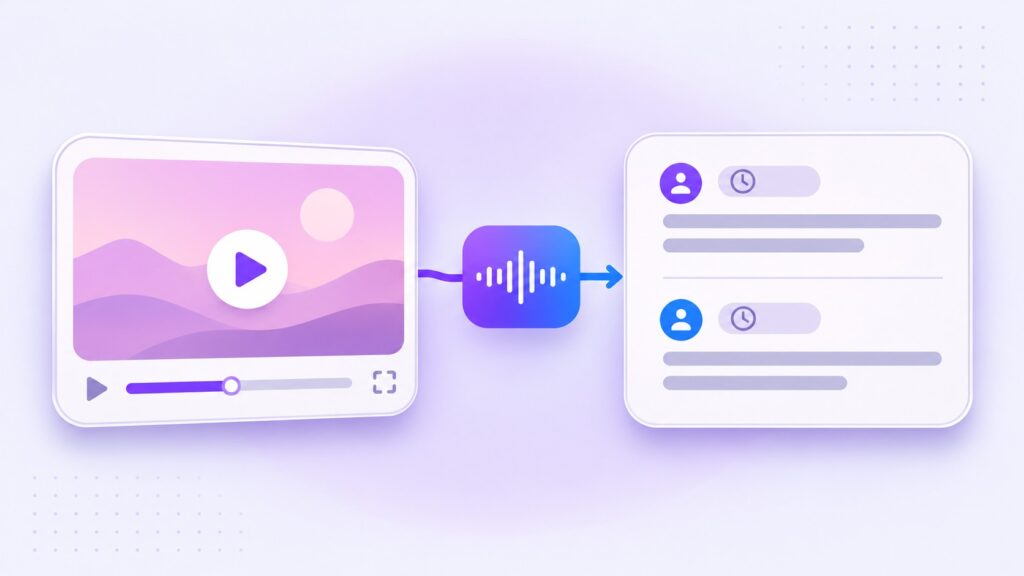
The first step is Bilibili video to text conversion. A Bilibili transcript API automates it, so nobody has to listen to and type out every video by hand.
Extract Speech from Bilibili Videos
There are generally two ways to get Bilibili video to text.
The first is subtitle extraction. If a video already has accessible subtitles, an application can retrieve them and use them as the source text.
The second is AI transcription. When subtitles are missing or incomplete, a Bilibili transcript API can use speech recognition to analyze the audio and generate a transcript.
The difference matters when you design a Bilibili transcript API workflow. Existing subtitles and AI-generated transcripts are not the same thing: subtitle availability depends on the original video, while AI transcription gives you text from speech either way. A video transcription API that supports both approaches also spares teams from building a separate speech recognition pipeline for every source.
Preserve Timestamps and Speaker Information
A useful Bilibili video transcript contains more than plain text.
A Bilibili transcript API that keeps timestamps ties each sentence to its position in the video, which is essential for subtitle generation, video navigation, and locating a specific discussion. Speaker labels make interviews, panel discussions, and lectures easier to follow.
When you evaluate a Bilibili transcript API, check whether its output covers what your application needs:
- Transcript text for reading and searching.
- Timestamps for locating content in the original video.
- Speaker labels, when supported.
- Consistent data structures for further processing.
These elements let a Bilibili transcript API return a structured video transcript instead of an unstructured block of text.
Step 2. Turn Bilibili Transcript API Output into Structured Content
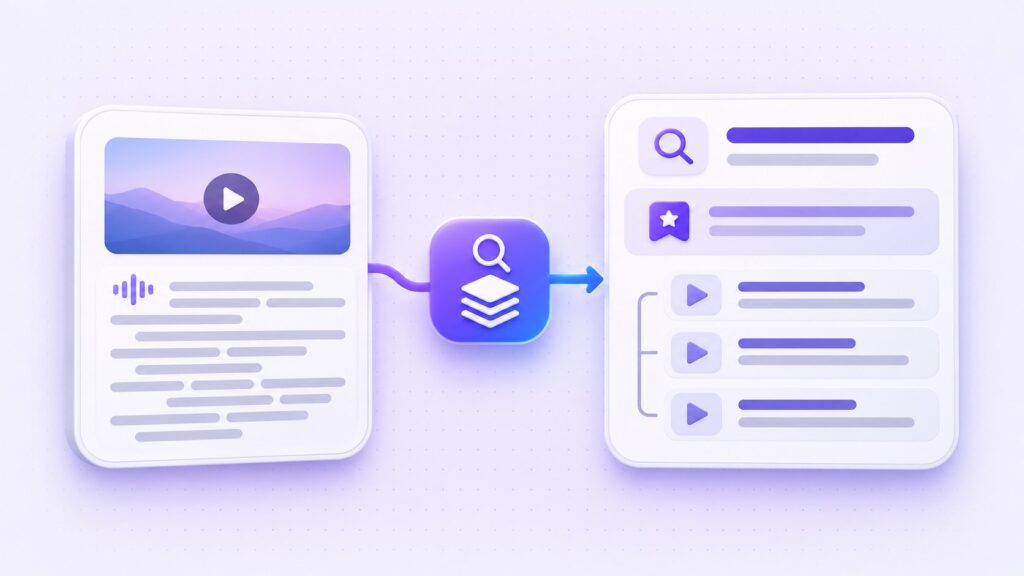
A raw Bilibili video transcript records what was said, but not what matters most. A Bilibili transcript API workflow becomes far more valuable when the transcript is combined with AI processing.
Generate Video Summaries and Chapters
Long videos often cover several topics, and a Bilibili transcript API makes them easier to break down. A structured summary lets users grasp the main ideas without watching the whole recording.
A long educational video, for example, might cover machine learning basics, neural networks, practical examples, and future applications. Instead of one continuous block of dialogue, AI can organize the Bilibili video transcript into:
- Video summaries: A concise overview of the entire video.
- Key takeaways: The most important ideas and conclusions.
- Topic-based chapters: Sections built around different discussion topics.
- Learning notes: Concepts and explanations for later review.
A Bilibili transcript API supplies the text foundation. The transcript is passed to an AI model, which generates summaries or organizes the information according to a predefined prompt. This suits educational platforms, research tools, and video knowledge management systems.
Extract Key Information with AI
Not every Bilibili transcript API user needs a full summary. Sometimes the goal is a specific answer, such as:
- What products are mentioned in this review?
- What questions come up during the interview?
With a Bilibili transcript API, developers, or AI assistants connected through MCP, can send the Bilibili video transcript to an AI model and use natural-language prompts to pull out the relevant details.
Convert Bilibili Transcript API Output into Reusable Data
Applications that need consistent outputs benefit from a structured video transcript. A transcript can be processed into JSON or another predefined format with fields such as:
- Video title and source information.
- Transcript segments.
- Timestamps.
- Speaker labels, when available.
- Summary and key takeaways.
- Topic categories and extracted entities.
A Bilibili transcript API provides the original transcript data, and a downstream AI step can organize it into an application-specific schema. The exact fields returned depend on the API's documented response format, while summaries, categories, and custom JSON fields come from later processing.
Step 3. Create Multilingual Content with a Bilibili Transcript API
One of the most useful applications of a Bilibili transcript API is multilingual video translation.
A Chinese video may hold information that English, Japanese, or Korean audiences would value too, but translating a whole video by hand is slow. A Bilibili transcript API makes the content available as text, so translation and localization can become part of an automated workflow.
Translate Video Transcripts into Multiple Languages
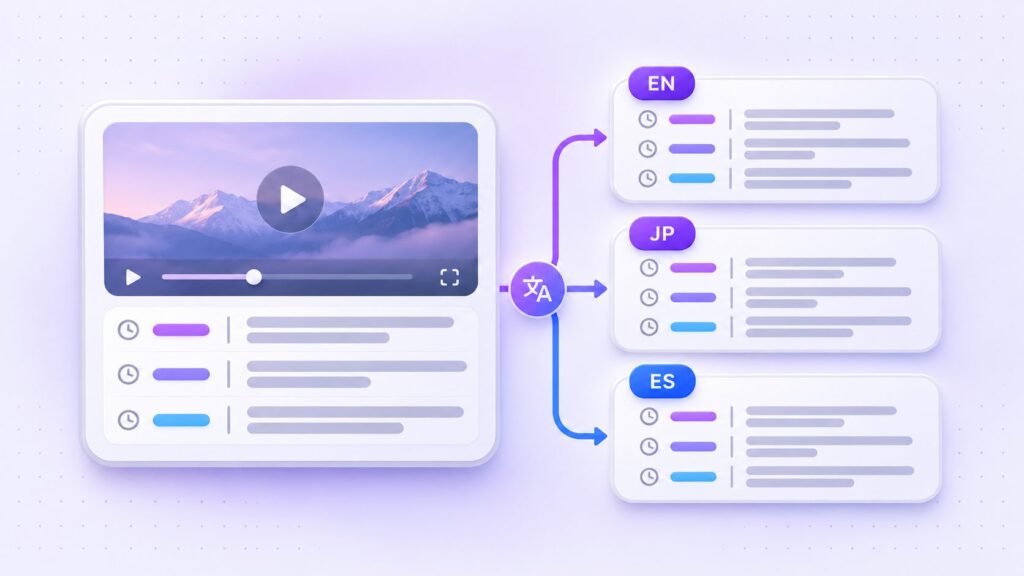
Once a Bilibili transcript API has produced the original transcript, it can be translated into other languages. A Chinese technology tutorial could become:
- An English transcript for international learners.
- A Japanese version for Japanese-speaking audiences.
- A Korean version for Korean-speaking audiences.
- A Spanish version for Spanish-speaking audiences.
Video Transcriber AI supports transcription and translation workflows across more than 200 languages, which suits applications that process content for many language audiences.
A Bilibili transcript API can therefore be the first stage of a broader multilingual video translation process:
- Obtain the original Bilibili transcript.
- Identify the source language.
- Translate the transcript into the target language.
- Review terminology and context.
- Prepare the translated content for publication.
Generate Multilingual Subtitles with an AI Subtitle Generator
Translation becomes even more useful when paired with subtitle generation. A Bilibili subtitle generator built on an AI subtitle generator typically works with three elements:
Original transcript: The recognized speech and its timestamps.
Translated transcript: The original content translated into the target language.
Subtitle formatting: The translated text organized into timed subtitle segments.
A Bilibili video could, for example, carry an original Chinese transcript plus English, Japanese, and Korean subtitle versions. Common subtitle formats include:
- SRT: Widely used for video players and subtitle editing applications.
- VTT: Commonly used for web-based video playback.
- TXT: Useful for storing translated text without timing information.
When you use a Bilibili transcript API, timestamp preservation is critical. If translated sentences are reorganized without regard to their original timing, subtitles may appear too early or too late. A practical workflow keeps the link between each original segment and its translation. Also check subtitle length and reading speed, since an accurate translation may still need trimming to fit the screen time.
Adapt Video Content for Global Audiences
Direct translation is only one part of localizing Bilibili transcript API output. Audiences differ in their expectations for terminology, sentence structure, cultural references, and presentation.
A Chinese technology tutorial may use platform-specific terms that need extra explanation abroad. A Bilibili transcript API provides the source text, and AI translation plus human review tailors it to each market, so one original video can support several localized experiences.
Step 4. Use a Bilibili Transcript API for Video Content Repurposing
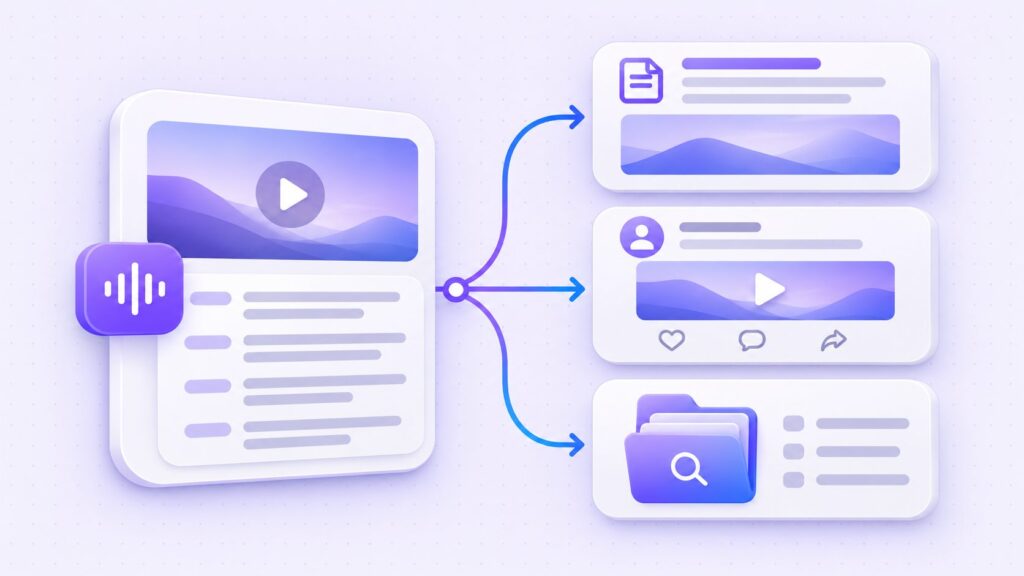
Once a video has been transcribed, summarized, and translated, its value goes well beyond subtitles. A Bilibili transcript API can anchor a larger video content repurposing workflow.
Turn Video Transcripts into Blog Articles
A Bilibili transcript API can turn educational videos and technical discussions into material for a detailed written article. A typical process is to transcribe the video, identify its main topics, build an outline, let AI develop the outline into readable text, and review the result for accuracy. A 30-minute programming tutorial, for instance, could become a step-by-step technical article. The Bilibili video transcript provides the source material, and AI reorganizes it into a new format.
Create Social Media Posts and Short-form Content
A Bilibili transcript API also helps identify strong statements, useful tips, and memorable explanations. Content teams can use AI to turn short ideas into:
- Social media posts.
- Short video scripts.
- Frequently asked questions.
With a Bilibili transcript API, creators can search the transcript for relevant sections instead of reviewing a whole video, then use timestamps to find the original footage.
Build Multilingual Video Content Libraries
Organizations that use a Bilibili transcript API at scale can let individual transcripts grow into a searchable content library. Each video can be linked to its original transcript, translated versions, summaries, topic labels, and subtitle files.
A Bilibili transcript API automates the first transcription stage, and later processing steps organize and enrich the results.
Step 5. Automate the Bilibili Transcript API Workflow with API, MCP, and Skills
A complete workflow needs more than speech recognition. Whether you write code or work mainly with an AI assistant, you need a dependable way to submit a video, retrieve the transcript, and pass it to the next step.
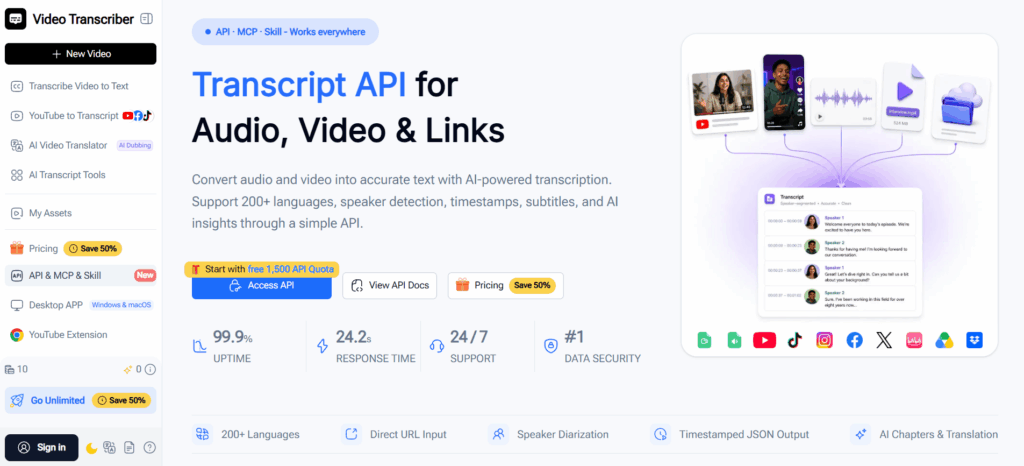
Video Transcriber AI Transcript API works as a Bilibili transcript API for supported video sources, including Bilibili. Depending on your technical background, you can use it in three ways.
Use the API in Your Own Applications
Developers can call Video Transcriber AI Transcript API as a Bilibili transcript API from backend services, scripts, and automation tools. Instead of building an independent pipeline for every platform, they can use one unified video transcription API. Transcription is asynchronous: you create a task, check its status, and retrieve the result when it is ready.
Connect an AI Assistant with MCP
Not everyone wants to write integration code. Video Transcriber AI also provides an MCP (Model Context Protocol) server, so MCP-compatible AI clients can use the same Bilibili transcript API through natural-language requests. Its tools cover creating a transcription, checking its status, and getting the result, so the assistant handles those steps itself once an API key is configured.
A creator, researcher, or marketer can then paste a Bilibili link and ask the assistant to run the Bilibili transcript API and return a Bilibili video transcript, a summary, or an English translation, with no request written by hand.
Add a Reusable Workflow with a Skill
For tasks you repeat, a Skill gives an AI agent explicit instructions instead of a blank list of tools. The transcribe-media Agent Skill from the official VideoTranscriberAI/videotranscriber-skills repository packages the recommended steps for creating and retrieving a transcription, so the agent follows the same Bilibili transcript API process every time. The MCP server and the Skill both call the same backend as the API, so the same rules apply.
The Five-Stage Workflow
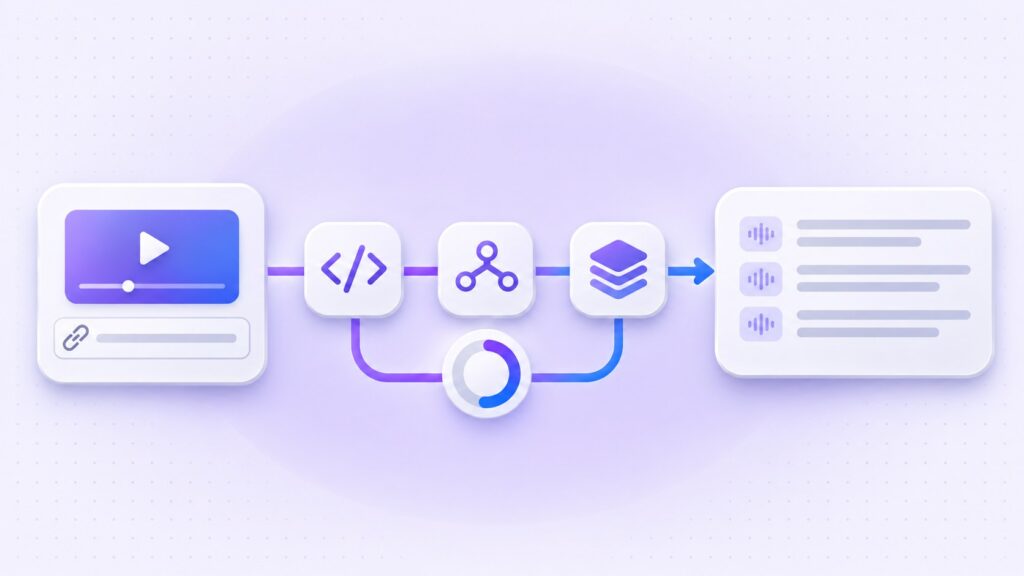
Whichever route you choose, a typical Bilibili transcript API workflow has five stages:
1. Submit a video URL
Send a supported Bilibili video link to the Bilibili transcript API as the source for the transcription task.
2. Retrieve the transcript
Use the Bilibili transcript API to obtain the generated transcript and its available timing information.
3. Process transcript data with AI
Send the transcript to an AI model to generate summaries, chapters, learning notes, or structured information.
4. Translate the content
Translate the Bilibili transcript into the required languages for multilingual video translation and prepare localized text for each audience.
5. Generate subtitles and other content formats
Use the transcript, timestamps, and translated content to create subtitle files, articles, social media posts, or searchable knowledge resources.
The same architecture lets a video transcription API serve other platforms too. Video Transcriber AI Transcript API works with multiple video sources, including YouTube, TikTok, Instagram, Facebook, X, and Bilibili.
For supported inputs, request parameters, authentication, and response formats, refer to the official Video Transcriber AI API documentation.
Conclusion
Bilibili videos hold valuable information, and that information becomes far more useful once it can be searched, structured, translated, and reused.
A Bilibili transcript API is the foundation for turning spoken video content into text data. With additional AI processing, teams can generate summaries, extract key information, create multilingual transcripts, and prepare subtitles for different audiences.
The real opportunity of a Bilibili transcript API is not extracting subtitles from a single video. It is building a repeatable workflow that turns video content into many forms of information.
Whether you build software, run a content team, or simply work with an AI assistant, a Bilibili transcript API is a solid starting point, and it can be used through the API, MCP, or a Skill.
By combining a Bilibili transcript API with structured data processing, AI translation, and subtitle generation, Video Transcriber AI Transcript API makes video content easier to access, understand, and reuse across platforms and languages.