


Finding the best speech to text software in 2026 comes down to one question: do you want it in a browser, or do you want it living on your desktop? Browser tools are fine until you hit a 25MB upload cap or a spotty connection. Desktop speech to text software solves that by putting the transcription engine on your machine, where large files, offline sessions, and long recordings stop being a problem. This guide ranks the five best speech to text software options that actually ship a desktop client, so you can pick one that fits how you work instead of how a web form wants you to work.
Why Desktop Speech to Text Software Matters in 2026
What Is Desktop Speech to Text Software?
Desktop speech to text software is an application you install on Windows or Mac that converts spoken audio into written text locally. Unlike a web app that uploads your file to a distant server, a desktop client can transcribe on your own hardware, which matters for three reasons. First, privacy: nothing leaves your machine unless you want it to. Second, file size: a 2GB interview or a full conference recording that a browser would reject is no longer a problem. Third, reliability: the best speech to text software keeps working when your internet does not.
That last point gets underrated. Anyone who has lost a recording to a dropped connection mid-upload knows the feeling. Desktop speech to text software sidesteps the entire class of failure, and it is why a growing share of professionals are moving their transcription workflow off the browser entirely.
Key Benefits of Using Speech to Text Software on Your Desktop
The benefits compound quickly once you switch. On a desktop, the best speech to text software gives you offline processing, which means no upload wait and no monthly upload quota. It gives you direct file access, so your audio never sits in someone else's cloud folder. And it usually runs faster on a decent machine, because the model is not competing with a thousand other users on a shared server.
There is also a workflow angle to speech to text software. A desktop client sits in your dock or taskbar, next to your editor and your notes app, rather than behind a login screen in a tab you keep losing. For people who transcribe daily, that small difference adds up to real hours saved over a month.
Top 5 Best Speech to Text Software for Desktop in 2026
Video Transcriber AI Desktop App: Best Desktop Speech to Text Software for Large Files
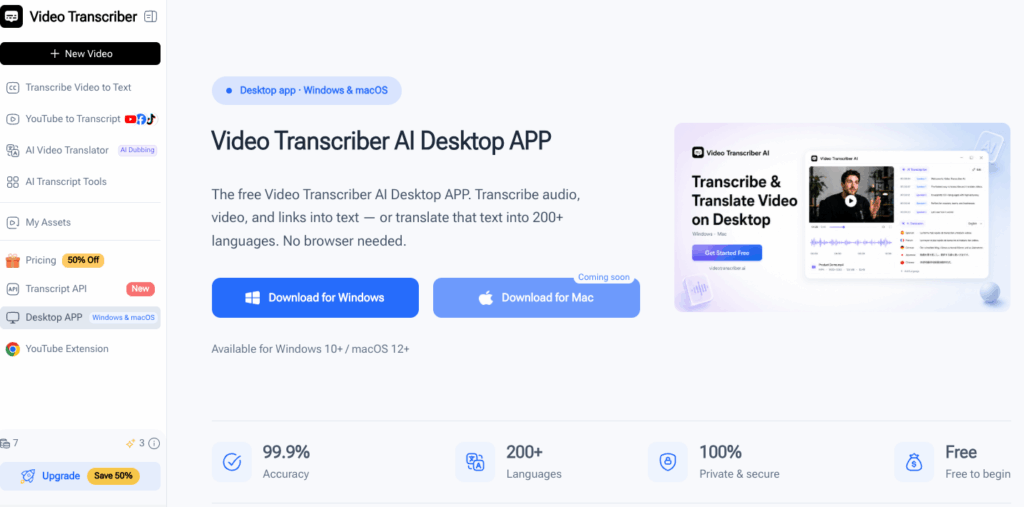
You know the moment when a web tool rejects your file because it is too big. That is the exact problem the Video Transcriber AI Desktop App was built to remove. Where most browser transcoders cap uploads at a few hundred megabytes, the Video Transcriber AI Desktop App handles files up to 10GB, which covers full-length interviews, multi-hour lectures, and raw meeting recordings that would otherwise need to be split into pieces first.
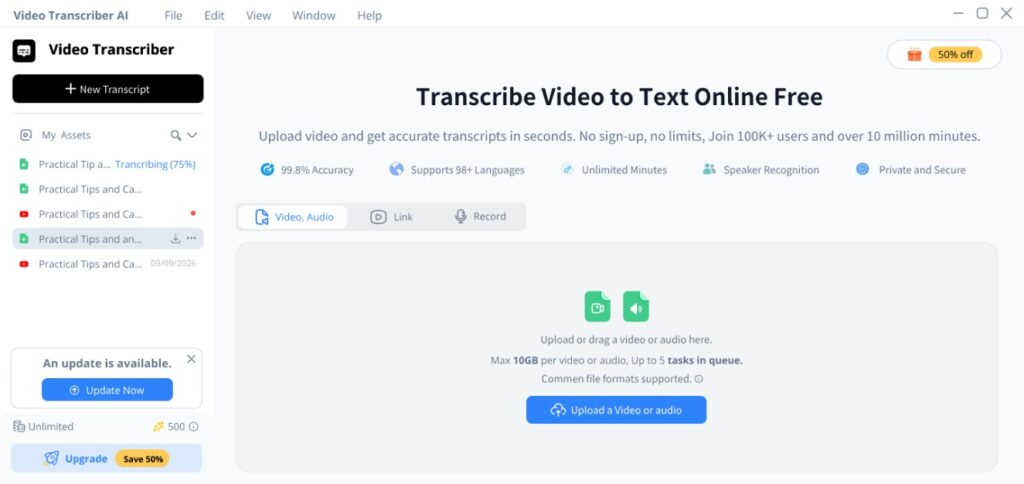
What stood out is how simple the flow is. You download the Video Transcriber AI Desktop App for Windows or Mac, drop in a video or audio file, and it transcribes right on your desktop in one click. There is no sign-up wall to climb before you can test it, and no per-minute meter running while you figure out whether the accuracy holds up on your own recordings. For anyone who works with long or heavy media, this is the speech to text software that removes the upload ceiling entirely, and it is the reason the Video Transcriber AI Desktop App leads this list.
Descript: Best Desktop Speech to Text Software for Creators
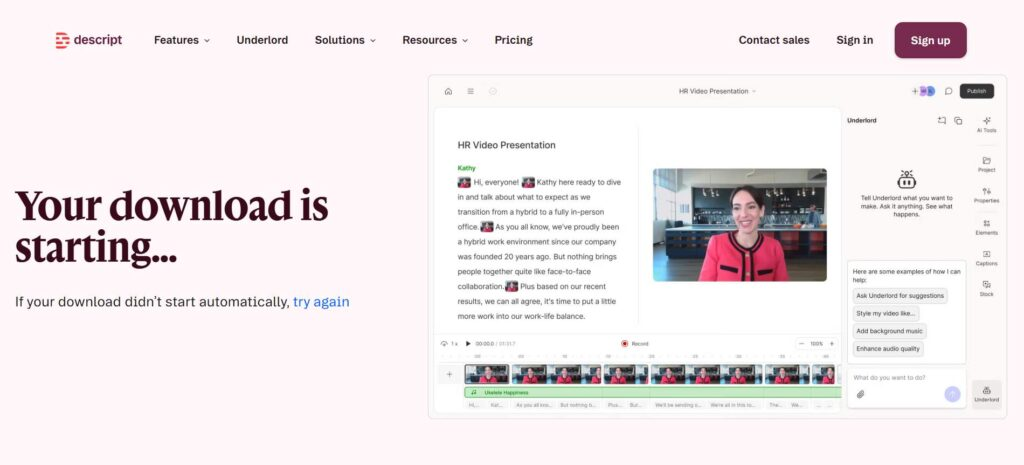
Descript turns the transcription process on its head. Instead of giving you a text file you then copy into an editor, it makes the transcript the editor. Delete a sentence in the text and the audio deletes it too. Fix a misread word by typing the correction, and Descript re-renders the voice. That is a fundamentally different experience from every other speech to text software on this list, and it is why podcasters and video creators treat it as their primary editing tool rather than a transcription utility.
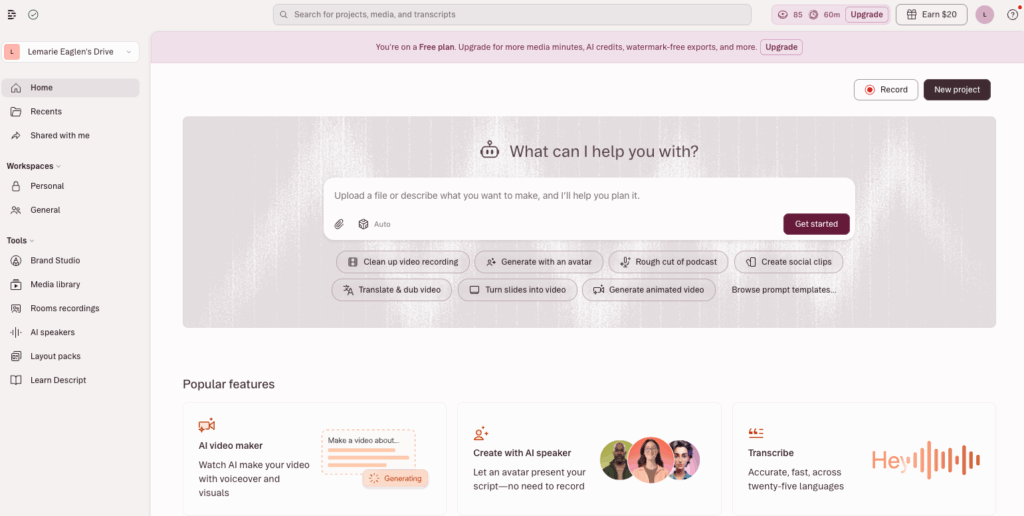
The desktop app for Windows and Mac is where the magic happens, because the editing workflow needs the performance of a native client. It is not the cheapest speech to text software, and creators who only need raw text will find it overkill, but if you produce audio or video regularly, Descript collapses two tools into one. For content teams, it is the best speech to text software when the transcript is the start of the edit, not the end of it.
Otter.ai: Best Speech to Text Software for Live Meetings
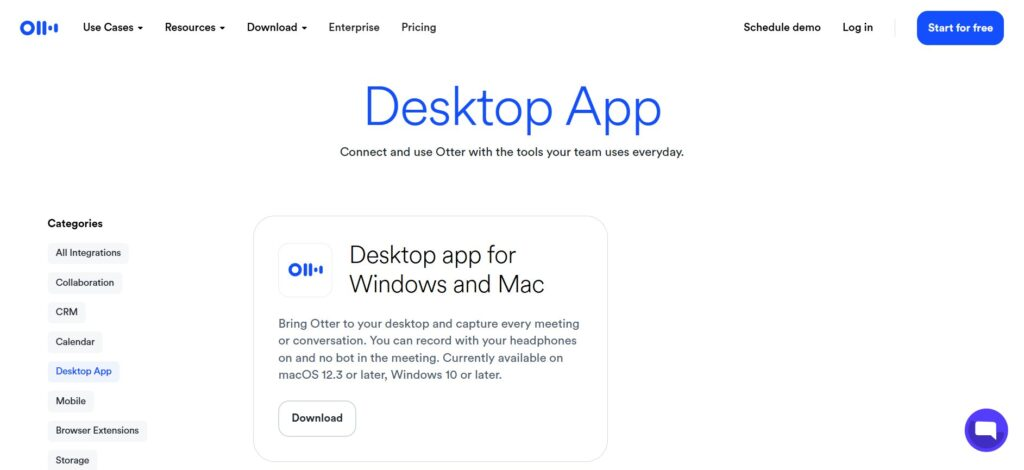
Otter.ai built its reputation on one scenario: the meeting you were too busy talking to take notes in. It listens live, transcribes in real time, and tags each speaker so you can tell who said what without rewinding. The desktop client syncs with the mobile app, which means a meeting you join from your phone still shows up on your computer with the full transcript and summary waiting.
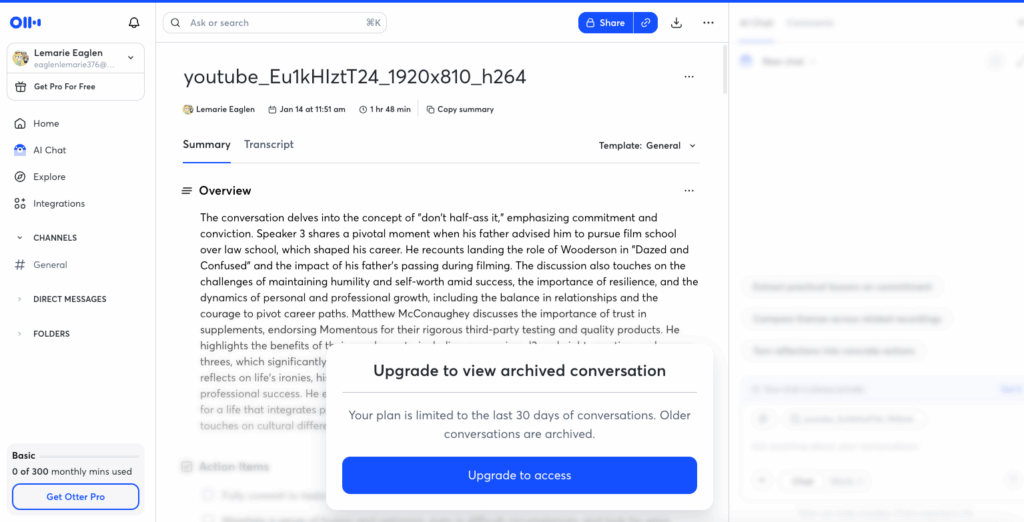
The live aspect is what separates it. Most speech to text software wants a finished recording; Otter is built for the conversation as it is happening, which makes it the default pick for recurring standups, client calls, and lectures where you need a record without a dedicated note-taker. Accuracy for a speech to text software is strong on clear audio, and the free tier is generous enough to try on real meetings before you commit to a paid plan.
Notta: Best Speech to Text Software for Cross-Device Teams
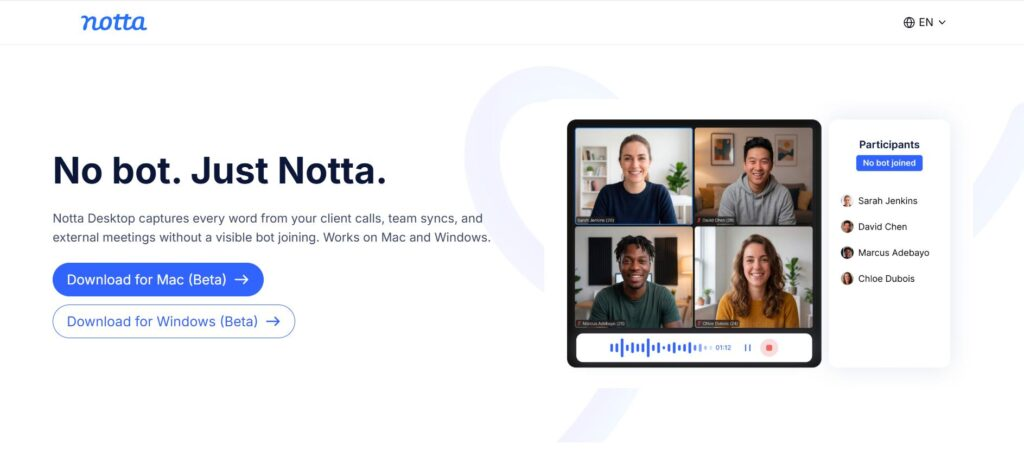
Notta wins on ubiquity. Its desktop app is one corner of a system that also covers mobile, a browser extension, and a web editor, all sharing the same library. You can start a transcription on your phone during a meeting, then open the desktop app and find the transcript, speaker labels, and an AI-generated summary already synced across devices. For teams where people bounce between laptop and phone all day, that continuity is the whole point.
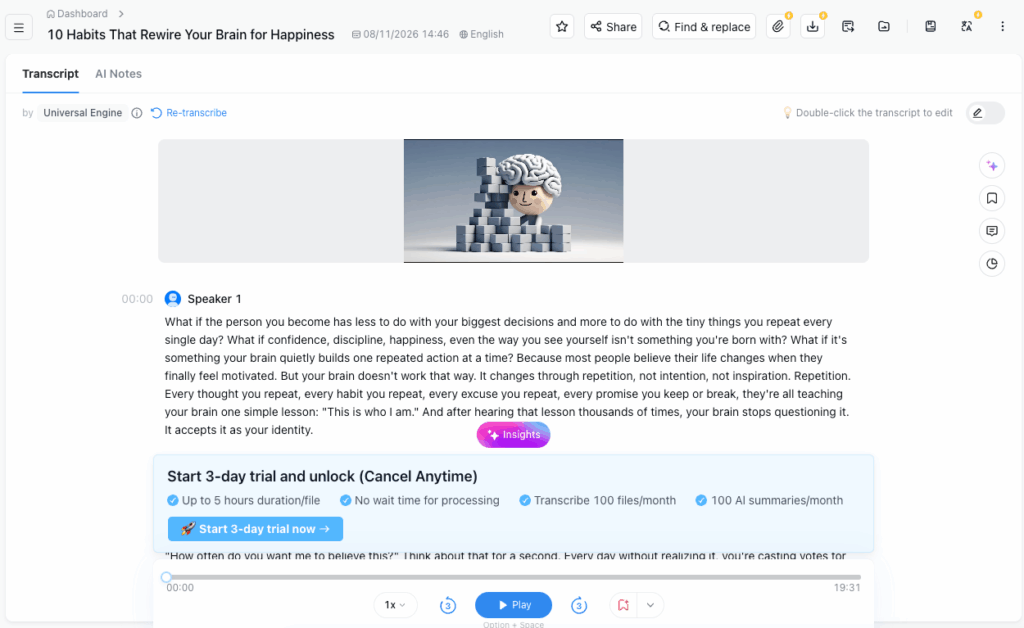
It also leans into translation and multilingual transcription, which is useful if your meetings or interviews mix languages. Notta does not chase raw accuracy records the way some rivals do, but it makes up for it with how little friction there is between devices. For distributed teams, it is the best speech to text software when the workflow spans more than one screen, and nobody wants to export a file just to read it on another machine.
Dragon Professional: Best Offline Speech to Text Software for Windows
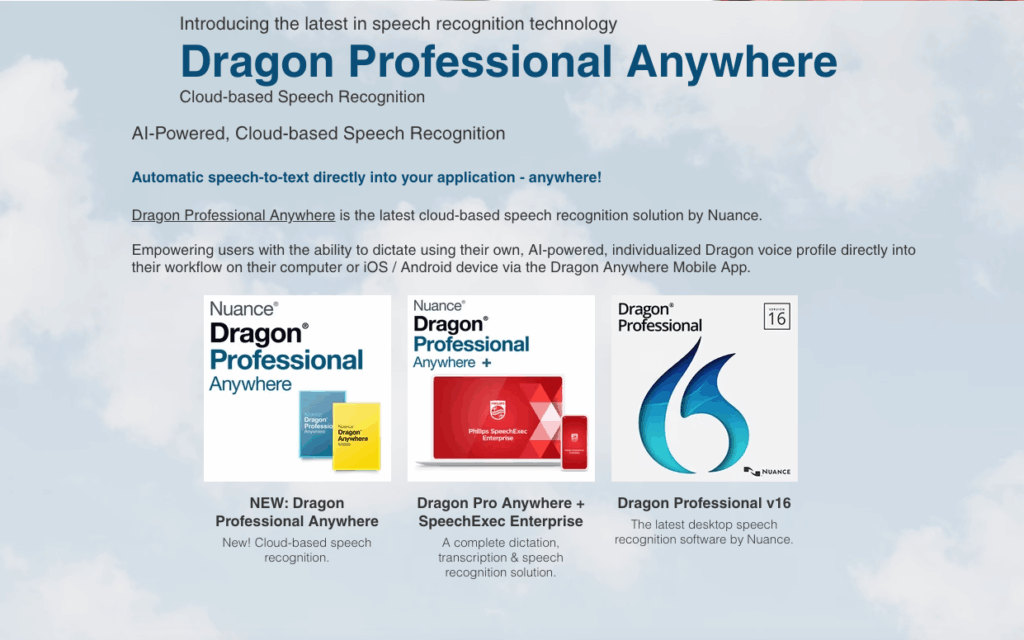
Dragon Professional is the veteran of the category, and it is still here for a reason. It is a fully offline Windows dictation engine built for people who type by voice for a living: doctors, lawyers, and writers who need a vocabulary full of proper names and technical terms. You can train custom words and commands, and it learns your voice over time, which no cloud speech to text software can match for deep personalization.
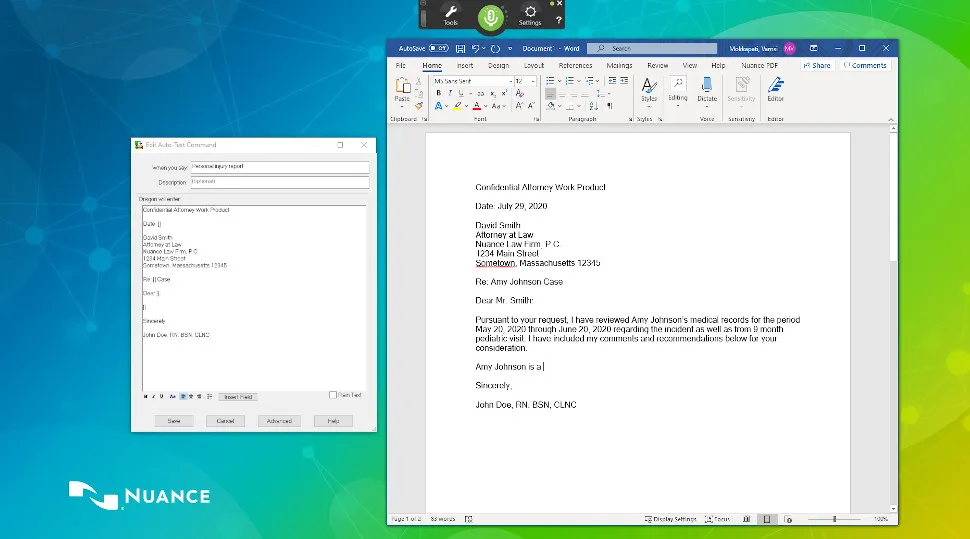
The trade-off is the price tag and the platform. It is a one-time purchase in the hundreds of dollars, and it is Windows only. There is no free tier and no Mac version, so it is a niche pick among speech to text software. But if you need dictation that works with no internet connection and an accuracy tuned to your exact vocabulary, Dragon is the best speech to text software for the specific, serious use case it was built for.
Here is how the five stack up at a glance:
| Software | Platform | Best For | Pricing |
| Video Transcriber AI Desktop App | Windows, Mac | Large files, video to text | Free to start |
| Descript | Windows, Mac | Text-based audio editing | From $19/month |
| Otter.ai | Desktop, iOS, Android | Live meeting notes | Free tier, Pro from $16.99/month |
| Notta | Desktop, mobile, web | Cross-device team notes | Free tier + paid plans |
| Dragon Professional | Windows | Offline dictation | One-time purchase |
How to Choose the Right Speech to Text Software
Accuracy and Language Support
Accuracy is the headline number, but it is also the easiest to be misled by. Vendors quote figures measured on clean studio audio, while your real recordings have background noise, accents, and people talking over each other. The only way to know whether a speech to text software performs on your audio is to run a sample through it, and every tool on this list lets you try before you pay. That test matters more than any published percentage.
Language support is the second filter for speech to text software. If you transcribe in one language, most tools are fine. If you mix languages in a single recording or need translation on top of transcription, the field narrows. Check both the number of languages a speech to text software supports and how it handles a speaker switching languages mid-sentence, because that is where the weaker options quietly fail.
Free vs Paid Speech to Text Software
Free tiers are for testing, not for running your daily workflow. The Video Transcriber AI Desktop App is the standout here, because it lets you transcribe locally without a sign-up wall, which is rare in this category. Other tools offer trial credits or limited monthly minutes, which are enough to benchmark accuracy but not enough for real volume.
When you move to paid, compare the all-in cost, not the sticker price. A cheap subscription that charges extra for speaker labels, longer files, or translation can end up costing more than a pricier plan that bundles everything. For most people, the best speech to text software is the one whose monthly bill stays predictable as your usage grows, not the one with the lowest headline number.
FAQ About Speech to Text Software
Is speech to text software accurate?
The best speech to text software now lands in the 95 to 97% range on clean audio, with single-digit word error rates on studio-quality recordings. Real-world audio is harder for any speech to text software: add background noise, accents, and overlapping speakers, and accuracy drops noticeably. That is why every honest vendor tells you the same thing, and almost nobody does it: test on your own audio before trusting any benchmark.
What is the best free speech to text software?
It depends on what you are transcribing. The Video Transcriber AI Desktop App is the strongest free option for large video and audio files, since it runs locally on Windows and Mac without a sign-up requirement. Otter.ai and Notta both offer free tiers that are solid for meeting notes. Free tiers are best used to test accuracy and fit before you commit to a paid plan.
Can speech to text software transcribe multiple speakers?
Yes, most modern speech to text software includes speaker identification, labeling each person in the transcript so you can tell who said what. Accuracy drops when people talk over each other or when audio is noisy, so a quick test on a real multi-speaker recording is worth the few minutes it takes before you pick a tool.
Conclusion
The best speech to text software in 2026 is the one that matches how you actually work, and for a growing number of people that means a desktop client instead of a browser tab. If you regularly handle long or heavy media, the Video Transcriber AI Desktop App removes the upload ceiling entirely and transcribes locally for free. Creators who edit by text will find Descript hard to give up, while Otter.ai and Notta cover the meeting and cross-device scenarios. And if you need offline dictation tuned to your own vocabulary, Dragon Professional is still the specialist to beat. Run your own audio through the shortlist, watch the all-in price, and pick the speech to text software that keeps working the way you do.