


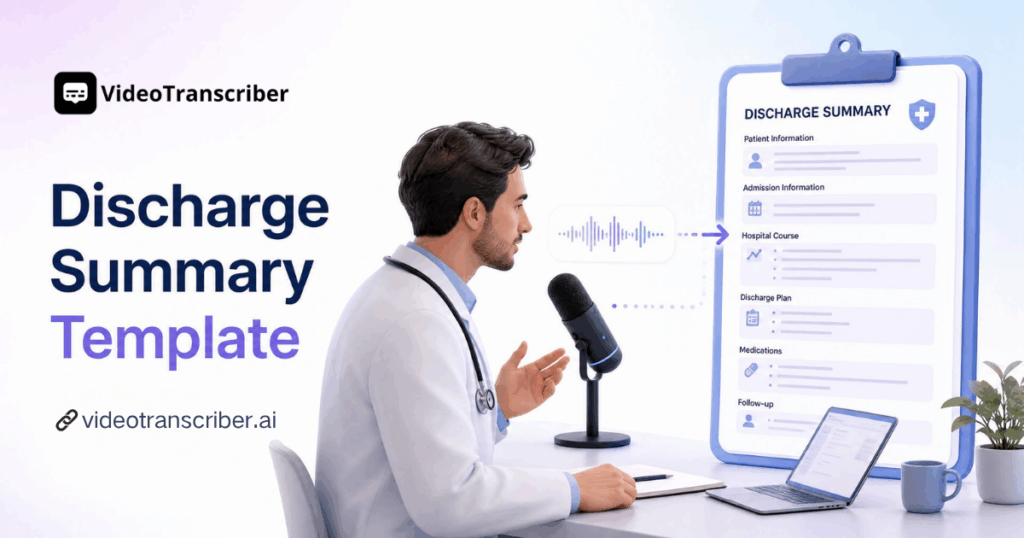
If you work in a hospital or clinic, you already know how much time a discharge summary template can save. Writing these documents by hand is slow and error-prone, but Video Transcriber AI's AI Discharge Summary Generator makes the whole process automatic. You upload a recording, the AI transcribes it, and it produces a complete, structured discharge summary template in minutes.
This guide walks you through exactly how to use a discharge summary template with the AI Discharge Summary Generator. By the end, you will know how to turn a simple voice recording into a finished discharge summary without typing a single word yourself.
What Is a Discharge Summary Template?
Before you learn how to use a discharge summary template, it helps to understand what it is. A discharge summary template is a structured document that captures the key facts about a patient's hospital stay: the diagnosis, the treatment received, the medications, and the follow-up plan. It is the handoff document between the hospital team and the next provider, so getting it right matters.
Key Components of a Discharge Summary Template
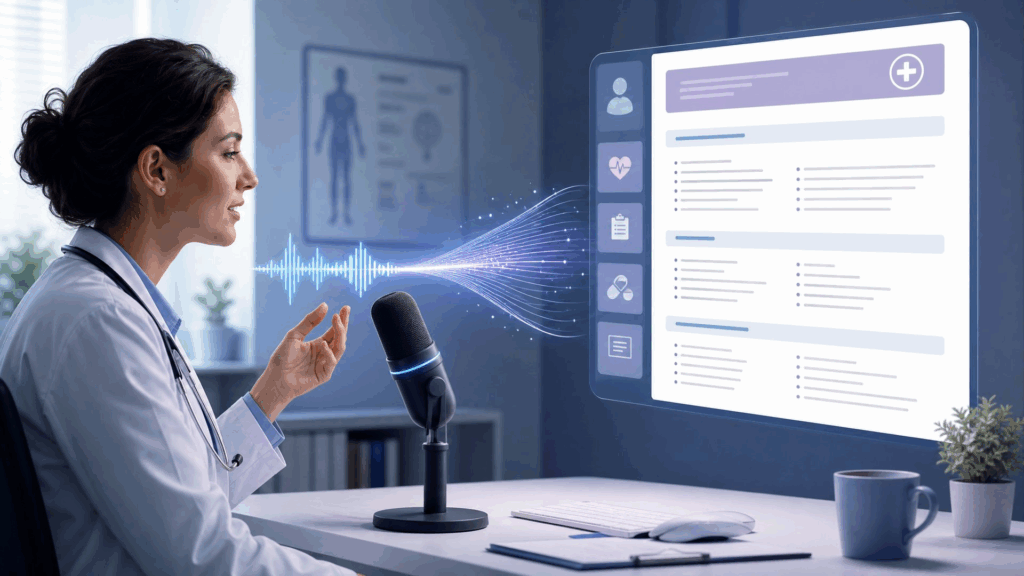
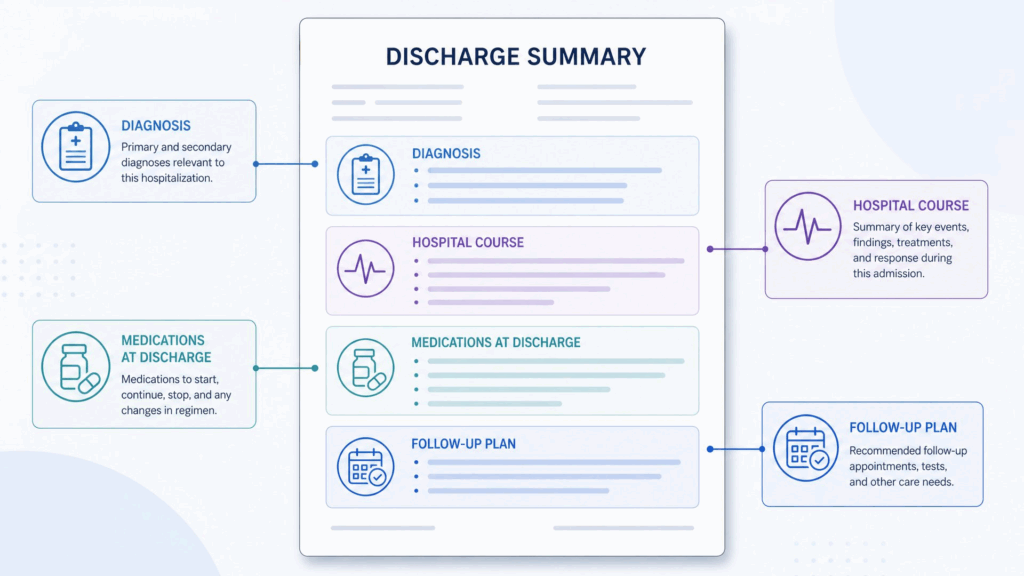
A complete discharge summary template includes several standard sections. It typically opens with patient demographics and the admitting diagnosis, followed by a summary of the hospital course, the discharge medications, and follow-up instructions. A well-structured discharge summary template keeps all of this information organized so that nothing important gets missed, even on the busiest discharge day.
Why a Standard Discharge Summary Template Matters
A standard discharge summary template matters because it ensures consistency across every patient. When every clinician follows the same discharge summary template, the receiving physician, the patient, and the primary care team all know exactly where to find the information they need. It also makes the document easier to review and audit.
Why Use a Discharge Summary Template Matters
Clinicians turn to a discharge summary template for a few strong reasons, and each one pays off immediately.
Save Hours on Clinical Documentation
The biggest reason to use a discharge summary template is the time it saves. Dictating a summary and letting AI generate it takes minutes, while typing one by hand can take twenty minutes or more per patient. Across a busy service, that time adds up to hours every single day, which is why so many clinicians now rely on a discharge summary template to reclaim their evenings.
Reduce Errors and Improve Patient Safety
A discharge summary template reduces the risk of missing critical information. When the structure is already laid out, it is much harder to forget a medication change or a follow-up appointment. This consistency directly improves patient safety at the moment it matters most, which is why a reliable discharge summary template is essential.
Stay Compliant and Consistent
Hospitals and regulators expect complete, accurate discharge documentation. A discharge summary template helps you stay compliant by making sure every required section is present. It also gives your whole team a consistent format that is easier to share, review, and audit, which is why a standardized discharge summary template has become a best practice across healthcare systems.
How to Use a Discharge Summary Template: Step-by-Step Guide with AI Discharge Summary Generator
Now for the practical part. Here is how to use a discharge summary template with the AI Discharge Summary Generator, in five steps.
Step 1: Upload Your Audio or Video Recording
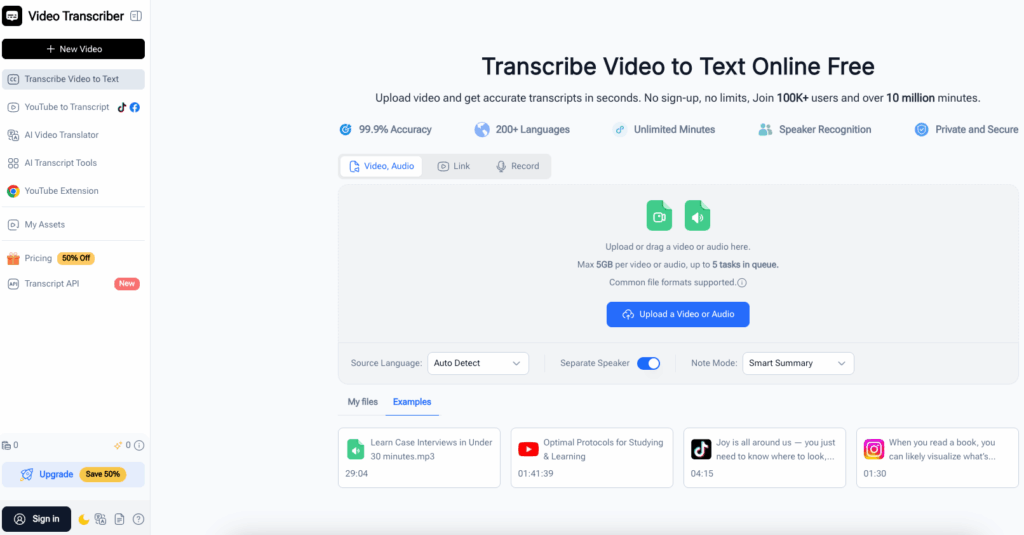
Start by recording your notes. You can dictate a summary out loud, or record a rounds discussion, a handoff, or a case presentation. Then upload the audio or video file to the AI Discharge Summary Generator. The tool accepts common audio and video formats, so your phone recording or dictation device will work without any conversion.
Step 2: Let the AI Transcribe the Recording
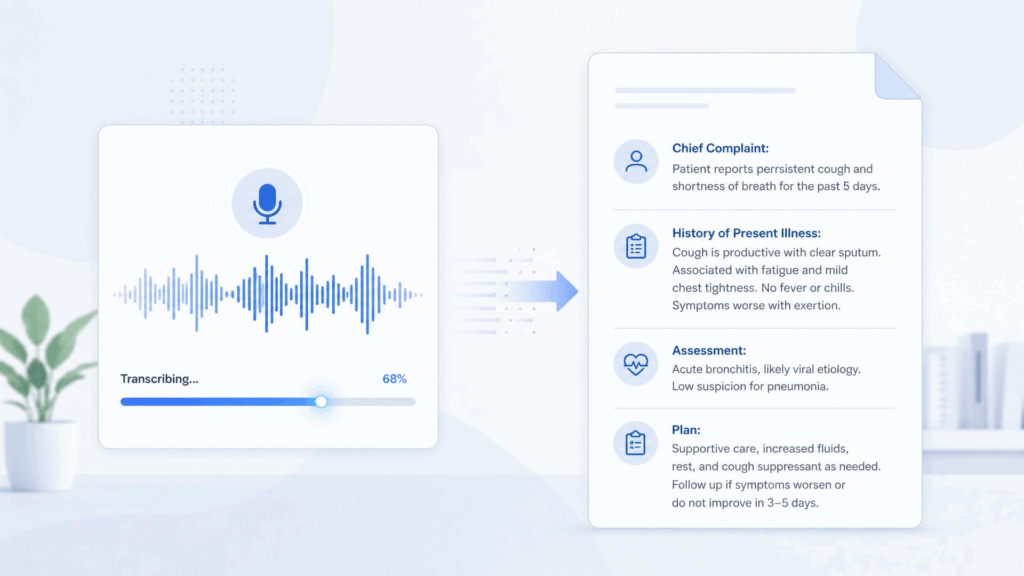
Once uploaded, the AI transcribes your recording into text. It handles medical terminology, multiple speakers, and natural dictation, producing an accurate written transcript in minutes. This transcription is the raw material that the discharge summary template will be built from, so a clean transcript sets you up for a clean final document.
Step 3: Generate the Discharge Summary from the Transcript
Now the AI does the real work. It reads the transcript and organizes the key information into a complete discharge summary template, filling in the diagnosis, hospital course, medications, and follow-up plan. This is the step that turns raw dictation into a document that looks like a clinician wrote it from scratch. Instead of writing each section yourself, you get a structured discharge summary template with all the sections already drafted.
Step 4: Review and Edit the Discharge Summary
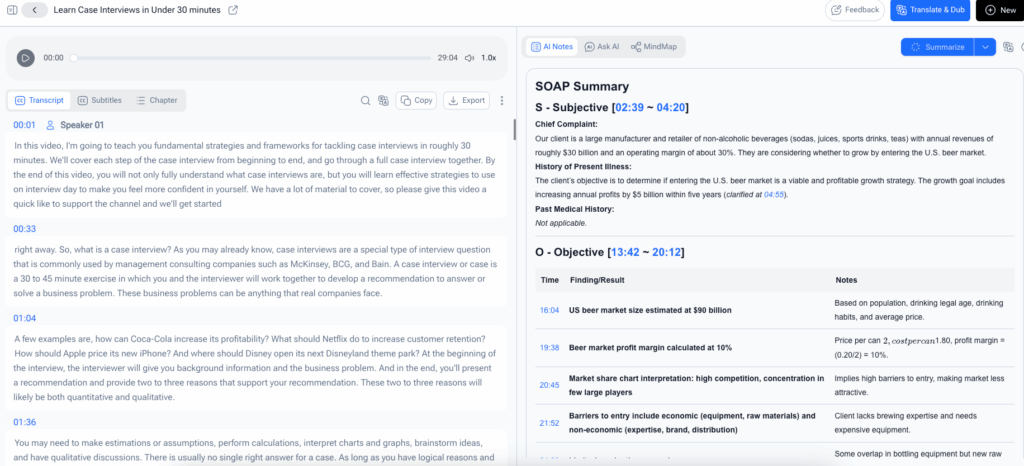
Give the generated discharge summary a quick review. Confirm the diagnosis is correct, check the medication list, and adjust any wording. The AI does the heavy lifting, but a quick human review ensures everything is accurate before the summary is finalized.
Step 5: Export and Share the Summary
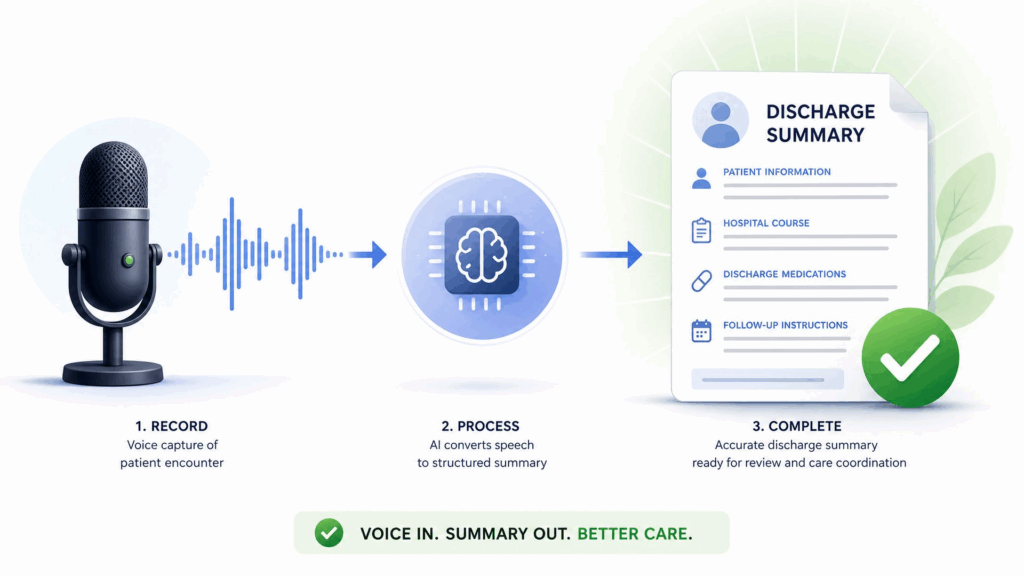
Finally, export the discharge summary template in the format you need and share it with the receiving team or file it in the patient record. That is the complete workflow: upload, transcribe, generate, review, and export.
Pro Tips for Better Discharge Summaries with the Generator
Once you know the basics of using a discharge summary template, these tips help you get better results from every recording.
Tip 1: Dictate Clearly and Cover Key Details
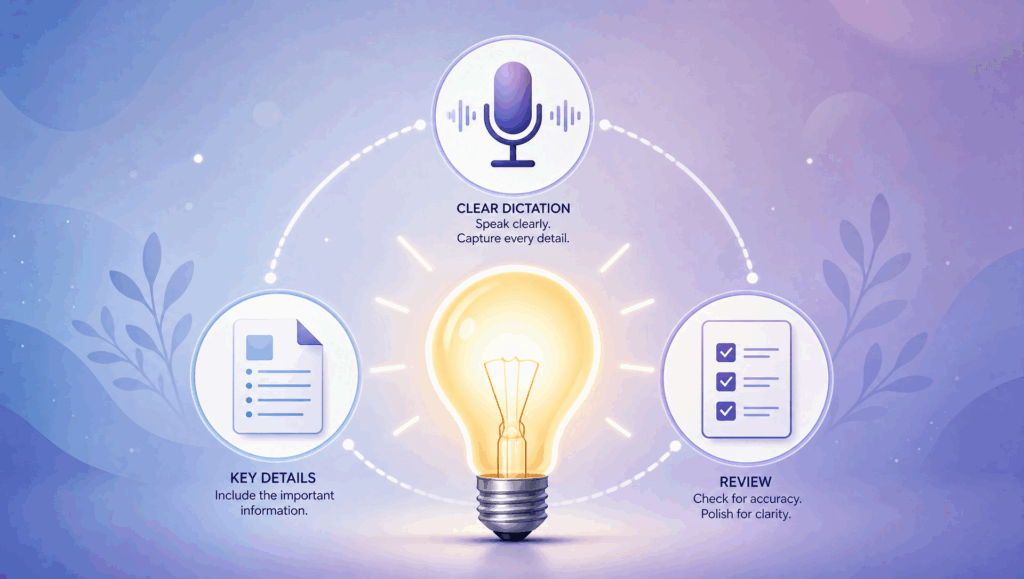
The quality of your summary starts with the quality of your dictation. Speak clearly and at a steady pace, and make sure to mention the diagnosis, the key events, the medications, and the follow-up plan. The more complete your recording, the more complete the discharge summary template will be. A steady, unhurried pace gives the AI the cleanest audio to work with, which translates directly into a more accurate result.
Tip 2: Include Diagnosis, Medications, and Follow-Up in Your Recording
The three sections that matter most are the diagnosis, the medications, and the follow-up instructions. When you dictate, deliberately walk through each of these. This gives the AI everything it needs to fill out a complete discharge summary template without gaps, and it means less editing for you afterward.
Tip 3: Review the Transcript Before Generating the Summary
Take a quick look at the transcript before you generate the summary. If the transcription missed a medication name or a diagnosis, correct it first. A clean transcript produces a cleaner discharge summary template, so this quick check is worth the minute it takes.
Real-World Examples: How Clinicians Use the Generator
Example 1: A Doctor Turning Rounds Dictations into Discharge Summaries
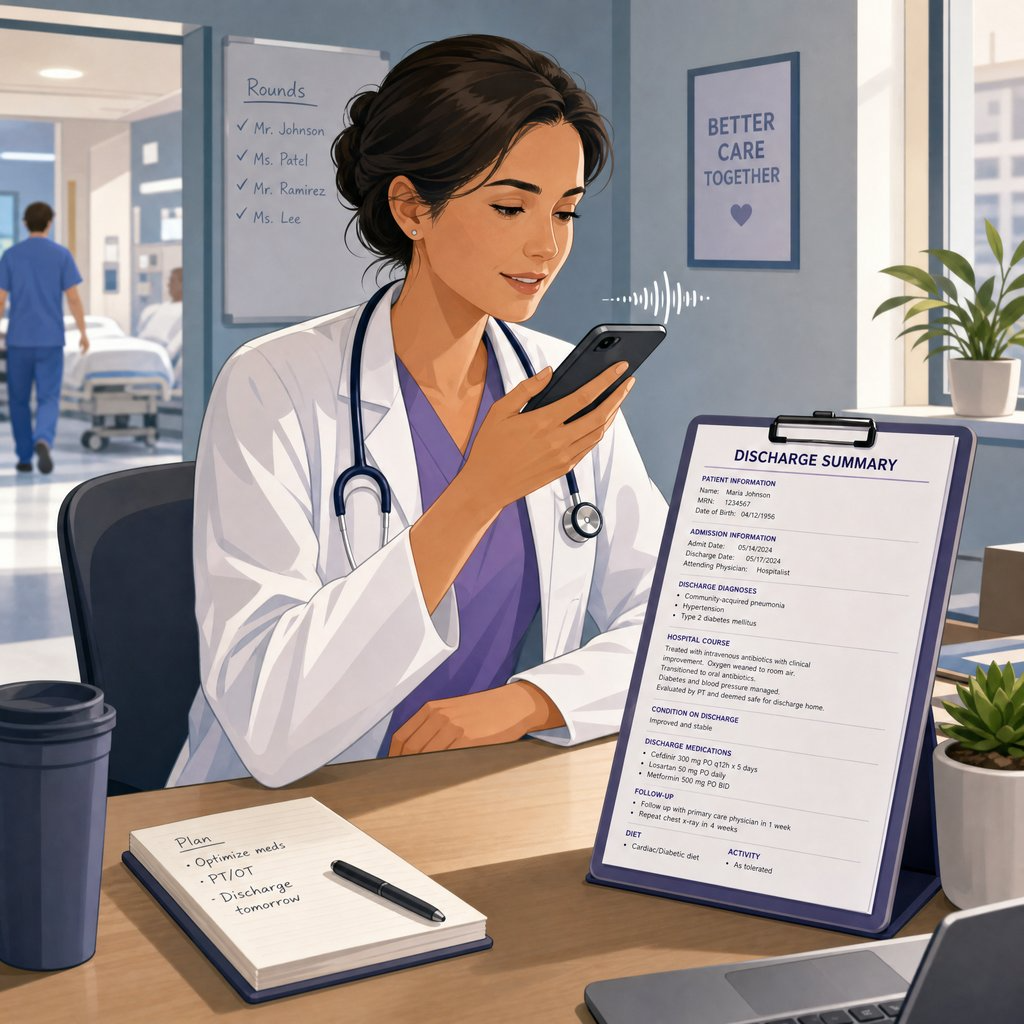
A hospitalist ends every shift with a stack of discharge summaries to write. Now she dictates each one into her phone right after rounds, uploads the recordings to the AI Discharge Summary Generator, and gets a finished discharge summary template for each patient in minutes. What used to take her two hours at the end of the day now takes twenty minutes, and she leaves the hospital on time for the first time in years.
Example 2: A Clinician Converting Handoff Recordings into Discharge Summaries
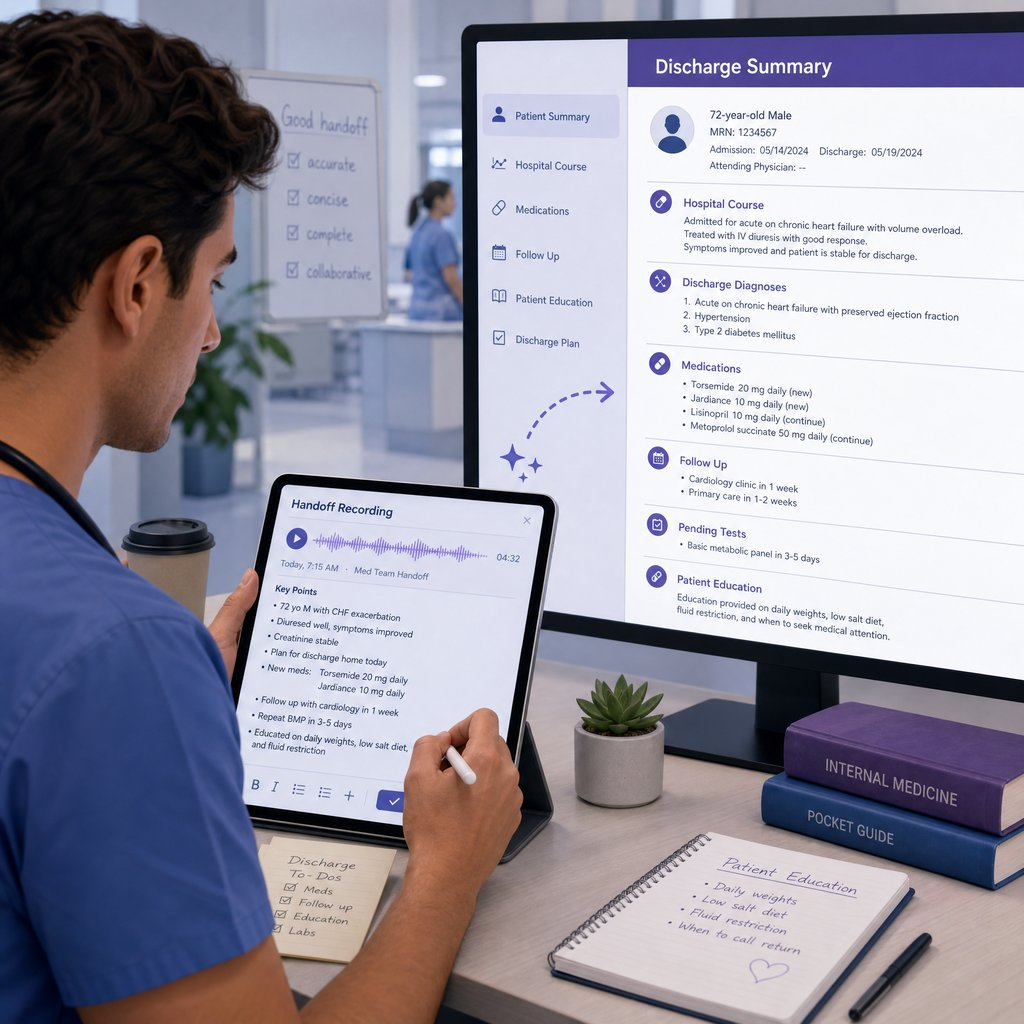
A resident records his handoff notes at the end of each rotation. He uploads those recordings to the generator, which transcribes them and turns them into structured discharge summaries. The resident gets clean, consistent documentation without spending his evenings typing, and the next team gets a clear picture of every patient thanks to a discharge summary template that never misses a section.
Frequently Asked Questions
How accurate is the transcription?
The AI Discharge Summary Generator produces highly accurate transcriptions, especially for clear dictation. It is trained to handle medical terminology and natural speech. A quick review of the transcript before generating the summary is the best way to ensure your discharge summary template is error-free.
What audio and video formats are supported?
The generator accepts common audio formats like MP3, WAV, and M4A, as well as common video formats. Whether you use a phone, a dictation device, or a recorded meeting, you can upload it and turn it into a discharge summary template without converting files first.
How long does it take to generate a discharge summary?
Most recordings are transcribed and summarized in just a few minutes. A short dictation can be done in under a minute, while a longer recording may take a few minutes. The tool shows progress as it works, so you always know when your discharge summary template is ready, and you can move on to the next patient while it finishes.
Is patient data secure?
Yes. Video Transcriber AI processes your recordings over encrypted connections and does not use your content for training or share it with third parties. You can generate a discharge summary template with confidence, knowing that patient information stays private and secure.
Conclusion
A discharge summary template used to mean typing out the same document by hand for every patient, but the AI Discharge Summary Generator has turned it into a five-step process that takes minutes. Upload, transcribe, generate, review, and export: that is the whole workflow, and it fits naturally into any clinical routine.
Whether you are a hospitalist, a resident, or any clinician who writes discharge summaries, knowing how to use a discharge summary template with the AI Discharge Summary Generator gives you fast, accurate, structured documentation you can rely on. If you have been looking for a faster way to produce a discharge summary template, try the generator with your next recording and see how much easier the process can be. Once you experience a discharge summary template that writes itself in minutes, you will never go back to typing them by hand.