


Clinicians now spend a large share of every workday typing instead of treating patients, and industry research keeps linking EHR charting time to physician burnout. Many doctors describe finishing notes at home after clinic hours end, just to keep documentation current. Medical dictation software emerged as a direct response to this problem: instead of typing, a clinician can dictate notes and let speech recognition turn them into text in real time.
Dragon Medical One is one of the best-known names built around this shift, combining medical speech recognition, voice commands, auto-texts, and EHR-focused documentation tools for healthcare professionals who dictate notes throughout the day. But that depth raises a practical question: do you need a full clinical dictation system, or would a lighter medical dictation tool be enough?
This Dragon Medical One review looks at how Dragon Medical One works, its key features, current pricing, strengths, limitations, and five alternatives, to help match the right medical dictation workflow to hospitals, private physicians, researchers, educators, and other users who work with spoken medical information.
What Is Dragon Medical One?
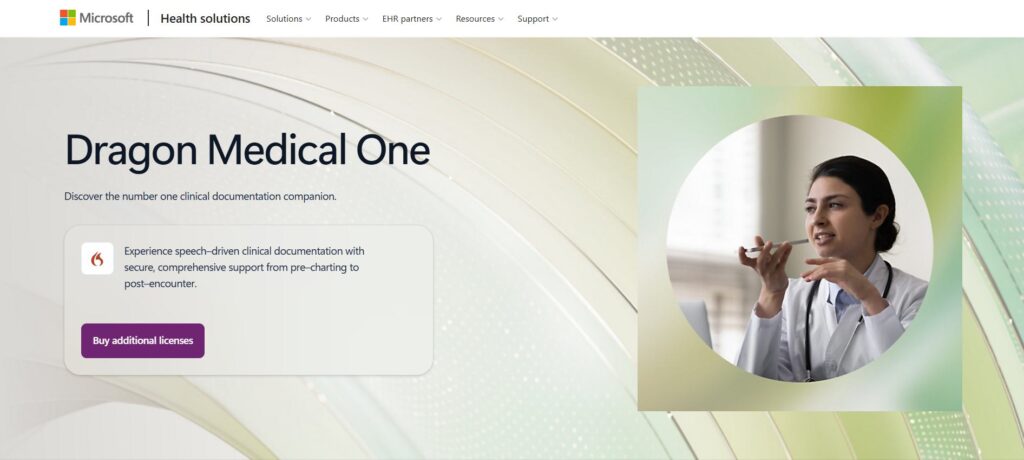
Dragon Medical One is a cloud-based medical speech recognition product from Nuance, now part of Microsoft, built specifically for clinical documentation. Instead of typing a progress note, referral, assessment, or other clinical text, a clinician can speak naturally and let Dragon Medical One turn that speech into text, with dictation at the cursor, natural-language commands, and browser support among its capabilities.
Dragon Medical One is more specialized than a general speech-to-text app, built around medical vocabulary, clinician dictation, EHR use, and repeatable documentation tasks. Users can dictate notes, insert standard text, correct wording, and use spoken commands while working. It is also still actively maintained: Microsoft lists a 2026.1 release track with formatted auto-texts, updated EHR support, and Microsoft Entra ID single sign-on, while older LTSR 2021.4.5 deployments reach end of life on December 31, 2026.
In short, Dragon Medical One is a medical dictation system for people who create clinical documentation continuously, not an upload-first transcription service for users who already have an audio or video file.
How Does Dragon Medical One Work?
The basic Dragon Medical One workflow follows a few simple steps:
- Open the application and choose an available speech recognition language and topic.
- Place the cursor where the text should appear, such as an EHR field.
- Start speaking. Dragon Medical One converts the clinician's speech into text inside the documentation workflow.
- Use voice commands or auto-texts to insert predefined content or trigger actions.
Organizations can also configure speech-recognition topics and available languages as part of deployment. A physician can finish a visit, open the relevant field, and dictate notes while the details are still fresh, while voice commands initiate actions without relying on the mouse or keyboard.
This is where Dragon Medical One differs from lightweight medical dictation online: it is optimized for active, real-time clinical documentation, while a browser-based transcription tool may be more convenient when the task begins with a recorded voice memo, consultation, interview, lecture, or medical video.
Dragon Medical One Key Features
Real-Time Medical Dictation
Real-time medical dictation is the core Dragon Medical One use case. Clinicians can speak while working instead of recording audio first and transcribing it later, which reduces the need to move between a recorder, transcription service, and EHR for progress notes, referrals, and other high-frequency documentation.
Medical Vocabulary and Speech Recognition
Dragon Medical One is designed for clinical language rather than everyday consumer dictation. Administrators can configure speech-recognition topics so the system better matches the clinical setting, which matters for medication names, procedures, anatomy, and abbreviations that a general voice-to-text product may not handle well. This clinical focus is one of the main reasons Dragon Medical One remains distinct from general-purpose transcription software.
Voice Commands and Auto-Texts
Dragon Medical One does more than convert medical dictation into text. Voice commands can initiate actions, while auto-texts let users insert predefined text blocks with a short spoken phrase, reducing unnecessary speech and typing for clinicians who dictate notes with repeated wording. This is an important difference from a basic medical transcription tool: Dragon Medical One helps control the documentation workflow, not just generate a transcript.
EHR and Clinical Workflow Integration
Dragon Medical One is built around clinical documentation environments, with deployment options, EHR-related text controls, authentication settings, and support for virtualized environments so medical dictation reaches the correct chart field reliably. The trade-off is setup: it can require software deployment and organizational configuration that a solo physician, researcher, or educator who only needs medical dictation online may not need.
Dragon Medical One Pricing: What Does It Cost?
Dragon Medical One is not sold like a typical self-serve SaaS product with one universal public checkout price. Microsoft Marketplace currently requires customers to coordinate before completing a purchase, so final pricing depends on the purchasing route and agreement.
One current U.S. Dragon Medical One reseller lists a 12-month plan at $99 per month, plus a one-time $525 fee per license covering activation, unlimited installations, training, and technical support, along with a seven-day trial requiring no credit card. Buyers should confirm the latest quote, since reseller offers and contract terms can change.
For a clinician using Dragon Medical One throughout the day, that cost may be reasonable. For occasional doctor dictation or users who do not need EHR-centered documentation, a lighter medical dictation software option can be easier to justify.
What Dragon Medical One Does Well
Dragon Medical One is strongest when dictation is a core part of daily clinical work. It is purpose-built for healthcare, combining medical speech recognition, medical vocabulary, voice commands, auto-texts, and EHR-oriented documentation controls, with configuration options for authentication, languages, and deployment. Another strength is active development: the 2026.1 release adds formatted auto-texts, updated EHR support, and Entra ID single sign-on. For clinicians who want to dictate notes directly into an established clinical workflow, Dragon Medical One provides capabilities that simple audio-to-text tools are not designed to replace.
Where Dragon Medical One May Be More Than You Need
The key question is not whether Dragon Medical One is capable, but whether your workflow needs all of its capabilities. If you work inside an EHR throughout the day and need real-time medical dictation, voice commands, auto-texts, centralized administration, and enterprise deployment, Dragon Medical One fits that environment. But many users have a narrower task, such as:
- A private physician who wants to dictate notes after a visit and review the result before moving it elsewhere
- A clinical researcher who already has recorded interviews
- A medical educator who needs searchable text from a lecture
- A student who needs to transcribe medical audio without installing clinical software
For these users, browser access, audio and video upload, multilingual transcription, and export may matter more than direct EHR dictation. That is where Dragon Medical One alternatives become useful, not because they replace every feature, but because some workflows simply do not need the full system.
5 Dragon Medical One Alternatives for Different Dictation Workflows
1. Video Transcriber AI: Best Lightweight Option Without EHR Setup
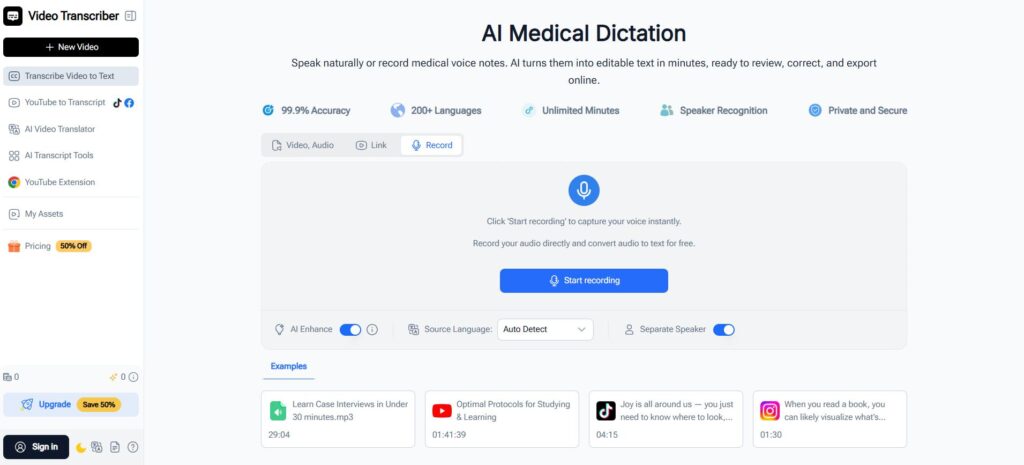
Video Transcriber AI is a lightweight option for medical dictation when users do not need direct EHR setup. Its AI Medical Dictation tool lets users record in the browser or upload an existing medical voice note, turn speech into editable text with timestamps, correct terminology, and export the draft. It supports 200+ languages, letting private physicians, researchers, educators, and students process recorded medical information without connecting an EHR. Compared with Dragon Medical One, the difference is scope: Dragon Medical One is built for real-time documentation inside an established clinical environment, while Video Transcriber AI suits users who want to dictate notes or upload medical audio/video and review editable text.
Best for: private physicians, researchers, educators, and students looking for lightweight online medical dictation.
2. VoiceboxMD: Best for Real-Time Dictation Into Any EHR
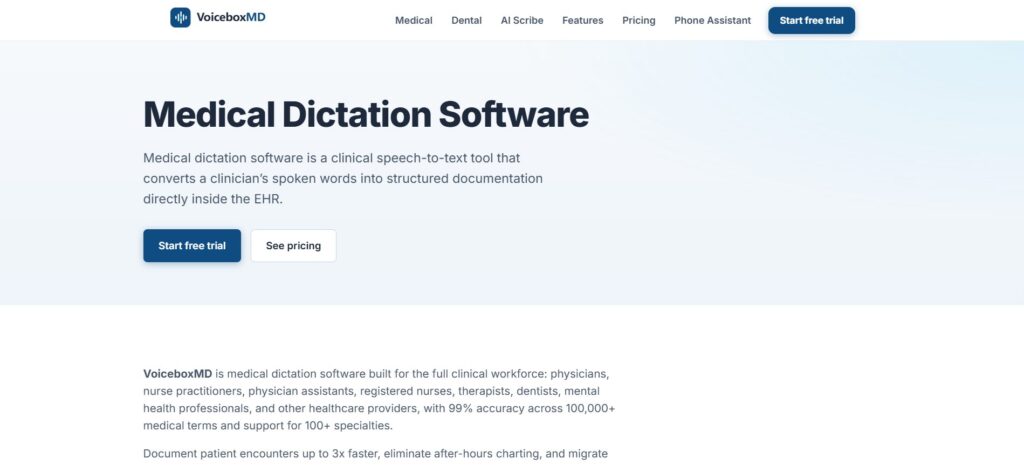
VoiceboxMD is closer to the traditional Dragon Medical One workflow, focusing on real-time medical dictation that inserts transcribed text into an active EHR field such as Epic, Cerner, athenahealth, or eClinicalWorks. It supports Windows, macOS, and iOS; higher plans add pre-recorded audio upload and automated SOAP notes, with a seven-day free trial. Compared with Dragon Medical One, VoiceboxMD suits physicians who still want dictation directly into an EHR but prefer a smaller-scale setup.
Best for: physicians who want real-time medical dictation into existing EHR fields.
3. DeepScribe: Best for Oncology-Focused Ambient Documentation
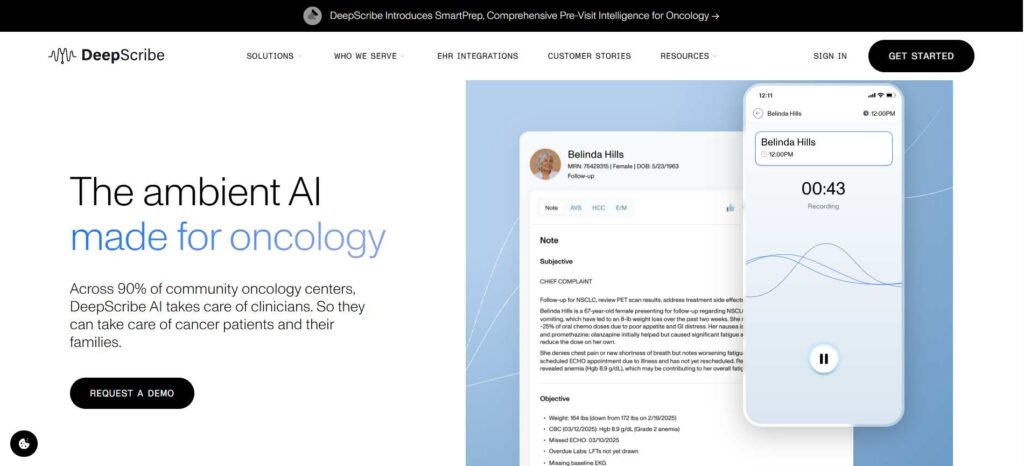
DeepScribe takes a different approach, positioning around ambient AI for oncology and specialty care: instead of dictating sentence by sentence, it captures the encounter, generates contextual clinical documentation, and works with EHR environments including OncoEMR, iKnowMed, and Epic. It supports 109 spoken languages, with non-English encounters translated and notes generated in English; its site currently emphasizes requesting a demo. Compared with Dragon Medical One, DeepScribe moves beyond traditional medical dictation toward ambient documentation and workflow automation.
Best for: oncology centers and specialty practices seeking ambient documentation.
4. Twofold: Best for Turning Conversations Into Structured Clinical Notes
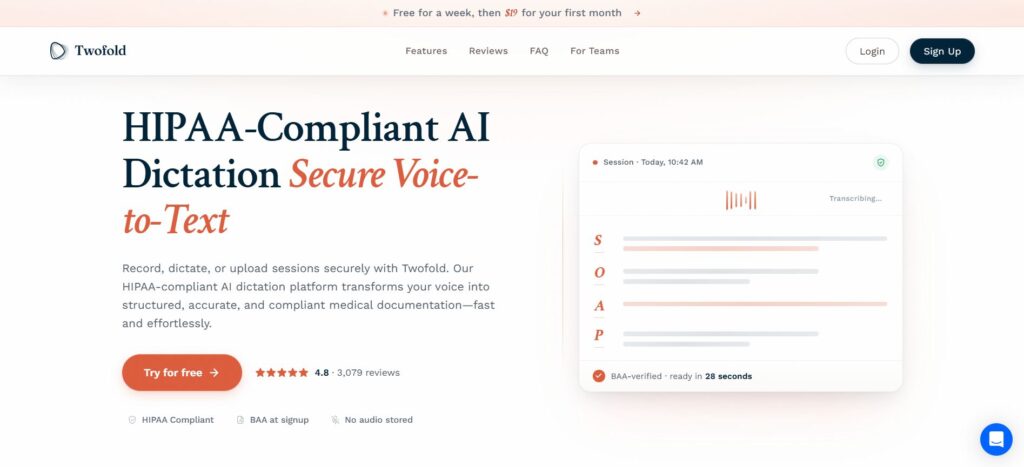
Twofold sits between medical dictation software and an AI medical scribe: users record a live conversation, dictate a summary, or upload a recording, and Twofold turns that input into a structured clinical note for review. It supports 57 languages and offers a seven-day free trial with no credit card, usable through browser and mobile. Compared with Dragon Medical One, Twofold is less about seeing every dictated word appear immediately in an EHR field, and more about letting AI organize captured speech into a note.
Best for: behavioral health, primary care, and clinicians who want structured notes after a session.
5. TurboScribe: Best for Large Medical Audio and Video Files
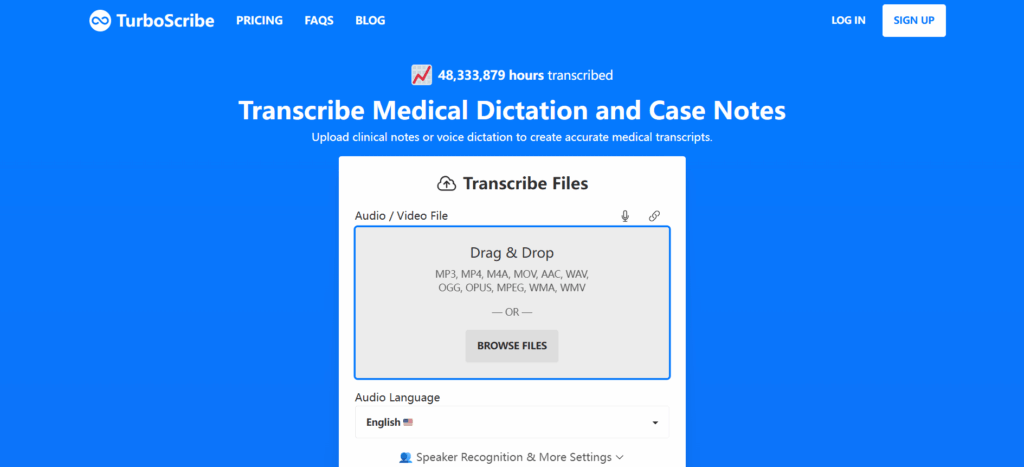
TurboScribe is the most general-purpose transcription option here, supporting audio and video upload, 98+ languages, speaker recognition, and long recordings. The free plan includes three transcripts per day up to 30 minutes each, while the paid Unlimited plan supports files up to 10 hours or 5GB. TurboScribe suits recorded medical dictation and research material more than direct EHR documentation.
Best for: researchers processing long or multiple medical audio and video files.
Dragon Medical One vs Alternatives: Which Workflow Fits You Best?
The right Dragon Medical One alternative depends less on which product has the longest feature list and more on what you actually need to do after you speak.
| Tool | EHR Setup Required | Audio/Video Upload | Language Support | Free Trial / Free Plan | Access | Best For |
| Dragon Medical One | Yes for integrated organizational deployment | Not its main workflow | No single published global count; availability depends on region and license | 7-day trial available through some resellers | Windows desktop deployment; PowerMic Mobile supported | Hospitals, clinics, real-time EHR medical dictation |
| Video Transcriber AI | No | Yes | 200+ languages | Free online use available | Browser-based | Private physicians, researchers, educators, recorded medical dictation |
| VoiceboxMD | No EHR plugin or HL7 setup required for cursor-based dictation | Yes on Power plan and above | English medical dictation | 7-day trial on monthly plans | Windows, macOS, iOS | Physicians who want real-time dictation into EHR fields |
| DeepScribe | Needed for embedded/native EHR workflows | Encounter capture | 109 spoken languages; notes generated in English | Demo by request | Clinical/EHR workflow | Oncology and specialty-care ambient documentation |
| Twofold | No for standard use; EHR connection optional | Yes | 57 languages | 7-day free trial, no card | Web and mobile | Structured clinical notes |
| TurboScribe | No | Yes | 98+ languages | 3 free transcripts/day, up to 30 min each | Browser-based | Long recordings and multilingual transcription |
If real-time EHR documentation is the priority, Dragon Medical One and VoiceboxMD are the closest fits. If you want an ambient system that builds clinical notes from an encounter, DeepScribe or Twofold goes beyond standard medical dictation. For large uploaded recordings, TurboScribe is designed around file transcription. For users who simply want to dictate notes or upload medical audio/video and export the result without an EHR connection, Video Transcriber AI offers the clearest lightweight medical dictation workflow in this group, especially for private physicians, researchers, educators, and smaller healthcare teams that do not need the full Dragon Medical One deployment model.
Dragon Medical One FAQs
How Much Does Dragon Medical One Cost?
Dragon Medical One does not have one universal self-serve price; customers must coordinate through Microsoft Marketplace before purchase. One current U.S. reseller lists it at $99 per month on a 12-month contract plus a one-time $525 fee per license, though pricing varies by reseller. If you only need occasional medical dictation, compare the total cost with a lighter medical dictation tool before committing.
Does Dragon Medical One Work With EHR Systems?
Yes. Dragon Medical One supports dictation in compatible EHR and application text controls, and Microsoft documents updated EHR support in the 2026.1 release. If direct EHR dictation is not required, a browser-based tool such as Video Transcriber AI can provide a shorter route from medical voice notes to editable text.
Is Dragon Medical One the Same as Dragon Copilot?
No. Dragon Medical One centers on clinician-driven speech recognition and medical dictation, while Dragon Copilot adds ambient conversation capture and generative AI that can draft clinical documentation from recordings. Microsoft now positions Dragon Copilot as the primary experience for most users, with Dragon Medical One still prioritized where a workflow specifically depends on its dictation capabilities.
What Is the Best Alternative to Dragon Medical One?
There is no single alternative that fits every workflow. VoiceboxMD suits real-time EHR medical dictation, DeepScribe focuses on ambient specialty documentation, Twofold turns conversations into structured clinical notes, and TurboScribe suits long uploaded recordings. For users who want to dictate notes, upload medical audio or video, and avoid EHR setup, Video Transcriber AI is the strongest lightweight alternative here.
Can Dragon Medical One Transcribe Recorded Medical Audio or Video?
Dragon Medical One is built around active clinician dictation rather than upload-first transcription. If your starting point is an existing recording, interview, lecture, or medical video, Video Transcriber AI lets you upload the file or record medical dictation in the browser, then review or export the text. TurboScribe suits especially long recorded files; the better choice depends on whether you need EHR-centered dictation or flexible recorded-media transcription.
Conclusion
Dragon Medical One remains a strong medical dictation platform for clinicians and healthcare organizations that want real-time speech recognition embedded in clinical documentation. Medical vocabulary, voice commands, auto-texts, EHR support, and ongoing Microsoft updates make Dragon Medical One a good fit when users dictate notes continuously throughout the workday.
But Dragon Medical One is not automatically the best choice for everyone who needs medical dictation. Private physicians, researchers, educators, and smaller healthcare teams may care more about uploading or recording medical audio, getting editable text quickly, and avoiding EHR setup. For that lighter workflow, Video Transcriber AI is a practical alternative: record or upload medical dictation, convert speech to text, review the transcript, then export it for the next step.
Dragon Medical One is the stronger fit for deep, EHR-based clinical dictation. Video Transcriber AI is the more direct fit when you need flexible medical dictation without the full clinical infrastructure.