


In 2025, the demand to transcribe video to text online has skyrocketed. With the explosion of video content on platforms like YouTube, TikTok, Zoom, and online courses, users—from students and content creators to professionals and journalists—need fast, accurate ways to convert videos into searchable, editable text. AI-powered transcription tools have completely transformed workflows. What once took hours of manual typing can now be done in minutes, even for long videos, multiple speakers, and noisy environments.
This guide will show you how to transcribe video to text online for free in 2025. You’ll learn step-by-step workflows, practical use cases, and discover the top AI tools to transcribe video to text efficiently. We also cover tips for YouTube videos, MP4 files, lectures, meetings, interviews, and more.
Why Transcribing Video to Text Matters in 2025
In today’s digital landscape, video dominates communication. From YouTube and TikTok to Zoom calls and product demos, video is everywhere. However, video is not easily searchable, editable, or referenced. This is where the ability to transcribe video to text becomes essential.
Here is why millions of people search for ways to transcribe video to text every month:
- Searchability and Fast Reference: Transcribe video to text to quickly locate keywords, quotes, deadlines, and instructions without replaying the entire file.
- Accessibility and Inclusion: A clear transcript helps people with hearing impairments and supports multilingual audiences through fast text translation.
- Productivity for Work & Study: Students and professionals rely on online video transcription to turn lectures, meetings, and presentations into clean, organized notes.
- Repurposing Content: Creators can transcribe video to text to instantly turn visual content into blogs, captions, scripts, newsletters, and SEO-friendly articles.
- AI Automation: Teams can feed the output from a video to text converter into AI tools for summarization, insights, and action items.
Modern AI video transcription makes all of this possible at zero cost—if you choose the right tool.
How AI Video Transcription Works
Modern AI tools to transcribe video to text rely on advanced speech recognition, natural language processing, and machine learning algorithms. These systems can:
- Detect speech from multiple speakers
- Filter background noise and handle accents
- Maintain proper punctuation and paragraph structure
- Generate readable, structured transcripts
- Support multi-language transcription
All you need to do is upload a file or paste a video link, and the AI will automatically transcribe video to text for you in seconds.
Step-by-Step Workflow: How to Transcribe Video to Text
Below is a complete workflow optimized for beginners and professionals who want to transcribe video to text with fast, clean results using tools like Video Transcriber AI.
Step 1 — Upload Your Video or Paste a URL
Go to your chosen video to text converter, such as Video Transcriber AI. You generally have two options: upload a file (MP4, MOV, AVI, WebM) or paste a YouTube video link. The tool will analyze the audio to prepare to transcribe video to text.
Step 2 — AI Processes and Converts Video to Text
The video transcriber AI engine begins recognizing speech in real-time. It detects spoken words, filters background noise, identifies multiple speakers, and structures the paragraphs. This ensures that when you transcribe video to text, the output is accurate and readable.
Step 3 — Download or Copy the Transcript
Once the AI finishes processing, you can copy the text or download it as a TXT file. You now have a complete transcript in seconds.
Step 4 — Use the Transcribed Text
After you transcribe video to text, you can maximize its value:
- Summarize the text with AI.
- Translate it into other languages.
- Create subtitles or captions.
- Turn the transcript into blog posts or articles.
Top AI Tools to Transcribe Video to Text in 2025
Now that you understand why it is essential to transcribe video to text and how AI can simplify the workflow, the next step is to choose the right tool. In 2025, several reliable AI platforms allow you to transcribe video to text online quickly, accurately, and often for free.
Each of the tools below is highlighted with an overview, key features, and recommended use cases, helping you select the one that best fits your needs—whether it’s converting YouTube videos, MP4 lectures, podcasts, webinars, or interviews into structured, searchable text. By following these recommendations, you can efficiently transcribe video to text and integrate the transcripts into your study, work, or content creation workflow.
Video Transcriber AI — Fast, Free & Browser-Based
Overview:
Video Transcriber AI is a lightweight, browser-based solution for users who want to transcribe video to text online quickly and without any installation or signup. It is ideal for students, content creators, and professionals needing instant transcripts from YouTube videos, MP4 files, lectures, or meetings.
Key Features:
- Supports YouTube, MP4, MOV, AVI, and WebM formats
- Uses advanced AI transcription models to produce clean, structured text
- Supports 100+ languages and automatic speaker recognition
- Instant transcript generation with easy copy/download
Best For:
- Students converting lecture videos into notes
- Creators who want to transcribe YouTube videos to text for articles, captions, or scripts
- Professionals generating meeting summaries or interview transcripts
Happy Scribe — Subtitles & Formatting
Overview:
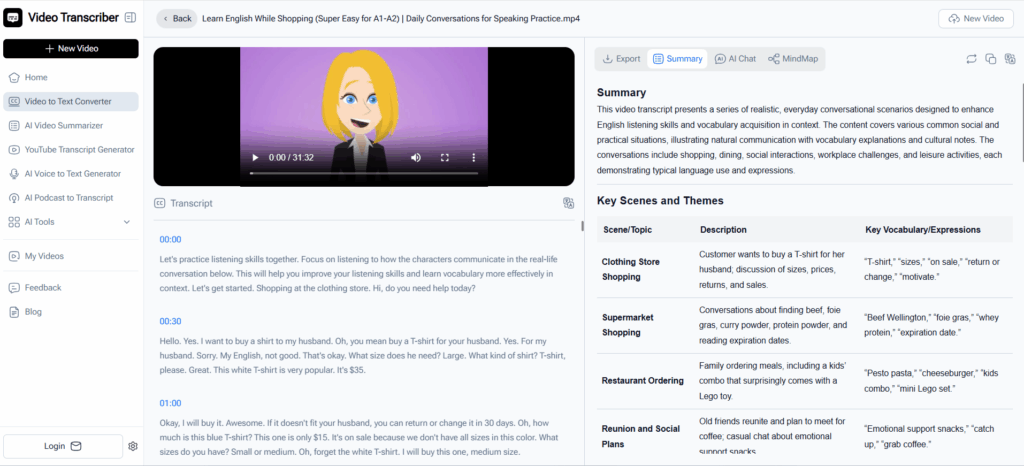
Happy Scribe specializes in helping users transcribe video to text for subtitle creation, captions, and professionally formatted transcripts. This tool is ideal for educators, media teams, and businesses that require accurate, structured output from videos or lectures, making it easy to convert spoken content into usable written text.
Key Features:
- AI-powered transcription with optional human verification for maximum accuracy
- Supports 120+ languages and accents
- Export transcripts in TXT, DOCX, PDF, SRT, and VTT formats
- Includes speaker labels, timestamps, and collaborative editing features
Best For:
- Media teams producing subtitles or caption files
- Educators needing to transcribe video to text for lecture notes or training materials
- Content creators targeting multilingual audiences or creating accessible video content
TurboScribe — Unlimited & Long-Form
Overview:
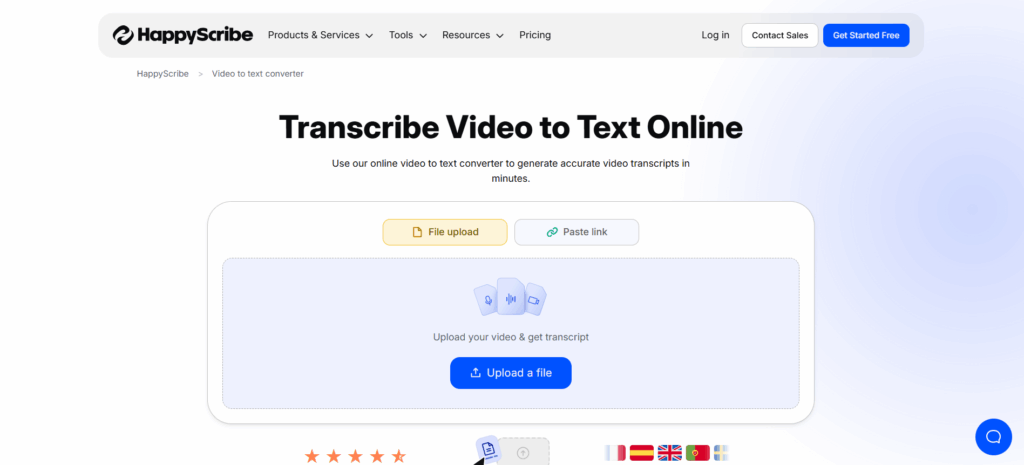
TurboScribe uses Whisper AI models to transcribe video to text efficiently for long files, making it suitable for webinars, podcasts, or hours-long recordings.
Key Features:
- Supports MP4, MP3, WAV, and other formats
- Handles long-form content without losing accuracy
- Export options include DOCX, PDF, TXT, and subtitle formats
Best For:
- Users needing to transcribe video to text for long webinars, podcasts, or interviews
- Professionals managing extensive content libraries
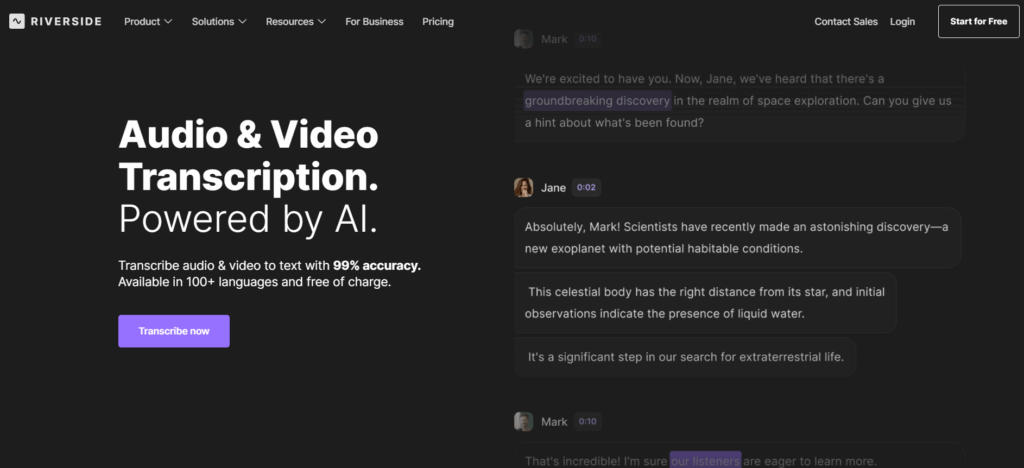
Riverside — Recording & Transcription Suite
Overview:
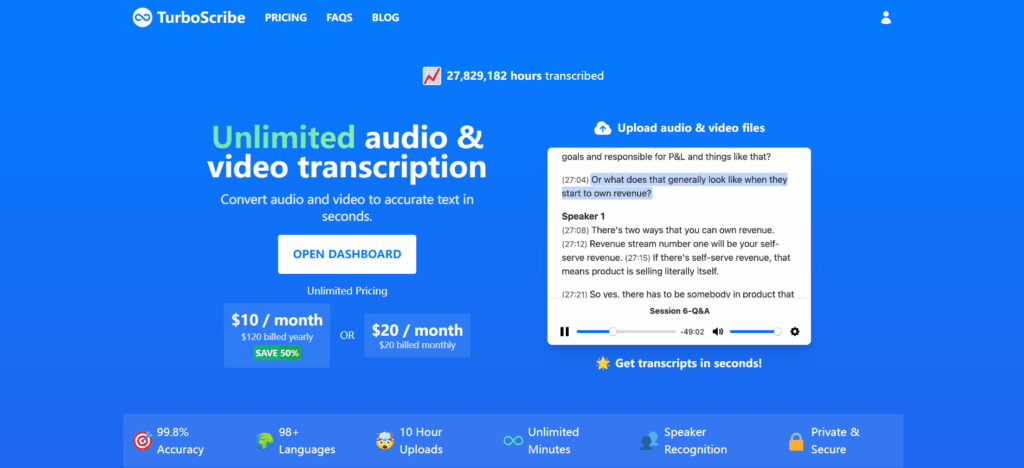
Riverside combines high-quality remote recording with AI transcription, allowing users to transcribe video to text immediately after recording.
Key Features:
- Multi-track recording with studio-quality audio
- Built-in video editor
- Instant AI transcription and subtitle generation
Best For:
- Podcasters or webinar hosts who want to record and transcribe video to text in one workflow
- Teams creating professional, edited video content
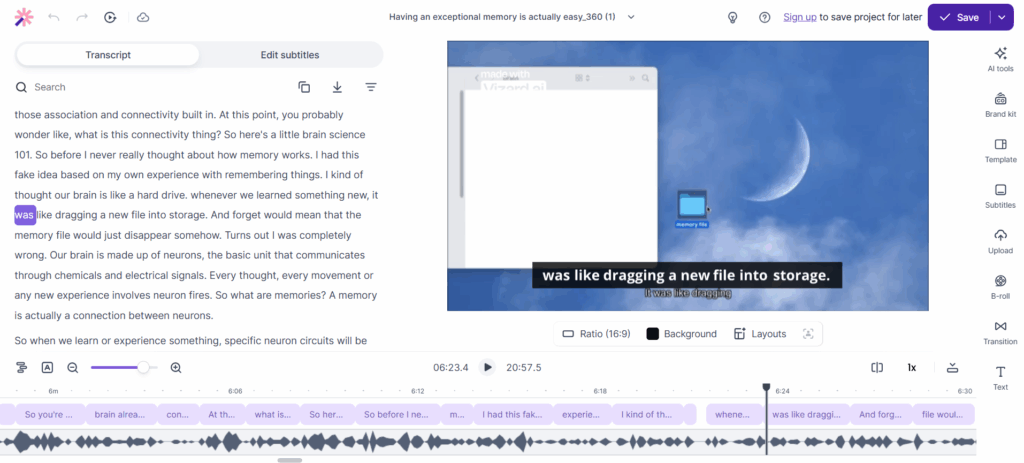
Vizard.ai — Content Repurposing
Overview:
Vizard.ai allows creators to transcribe video to text and transform long-form content into social-ready clips, subtitles, and highlights.
Key Features:
- Auto transcription in 30+ languages
- Highlight extraction and clip generation
- Social-ready content export
Best For:
- Social media marketers and content creators
- Users repurposing long videos into short clips
- Those who want to transcribe video to text and optimize content for multiple channels
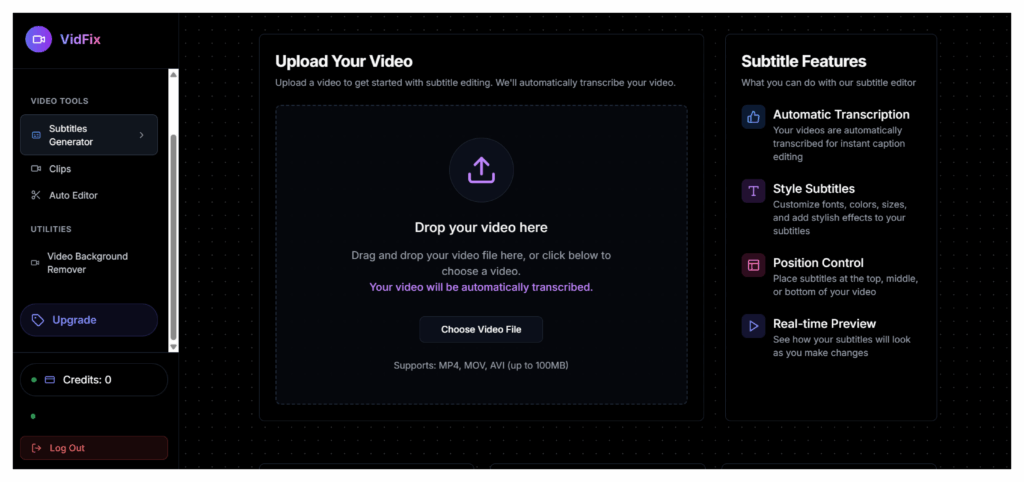
VidFix — Dedicated YouTube Transcription
Overview:
VidFix is designed specifically to transcribe video to text from YouTube videos. Users can paste a YouTube link and generate a clean transcript instantly.
Key Features:
- One-click YouTube link transcription
- Export as TXT, DOCX, or subtitle formats
- Minimal setup, browser-based
Best For:
- YouTubers who want to transcribe video to text for captions, blogs, or SEO
- Quick, hassle-free YouTube video conversions
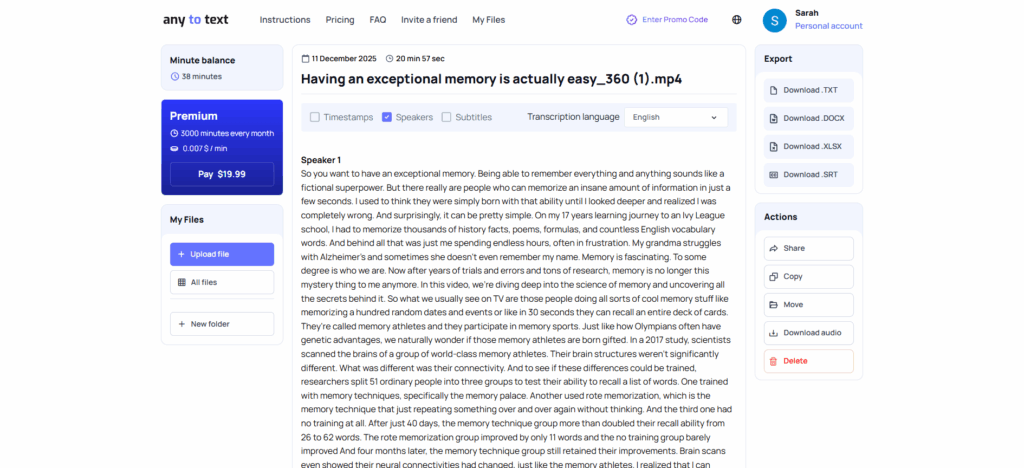
Any2Text — Lightweight Video to Text
Overview:
Any2Text is a simple, fast tool to transcribe video to text for casual or personal use. Its lightweight design makes it ideal for quick MP4 or audio file conversions.
Key Features:
- Upload video or audio files directly
- Generates clean, editable transcripts
- Supports multiple common formats
Best For:
- Students or personal users needing to transcribe video to text occasionally
- Quick MP4 to text conversion without advanced features
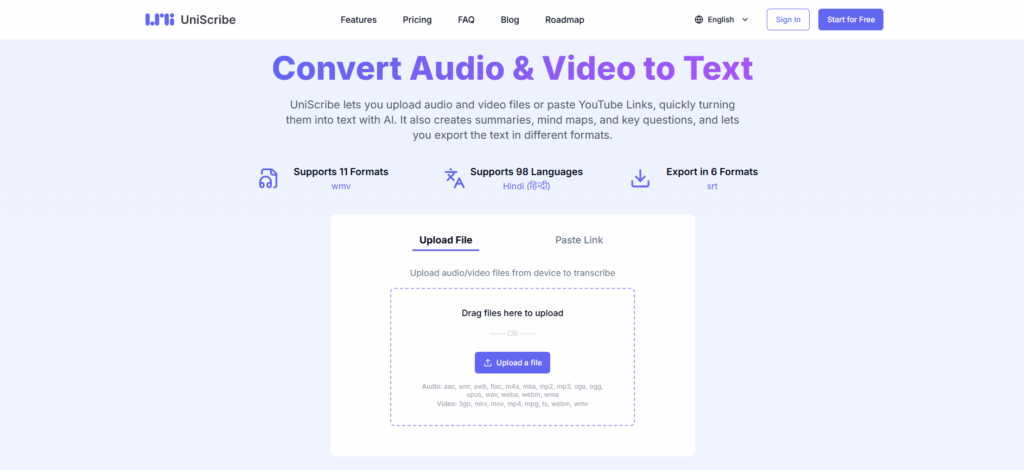
UniScribe — Flexible Exports
Overview: UniScribe is reliable and versatile for users who need to transcribe video to text into multiple formats for research, documentation, or content creation.
Key Features:
- Fast processing with high accuracy
- Multiple export options including DOCX, TXT, PDF, and SRT
- Structured transcript output suitable for formal documentation
Best For:
- Researchers, educators, or content writers needing precise video to text documents
- Professionals converting lectures, tutorials, or interviews into editable text
Practical Use Cases for Video Transcription
Different types of users benefit when they transcribe video to text:
- Students: Convert lectures into notes and review difficult topics by reading rather than watching.
- Content Creators: Transcribe YouTube video to text to optimize SEO, generate captions, and create blog posts.
- Professionals: Transcribe video to text from meetings to log discussions and track action items.
- Journalists: Transcribe interviews instantly to extract quotes and save time during reporting.
Tips to Improve Transcription Quality
To get the best results when you transcribe video to text with any video transcriber AI, follow these tips:
- Clear Audio: High-quality audio leads to more accurate AI video transcription.
- Minimize Noise: Avoid background noise; direct MP4 files work better than recording a playback.
- Speaker Detection: If your video has multiple speakers, choose a tool like Otter or Video Transcriber AI that handles speaker separation well.
- Review: Always skim the text after you transcribe video to text to correct minor errors and format for readability.
Frequently Asked Questions About Transcribing Video to Text
Is it really free to transcribe video to text online?
Yes. Tools like Video Transcriber AI, Otter (free tier), and TurboScribe allow you to transcribe video to text without payment for daily or monthly limits.
Can I transcribe YouTube videos?
Absolutely. You can transcribe YouTube video to text easily by pasting the URL into tools like Video Transcriber AI, Notta, or VidFix.
What file formats are supported?
Most tools allow you to convert video to text from MP4, MOV, AVI, and WebM formats. MP4 to text is the most common and stable conversion.
Is AI video transcription accurate?
Yes, in 2025, AI video transcription is highly accurate. While heavy accents or noise can affect results, modern tools transcribe video to text with impressive precision.
Conclusion
In 2025, AI has fundamentally changed how we transcribe video to text. What once required expensive services or hours of manual work is now instant and accessible. Whether you need to transcribe video to text for YouTube content, class lectures, or business meetings, modern AI tools make the process effortless.
If you want the fastest way to transcribe video to text online for free, start with Video Transcriber AI. For more specialized needs, exploring alternatives like Otter.ai or Happy Scribe will ensure you have the right tool for the job. Start using these tools today to transcribe video to text and transform your video content into valuable, editable assets.