


TikTok is easy to watch but harder to analyze at scale. Researchers, marketers, and developers run into the same problems: missing captions, fast or multilingual speech, and too much manual review across dozens of videos.
A TikTok Transcript API solves that gap by turning public TikTok videos into structured transcript data for research, content, analytics, and AI workflows. This guide explains how a TikTok Transcript API works and how Video Transcriber AI fits into a repeatable workflow.
Why Getting TikTok Transcripts Is Harder Than It Looks
Videos Without Reliable Captions
Captions are useful when accurate, but they are not dependable for every workflow. A video may have no usable captions, or the text may not preserve the structure needed for search or automation.
A tiktok transcription api that works from spoken audio, rather than relying on existing captions, can return a consistent transcript format for downstream use.
Language, Slang, and Fast-Paced Speech
TikTok speech is rarely as clean as a recorded lecture. Creators speak quickly, switch languages, and use slang, abbreviations, or short phrases that make manual review difficult. Music and voiceovers add another layer of complexity.
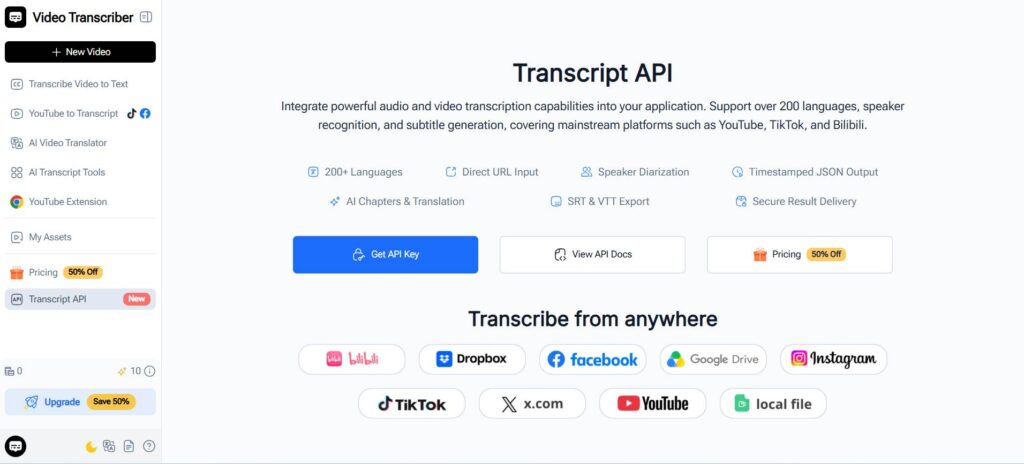
For teams working across regions, a TikTok Transcript API with automatic language detection reduces the need to route every video manually. Video Transcriber AI documents support for 200+ languages and automatic language detection in its Transcript API.
Platform Limits and Manual Transcript Extraction
TikTok's official developer tools cover video display, posting, and research access to public metadata, rather than a general-purpose spoken-transcript endpoint, which is why many developers turn to a dedicated tiktok api transcript solution instead.
For developers who need the actual words spoken in a video, that leaves a practical gap. A TikTok Transcript API fills the transcription layer so the workflow can continue with structured text.
Why These Problems Matter for Video Analysis
Watching a few videos manually is manageable; reviewing hundreds for product mentions, hooks, or topic shifts is not. A TikTok Transcript API makes that conversion repeatable so transcripts can be stored, searched, compared, or passed to another application.
What Is a TikTok Transcript API and How Does It Help?
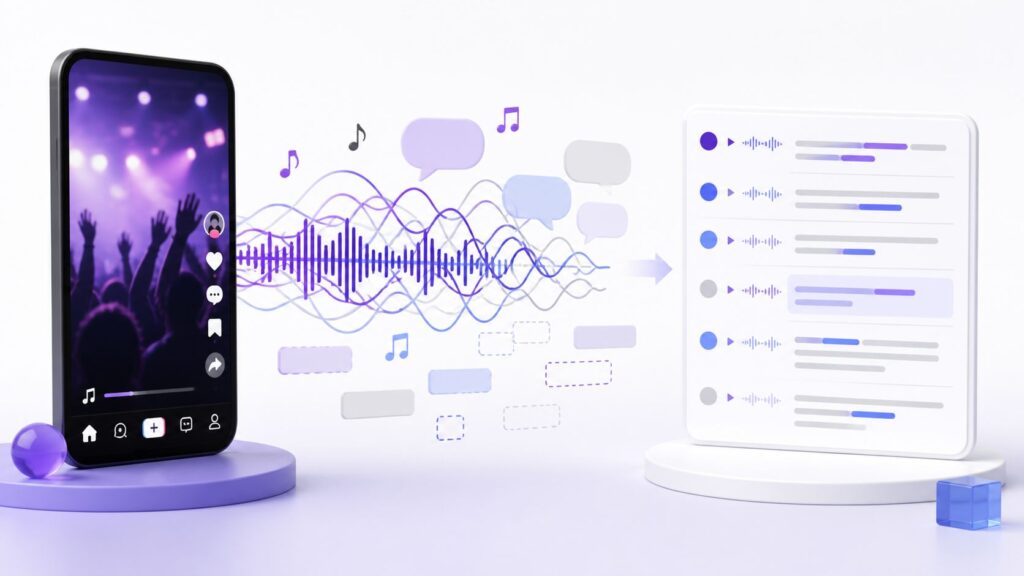
A TikTok Transcript API is an API workflow that converts supported TikTok video content into machine-readable transcript data. An application submits a public source URL, waits for transcription to finish, and retrieves the result programmatically.
The output goes beyond what a basic video transcription api would return: results can include detected language, full text, duration, timed segments, and optional speaker information, plus chapters, translation, and signed SRT or VTT subtitle download URLs when requested.
That makes a TikTok Transcript API a practical layer between short-form video and downstream tools such as research databases, AI applications, or content systems.
If you only need a one-off transcript, Video Transcriber AI also offers a TikTok Transcript Generator for direct online use.
How to Use a TikTok Transcript API in Your Workflow
This section shows how to use TikTok Transcript API in practice, following Video Transcriber AI's documented flow: create a transcription task, poll its status, then retrieve the result.
Step 1: Send a TikTok Video to Video Transcriber AI
Video Transcriber AI accepts public HTTP or HTTPS URLs, including TikTok, YouTube, Instagram, Facebook, X, and Bilibili. Direct file upload is not supported; the source URL must be publicly reachable without a login, private network, or expiring session.
Every OpenAPI request uses a Bearer API Key. To create a TikTok Transcript API task, send a POST request to:
/openapi/v1/transcriptions
Provide the public TikTok URL through the required source_url field. Optional fields include the source language, speaker diarization, chapters, and translation.
The documentation also recommends using a stable Idempotency-Key for each logical create operation so network retries do not create duplicate billable tasks.
For a TikTok Transcript API workflow, this means the application can begin with a supported public TikTok URL and keep the transcription step inside the same backend process as the rest of the product.
Step 2: Generate and Retrieve the TikTok Transcript
The create request does not stay open until transcription finishes. Video Transcriber AI returns a request ID, task status, poll_url, and retry_after while processing continues asynchronously.
Your application then checks:
GET /transcriptions/{request_id}
The API documentation recommends honoring retry_after or the Retry-After response header rather than polling continuously.
When the TikTok Transcript API task succeeds, retrieve the structured result from:
GET /transcriptions/{request_id}/result
This keeps the TikTok Transcript API as one clean stage in a larger application.
Step 3: Keep Transcript Data Structured for Later Use
Video Transcriber AI's documented transcript schema can include detected language, full text, duration, timed segments, and optional speaker information. Timeline values use seconds and may contain decimals.
For a practical TikTok Transcript API pipeline, store the original TikTok URL with the transcript, language, timed segments, and useful project metadata so later analysis remains traceable.
Useful data to preserve can include:
- Original TikTok URL
- Full transcript text
- Detected source language
- Timed transcript segments
- Speaker information when available
- Creator, campaign, or project metadata
Step 4: Connect the Transcript to Your Next Workflow
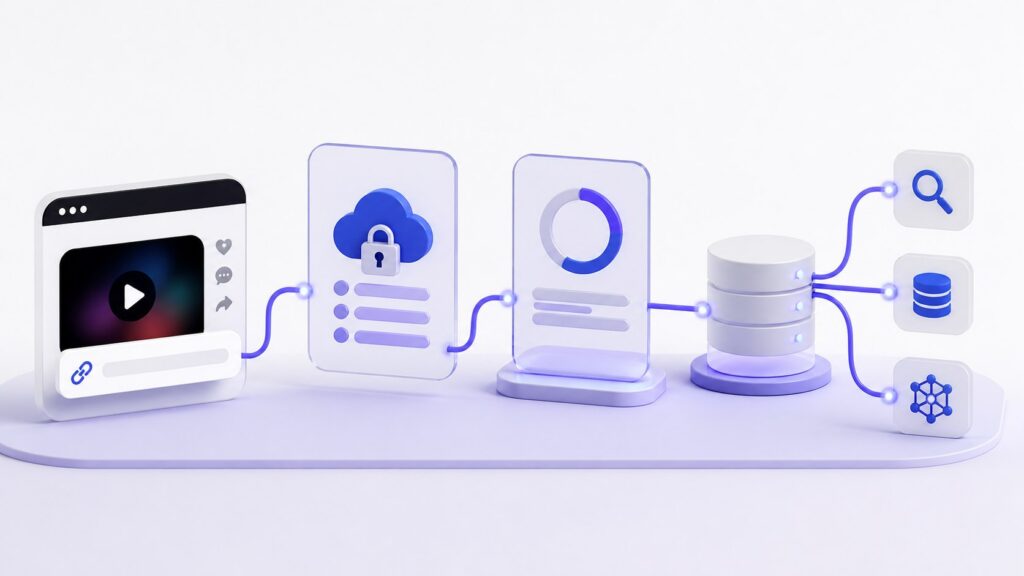
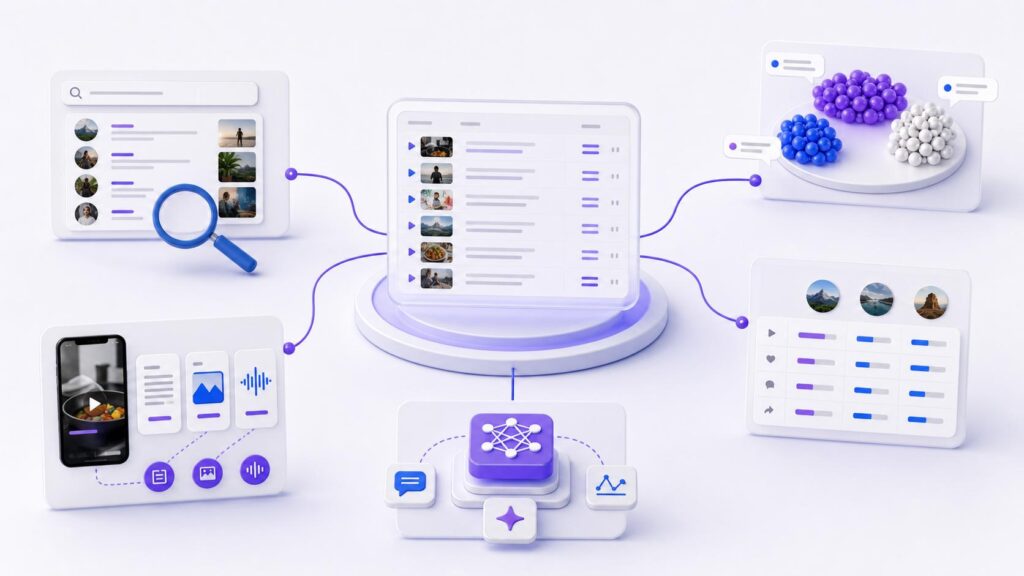
A TikTok Transcript API is most valuable when transcription is not the end of the process. Once the text is available, the application can send it to a search index, database, analytics system, LLM, or content management workflow.
This is the main workflow shift: the TikTok Transcript API handles the transcription layer, while the next system handles the business task.
What You Can Build with a TikTok Transcript API
TikTok Content Research and Video Analysis
A TikTok Transcript API helps teams analyze what creators actually say instead of relying only on hashtags or manual viewing. Researchers can search transcripts for recurring phrases, product references, or audience questions.
This makes spoken TikTok content much easier to compare across a larger set of videos.
Trend and Topic Tracking
A TikTok Transcript API can make spoken trends searchable. Teams can use a TikTok video transcript API to compare how creators describe a topic, identify repeated wording, or group transcripts by theme.
This adds another layer to trend research because useful signals may appear inside the spoken content rather than only in titles, hashtags, or engagement data.
Creator and Competitor Research
A TikTok Transcript API can support creator and competitor analysis by making hooks, product positioning, and repeated campaign language easier to search across many videos.
Instead of replaying the same clips several times, teams can review the transcript and return to relevant moments when closer analysis is needed.
Content Repurposing and Summarization
Once a tiktok video to text api returns the result, teams can summarize videos, extract key points, create notes, or prepare material for blogs and social posts.
A TikTok transcript generator API can therefore act as the first step in a broader content pipeline. Transcription creates the source text, while separate tools or AI models handle summarization, rewriting, or repurposing.
AI Apps and Automated Content Workflows
For AI products, a TikTok Transcript API can serve as an ingestion layer. The application converts speech into text first, then uses that text for classification, extraction, search, or question answering while the AI layer evolves independently.
This approach can support creator tools, research platforms, searchable video libraries, marketing applications, and other SaaS products.
TikTok Captions vs TikTok Transcript API
When Existing TikTok Captions Are Enough
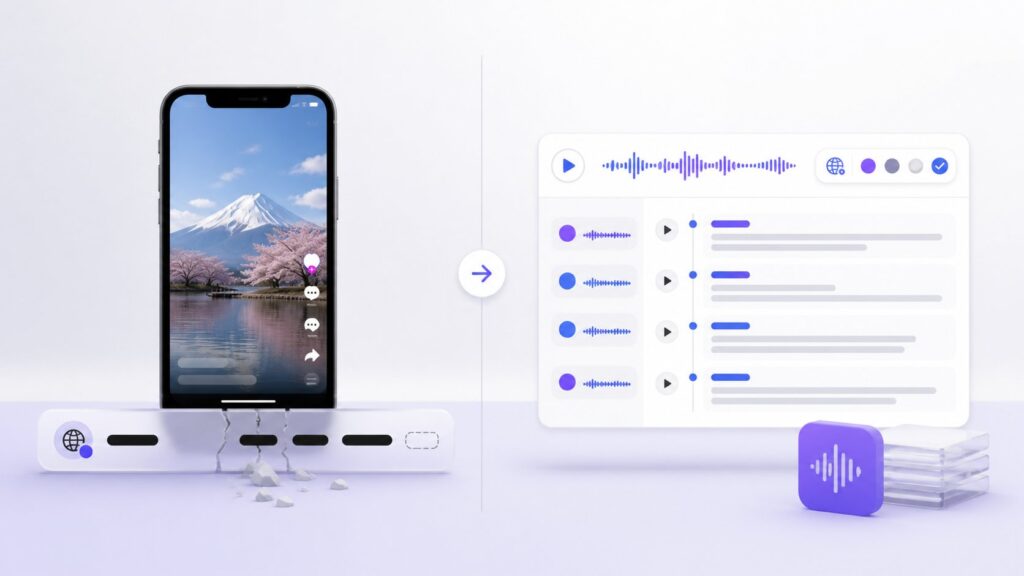
If a video already has accurate captions and the only goal is to read them, existing text may be enough. A TikTok Transcript API is more useful when you need repeatable processing across many videos.
For occasional manual use, a simple tiktok captions api lookup may therefore be enough.
When AI Transcription Works Better
A transcription-based TikTok Transcript API is useful when captions are unavailable, incomplete, or inconsistent.
A TikTok speech to text API processes the spoken audio itself, giving developers a more consistent route to transcript data across different videos, languages, and caption conditions.
Why Transcript Structure Matters for Automation
Automation benefits from structure. Timed segments connect statements to source moments, speaker information helps with multi-person clips, and language metadata can guide downstream processing.
That is why a structured TikTok Transcript API response is more useful than copied text alone when the transcript needs to enter another application.
Common Challenges When Using a TikTok Transcript API
Background Music and Voiceovers
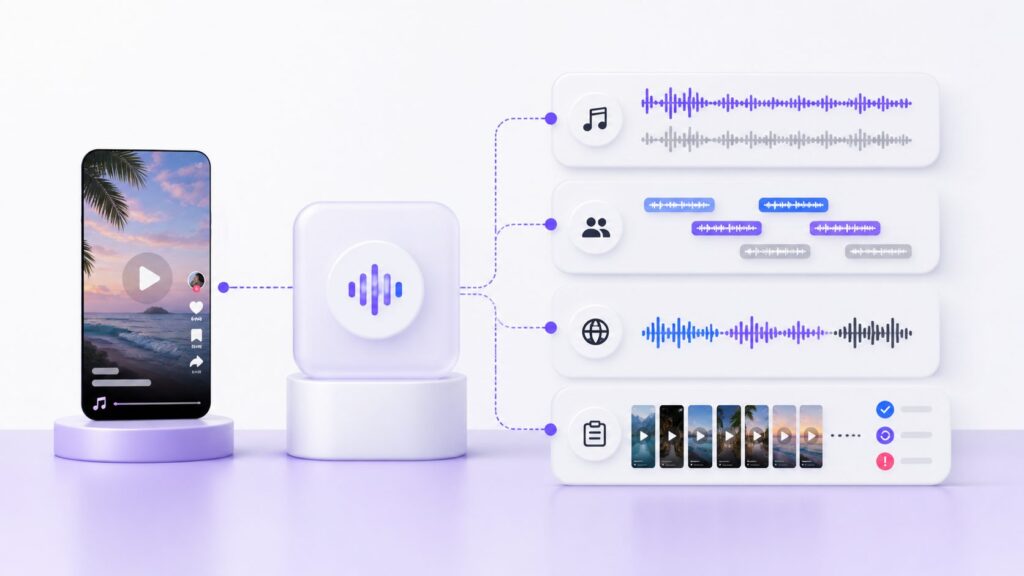
TikTok videos often mix speech, music, and voiceovers. When a TikTok Transcript API feeds research or publishing workflows, important passages should still be reviewed when exact wording matters.
Audio quality remains part of the transcription problem even when the rest of the workflow is automated.
Multiple Speakers and Fast Speech
Reactions, stitched clips, interviews, and dialogue can include more than one speaker.
Video Transcriber AI documents optional speaker diarization, and its result schema can include speaker information; the field may be null when diarization is off or unreliable.
A TikTok Transcript API can therefore preserve speaker structure when supported without requiring every application to build that layer separately.
Multilingual TikTok Videos
Multilingual content is common in global creator research. A TikTok Transcript API with automatic language detection reduces manual routing, and Video Transcriber AI documents 200+ language support plus optional translation.
That can be especially useful for teams collecting TikTok content from several markets through one workflow.
Processing Large Numbers of Short Videos
Scaling a TikTok Transcript API workflow requires more than placing API calls in a loop. The application should account for asynchronous task states, retries, rate limits, failures, and result storage.
Video Transcriber AI documents queued, processing, succeeded, partial_succeeded, failed, and cancelled task states, plus rate-limit headers and Retry-After.
Best Practices for a TikTok Transcript API Workflow
Preserve the Original TikTok URL
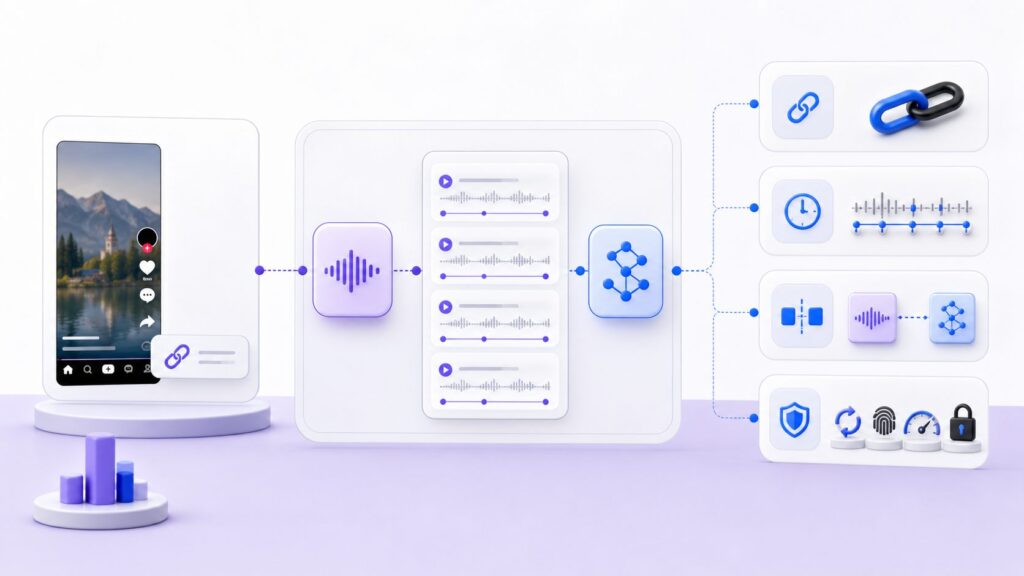
Store the source URL with every transcript so results from a TikTok Transcript API can be traced back to the original video.
This becomes particularly important when transcript data is later summarized, grouped, or analyzed by another system.
Keep Timestamps with Transcript Data
Keep timestamps even if the first use case only needs plain text. They can later support source verification, subtitles, or video navigation.
Video Transcriber AI documents timed transcript segments and signed SRT and VTT subtitle download URLs.
For a TikTok Transcript API workflow, preserving this information gives future applications more flexibility without requiring the source to be processed again.
Separate Transcription from AI Analysis
Keep the TikTok Transcript API as one layer in the architecture: transcribe and store first, then send the result to the analysis system.
This makes it easier to change an LLM, search tool, classifier, or interface without rebuilding the TikTok Transcript API integration.
Design for Repeatable Processing
A reliable TikTok Transcript API workflow should handle retries, request IDs, terminal task states, rate limits, and credential security from the beginning.
Video Transcriber AI advises keeping API keys out of browser-side code, public repositories, logs, screenshots, and support messages.
Designing these safeguards early makes it easier to move from a small prototype to a repeatable production workflow.
Frequently Asked Questions About TikTok Transcript API
Does TikTok Provide an Official Transcript API?
TikTok provides multiple official developer products, but its Display API focuses on accessing user and video information rather than presenting a general-purpose spoken-transcript endpoint.
For workflows centered on converting spoken TikTok content to text, developers can use a dedicated TikTok Transcript API.
Can a TikTok Transcript API Work Without Captions?
Yes. A transcription-based TikTok Transcript API can process spoken audio rather than relying only on existing caption text.
The quality of the result can still depend on factors such as source accessibility, audio quality, background music, and overlapping speakers.
Can I Transcribe TikTok Videos Directly from a URL?
Video Transcriber AI supports TikTok among its documented platform URL sources. For its TikTok Transcript API workflow, the URL must be reachable without a login, private network, or expiring session.
Can I Process Multiple TikTok Videos with an API?
A developer can submit and manage multiple transcription tasks, but a production TikTok Transcript API workflow should respect task states, retry instructions, and rate-limit rules.
Video Transcriber AI also recommends idempotency keys to prevent unintended duplicate create operations.
What Can I Do with TikTok Transcript Data?
A TikTok Transcript API can support content research, creator analysis, trend tracking, search, summarization, repurposing, AI applications, and internal automation.
The main benefit is that spoken TikTok content becomes structured information that software can process.
Conclusion: Build a Better TikTok Transcript Workflow
Transcribing one short video is not the hard part. The real challenge is building a repeatable process that turns TikTok content into information that can be searched, analyzed, summarized, or connected to another product.
A TikTok Transcript API provides that transcription layer. With Video Transcriber AI, developers can submit supported public TikTok URLs, create asynchronous transcription tasks, retrieve structured results, preserve timestamps, and optionally use speaker diarization, chapters, translation, SRT, or VTT outputs.
Because the same API also supports other platform and media URL sources, a TikTok Transcript API integration can fit into a broader multi-platform architecture instead of staying a one-off TikTok tool.
For teams building research tools, content systems, or AI applications, the advantage is simple: a TikTok Transcript API turns short-form speech into structured data the rest of the workflow can use.