


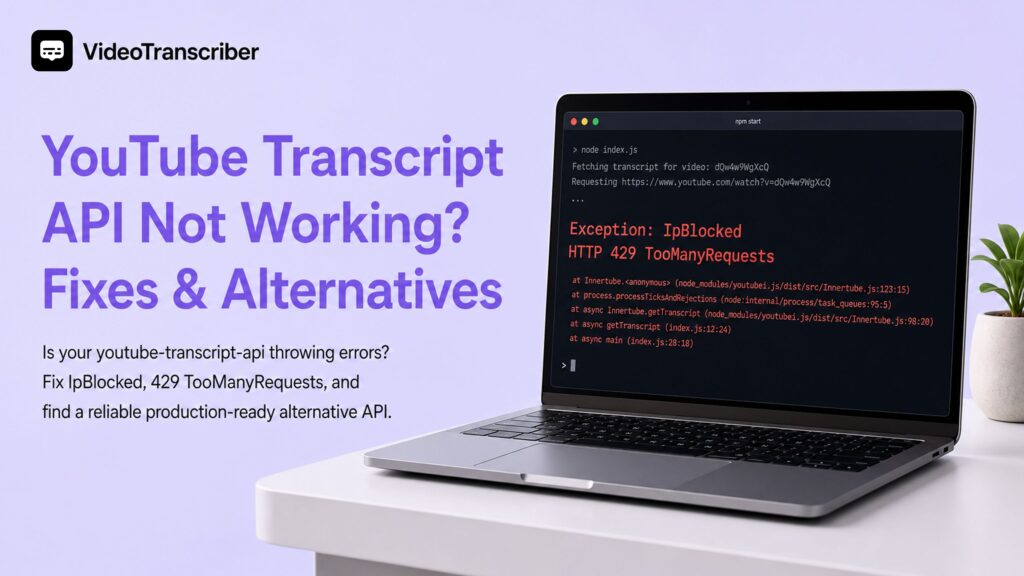
Is your youtube-transcript-api throwing errors again? You run get_transcript(video_id), and instead of a clean transcript, you get IpBlocked, 429 TooManyRequests, or NoTranscriptFound. The error message isn't always helpful, and the same code that worked yesterday suddenly doesn't today.
This guide covers the six most common youtube transcript api not working errors, gives you exact code-level fixes for each, explains why these failures keep recurring even after you patch them, and introduces a managed alternative built for production reliability.
Quick Diagnosis: What Type of Failure Is This?
Before you change any code, spend 60 seconds capturing the minimum facts. The right fix depends entirely on the error class — not just the symptom.
Run this snippet first:
from youtube_transcript_api import YouTubeTranscriptApi

video_id = \"YOUR_VIDEO_ID\"

try:
    transcript = YouTubeTranscriptApi.get_transcript(video_id)
    print(\"Success:\", transcript[:2])
except Exception as exc:
    print({
        \"video_id\": video_id,
        \"exception_class\": exc.__class__.__name__,
        \"message\": str(exc),
    })
    # Also run: pip show youtube-transcript-api
Then match what you see to the table below:
| Error / Status | Category | Jump to |
429, TooManyRequests | Rate limit | Section 1 |
IpBlocked, RequestBlocked | IP reputation | Section 2 |
NoTranscriptFound | Missing captions | Section 3 |
TranscriptsDisabled | Creator setting | Section 4 |
CouldNotRetrieveTranscript, KeyError | Parser change | Section 5 |
VideoUnavailable, private, geo-blocked | Bad input | Section 6 |
One diagnostic rule before you dive in: run one known public video from the same environment. If a well-known, globally available video (such as an official TED Talk) also fails, the problem is systemic — IP reputation or rate limits. If only your target video fails, the problem is input, captions, or language.
6 Common Errors and How to Fix Them
1. 429 TooManyRequests — You're Being Rate Limited
What it means: YouTube is throttling your request pattern. This happens when you send too many requests in a short window, run concurrent workers pointing at the same IP, or retry failed requests without any delay.
What makes it worse: Retrying immediately after a 429 accelerates the block. Many developers hit a loop — retry, get blocked harder, retry again — and assume the library is broken when the real issue is the retry strategy.
The fix: Add exponential backoff with jitter so retries slow down progressively and don't synchronize:
import random
import time
from youtube_transcript_api import YouTubeTranscriptApi

def get_transcript_with_backoff(video_id, max_retries=5):
    for attempt in range(max_retries):
        try:
            return YouTubeTranscriptApi.get_transcript(video_id)
        except Exception as exc:
            if attempt == max_retries - 1:
                raise
            wait = (2 ** attempt) + random.uniform(0, 1)
            print(f\"Attempt {attempt + 1} failed ({exc.__class__.__name__}). Retrying in {wait:.1f}s...\")
            time.sleep(wait)
Also check: If you're running parallel jobs, reduce concurrency to a single thread during testing to isolate whether the rate limit is usage-based or IP-based. A single sequential request that still returns 429 points to an IP block, not a frequency issue.
2. IpBlocked / RequestBlocked — Your IP Is Flagged
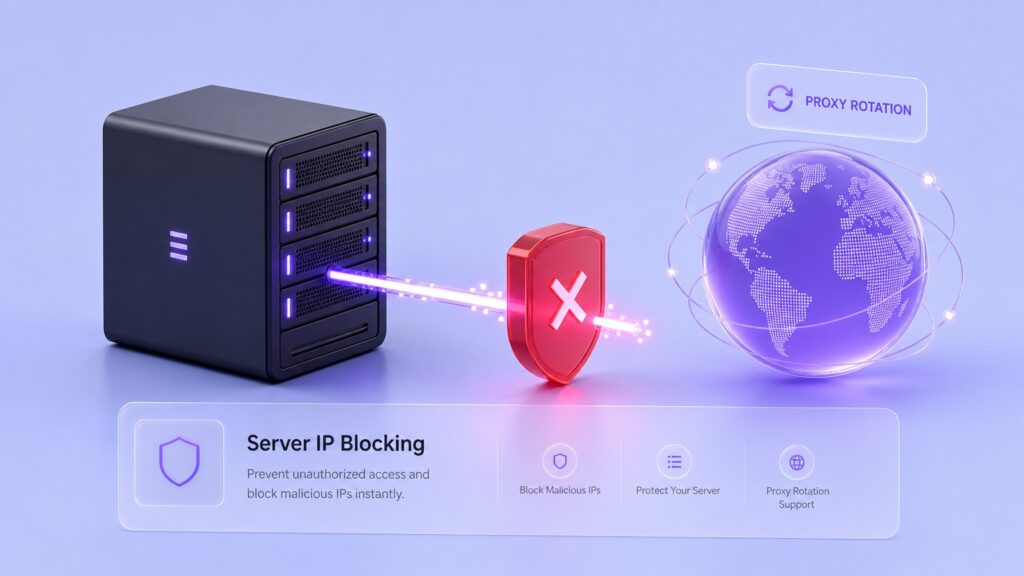
What it means: YouTube has flagged your server's IP address or traffic pattern as automated. This is one of the most frustrating youtube transcript api errors because the exact same code works on your laptop but fails consistently on your production server.
Why it happens: Cloud and datacenter IP ranges — AWS, GCP, Azure, DigitalOcean — carry far lower reputation than residential IPs. YouTube receives enormous volumes of automated traffic from those ranges and treats them with significantly more suspicion.
Diagnose it in two steps:
- Run the same video ID from your local machine using the same package.
- If it succeeds locally but fails on the server, it is an IP reputation issue, not a code bug.
Short-term fix: Proxy rotation can confirm the diagnosis and unblock a narrow test window. It is not a permanent production solution — it adds cost, credential management, and introduces a new failure point.
from youtube_transcript_api import YouTubeTranscriptApi

proxies = {
    \"http\": \"http://YOUR_PROXY_IP:PORT\",
    \"https\": \"http://YOUR_PROXY_IP:PORT\",
}

transcript = YouTubeTranscriptApi.get_transcript(video_id, proxies=proxies)
Long-term: If IpBlocked appears regularly in production, proxy rotation is a maintenance treadmill. The underlying cause — your server's IP reputation — does not improve over time. For production workloads, a managed API that handles IP rotation transparently removes this problem entirely.
3. NoTranscriptFound — No Captions in the Requested Language
What it means: The video exists and captions are available, but not in the language you specified. The library raises NoTranscriptFound when your language code does not match any available transcript on that video.
Verify first: Open the video in YouTube, click the gear icon, navigate to Subtitles/CC, and check which language options are actually listed. What you see there is what the library can access.
The fix: Use list_transcripts() to inspect what is available, then fall back to an auto-generated transcript if a manual one does not exist in your target language:
from youtube_transcript_api import YouTubeTranscriptApi

video_id = \"YOUR_VIDEO_ID\"

# Step 1: See what is available
transcript_list = YouTubeTranscriptApi.list_transcripts(video_id)

for t in transcript_list:
    print(f\"Language: {t.language} ({t.language_code}), Auto-generated: {t.is_generated}\")

# Step 2: Try manual English, then fall back to any auto-generated English variant
try:
    transcript = YouTubeTranscriptApi.get_transcript(video_id, languages=[\"en\"])
except Exception:
    transcript_list = YouTubeTranscriptApi.list_transcripts(video_id)
    generated = transcript_list.find_generated_transcript([\"en\", \"en-US\", \"en-GB\"])
    transcript = generated.fetch()

print(transcript)
Note: Auto-generated captions are less accurate than manually uploaded ones but are available on the vast majority of recent YouTube videos. For many use cases — meeting summaries, content repurposing, basic search indexing — they are more than sufficient.
4. TranscriptsDisabled — The Creator Turned Off Captions
What it means: The video owner has explicitly disabled captions at the video level. This is a YouTube platform setting that no client-side library can bypass — the restriction is enforced server-side before any response reaches your code.
Confirm it: Open the video in a browser. If the CC button is missing from the player controls, captions are disabled. If the CC button is present but grayed out, the channel has no captions in any language.
What you can do:
- Catch and log the error so it does not silently break downstream pipeline steps.
- If text from these videos is essential, the only path is downloading the audio and routing it through a separate ASR (automatic speech recognition) engine.
from youtube_transcript_api import YouTubeTranscriptApi
from youtube_transcript_api._errors import TranscriptsDisabled

try:
    transcript = YouTubeTranscriptApi.get_transcript(video_id)
except TranscriptsDisabled:
    print(f\"Captions disabled for {video_id} — routing to ASR fallback or skipping.\")
    # Log to your monitoring system; do not retry
5. CouldNotRetrieveTranscript / Parser Errors — YouTube Changed Something
What it means: YouTube periodically updates the structure of their internal responses. Because youtube-transcript-api scrapes unofficial, undocumented endpoints rather than calling a supported API, any frontend or backend change at YouTube can break the parser — sometimes overnight, with no announcement.
Signs this is the cause:
- The error appeared suddenly for videos that worked correctly before.
- Multiple different video IDs fail with the same error at the same time.
- You see low-level exceptions like
KeyError,IndexError, orJSONDecodeErroralongsideCouldNotRetrieveTranscript.
The fix: Update the package. The library maintainer typically patches breaking changes within days of a YouTube update:
pip install --upgrade youtube-transcript-api
If a new version introduces regressions elsewhere in your stack, pin to the last known working version:
pip install \"youtube-transcript-api==0.6.3\"
Before spending time debugging, check the project's GitHub issues page. If YouTube changed something, other developers will have filed issues within hours.
6. VideoUnavailable / Private / Geo-Blocked Videos
What it means: The video ID is syntactically valid but the video itself is inaccessible — it could be private, deleted, age-restricted, or geo-blocked in the region where your server is running.
Common input mistakes to check first:
# Wrong — playlist URL, not a video ID
url = \"https://www.youtube.com/playlist?list=PLxxxxxx\"

# Wrong — Shorts URL that many wrappers do not normalize correctly
url = \"https://www.youtube.com/shorts/dQw4w9WgXcQ\"

# Correct — pass the 11-character video ID directly
video_id = \"dQw4w9WgXcQ\"
transcript = YouTubeTranscriptApi.get_transcript(video_id)
Geo-blocking: Your cloud server's geographic location may cause YouTube to present a different version of the video — or block access entirely — compared to what you see in a browser. Test with a video that is known to be globally available to rule this out before assuming the code is broken.
Why These Errors Keep Coming Back
If you have patched one of these errors before and it has returned, that is expected — not a new bug in your code.
youtube-transcript-api is an open-source library that reverse-engineers YouTube's private, undocumented internal endpoints. It has no official support, no SLA, and no guarantee of continued access. Every time YouTube updates their frontend markup or backend response format — which happens frequently and without notice — the library can break silently.
At small scale or for personal scripts, patching when issues arise is perfectly manageable. At production scale, the real costs compound:
- Engineering time spent debugging YouTube's internal changes rather than building product features
- IP reputation decay as your servers accumulate automated traffic history
- Unpredictable outages that affect users without warning and with no clear recovery timeline
- No official support channel when something breaks at a critical moment
A Reliable Alternative: Video Transcriber AI Transcript API
If youtube transcript api blocked or parser errors are becoming a recurring cost, the Video Transcriber AI Transcript API is a managed REST alternative that removes the maintenance overhead from your stack.
Instead of scraping private YouTube endpoints, it provides a stable, versioned API that handles IP rotation, rate limit management, parser updates, and retry logic on the backend — so your integration code stays the same even as YouTube evolves underneath.
For complete endpoint references, request parameters, language codes, response schemas, and SDK examples, see the full code documentation
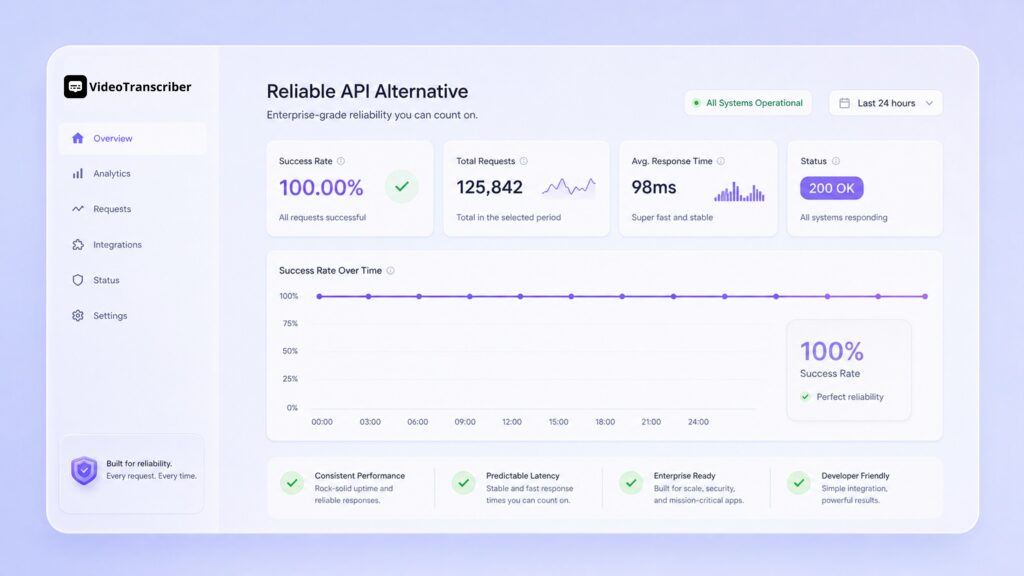
How it compares
| Feature | youtube-transcript-api (OSS) | Video Transcriber AI API |
| Backend maintenance | Your responsibility | Managed — updates silently |
| IP blocking risk | High on cloud/datacenter IPs | Handled automatically |
| Language coverage | Depends on YouTube captions | 200+ languages with ASR fallback |
| Works when captions are disabled | No | Yes — via speech recognition |
| Rate limit behavior | Unpredictable, no SLA | Defined, documented, retry-safe |
| API stability | Unofficial, no versioning | Versioned REST endpoints |
| Setup time | pip install, but fragile | API key + one HTTP call |
Frequently Asked Questions
What should I check first when youtube-transcript-api stops working?
Capture the exact exception class, the video ID, your installed package version (pip show youtube-transcript-api), and whether the failure happens locally or only on your server. Then run one known-public video — a TED Talk or similar — from the same environment. If that also fails, the problem is systemic (IP or rate limit). If only specific videos fail, the issue is input, caption availability, or language.
Why does it work locally but fail on my server?
Cloud and datacenter IP addresses carry lower reputation with YouTube than residential IPs. If your exception is IpBlocked or RequestBlocked and the same video succeeds on your laptop, the cause is almost certainly IP reputation — not a bug in your code. No amount of retrying from the same server IP will fix it.
Is IpBlocked the same as 429 TooManyRequests?
Not exactly. TooManyRequests means you've hit a rate threshold and may recover with backoff and reduced frequency. IpBlocked means YouTube has flagged the source IP itself, which does not recover with retries — it requires a different IP or a managed API that rotates IPs for you.
What is the difference between NoTranscriptFound and TranscriptsDisabled?
NoTranscriptFound means captions exist on the video but not in the language you requested — you can list available transcripts and request a different language code. TranscriptsDisabled means the video owner has turned off captions entirely at the platform level, which cannot be worked around by any transcript library.
Will proxy rotation permanently fix IpBlocked?
Proxy rotation can unblock access temporarily and is useful for confirming the diagnosis. However, it introduces proxy provider reliability as a new failure point, adds cost and credential overhead, and does not solve the root cause. For production workloads where uptime matters, a managed API with built-in IP handling is the more sustainable path.
When should I stop patching and switch to a different solution?
Consider switching when transcript retrieval is customer-facing, when youtube transcript api errors are causing user-visible outages, when engineering time spent on maintenance outweighs the value of the feature, or when you need transcripts for videos with disabled captions or in languages not covered by YouTube's auto-generated captions.
Does Video Transcriber AI's API work for videos with no YouTube captions?
Yes. Unlike the OSS library, which depends entirely on captions that YouTube provides, the Video Transcriber AI Transcript API includes an ASR fallback that can transcribe audio directly — covering videos with disabled captions, non-English content, and formats not supported by YouTube's caption system.
Do I need a credit card to get started?
No credit card is required to begin. Refer to the full code documentation for free tier limits, authentication setup, and available language options.
Conclusion
Most youtube transcript api not working errors fall into six clear categories: rate limits, IP blocks, missing captions, disabled captions, parser breakage, and bad input. Each has a specific fix — but the underlying pattern is the same: youtube-transcript-api is built on top of unofficial endpoints that YouTube can change or restrict without notice.
For personal projects and low-volume scripts, patching as issues arise is a reasonable approach. For production workloads where reliability, language coverage, and engineering time all matter, the Video Transcriber AI Transcript API is a stable, maintained alternative that handles the hard parts for you.
Start with the quick diagnosis table at the top, apply the fix that matches your error class, and decide from there whether the long-term maintenance cost is worth it for your use case.